Diagnostic, Audit & Adjustment Menu System 3-22
Operator Menu (continued)
Adjustments Menu (continued)
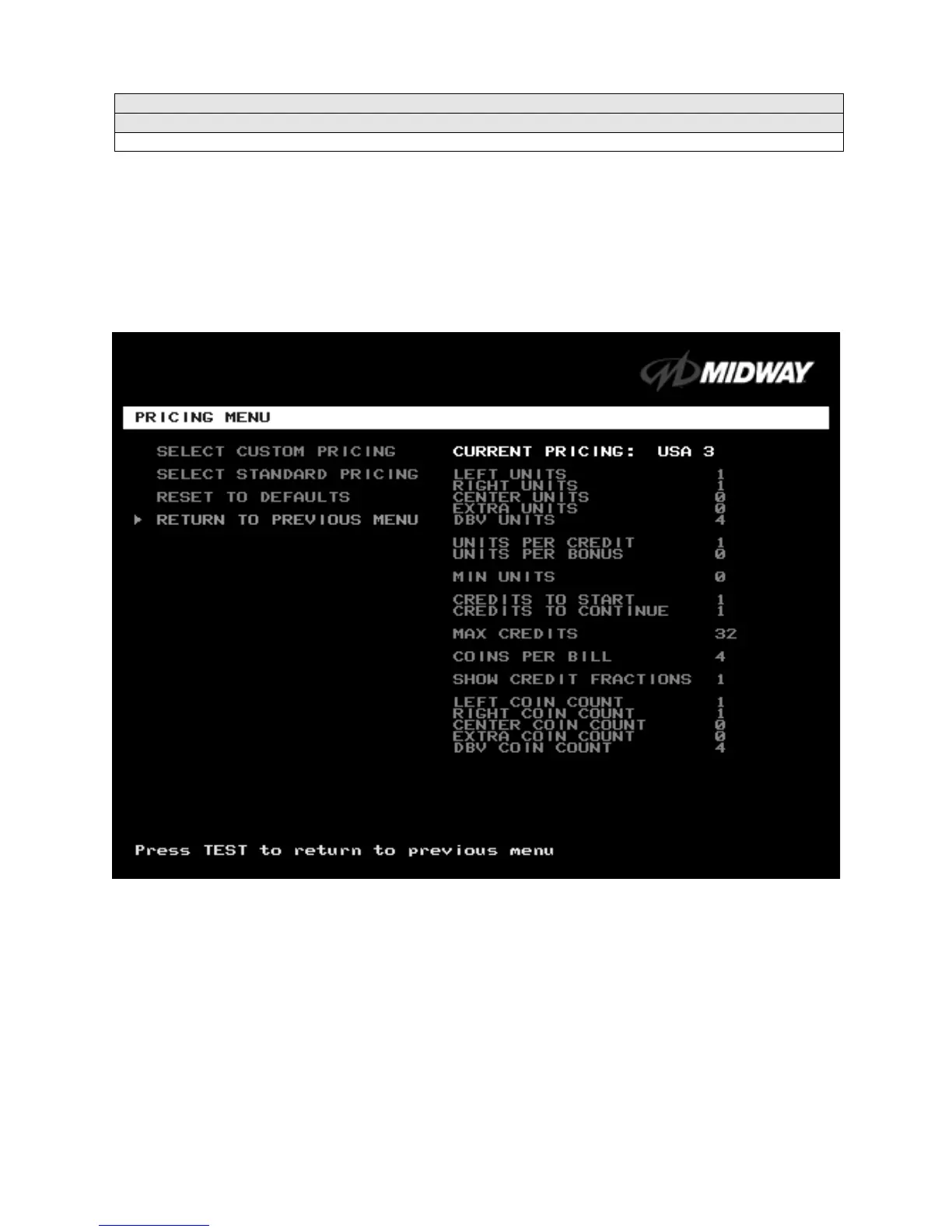
Pricing Menu
PRICING MENU
Select PRICING MENU at the Adjustments Menu.
The Pricing Menu contains options for selecting
standard and custom currency combinations. The factory default is USA1.
Highlight an option with the middle two diagnostic buttons inside the coin door. Press TEST MODE to
enter Change Mode. Use the diagnostic switches to change the variable. Then press TEST MODE to save
changes and exit the variable. Turning on
Free Play disables Pricing Menu settings.
PRICING MENU
SELECT CUSTOM PRICING
allows you to set coin and credit options manually. Use this option to create
your own pricing schemes. This menu permits changes to default values.
SELECT STANDARD PRICING
allows you to select from several ready-made price schemes This menu
permits changes to default values.
RESET TO DEFAULTS
returns the price settings to factory default values. This menu permits changing
all current values at once.












 To Next Page