Diagnostic, Audit & Adjustment Menu System 3-21
Operator Menu (continued)
Adjustments Menu (continued)
Track Difficulty Adjustments Menu (continued)
Adjust Track Difficulties Menu
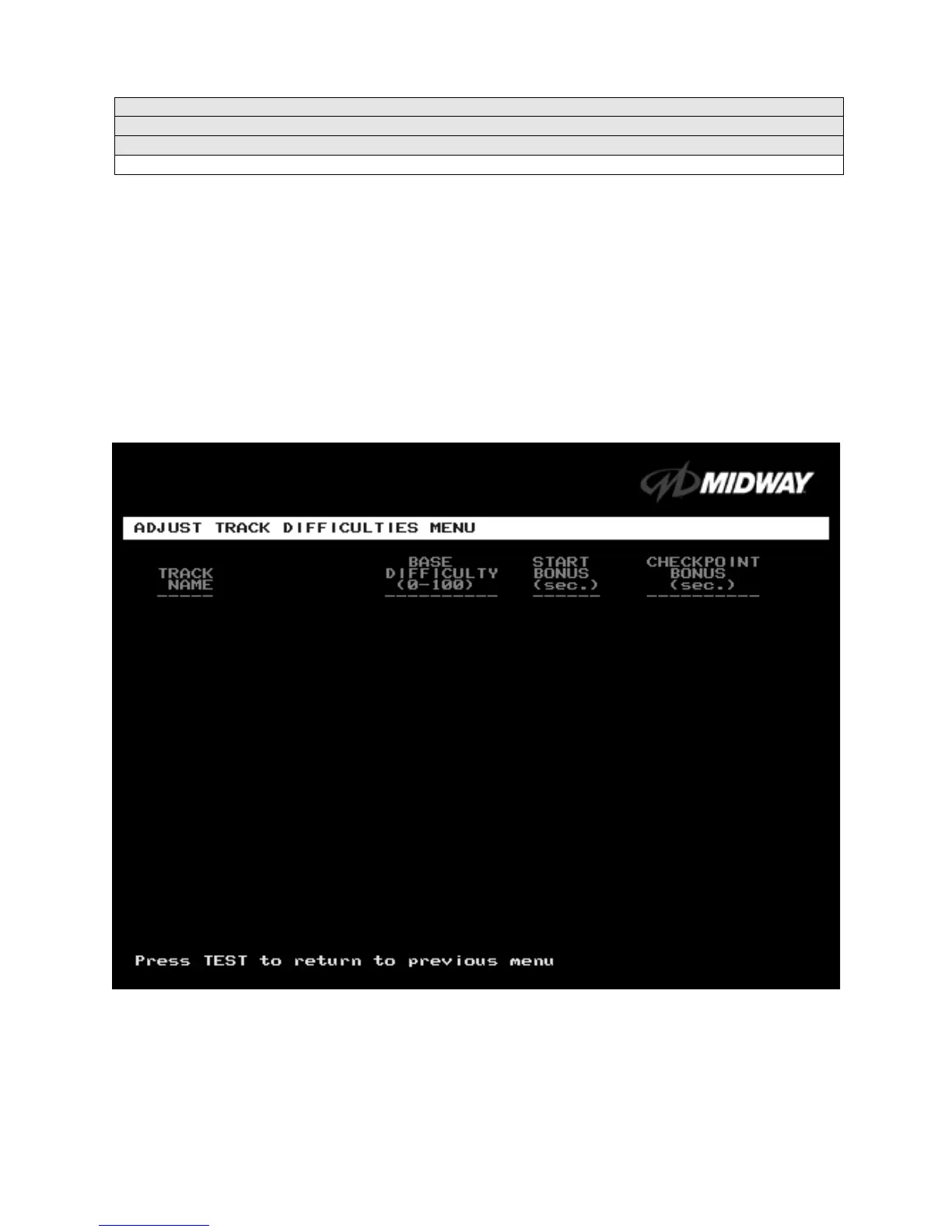
ADJUST TRACK DIFFICULTIES MENU
Select ADJUST TRACK DIFFICULTIES MENU at the Track Difficulty Adjustments Menu. From the Adjust
Track Difficulties Menu, you modify the level of challenge that each track poses. You can also increase or
reduce starting and checkpoint bonus time. Difficulty and bonus default values are all zero.
Highlight an option with the middle two diagnostic buttons inside the coin door. Press TEST MODE to
enter Change Mode. Use the diagnostic switches to change the variable. Press TEST MODE to save
changes and exit the variable. Or press TEST CREDITS to cancel changes and exit the variable.
You’ll notice that each option line has three columns of figures to change. The program lets you edit each
column in turn. First you modify BASE DIFFICULTY, then START BONUS, and last, CHECKPOINT
BONUS.
ADJUST TRACK DIFFICULTIES MENU
Tunnel Vision 0 0 0
Over ‘N’ Under 0 0 0
Air Time 0 0 0
High Octane 0 0 0
Carnie of Chaos 0 0 0
Cliffhanger 0 0 0
Double Barrel 0 0 0
Alpine Air 0 0 0
Tunnel Vision Mirror 0 0 0
Over ‘N’ Under Mirror 0 0 0
Airtime Mirror 0 0 0
High Octane Mirror 0 0 0
Carnie of Chaos Mirror 0 0 0
Cliffhanger Mirror 0 0 0
Double Barrel Mirror 0 0 0
Alpine Air Mirror 0 0 0












 To Next Page