Diagnostic, Audit & Adjustment Menu System 3-9
Operator Menu (continued)
Diagnostics Menu (continued)
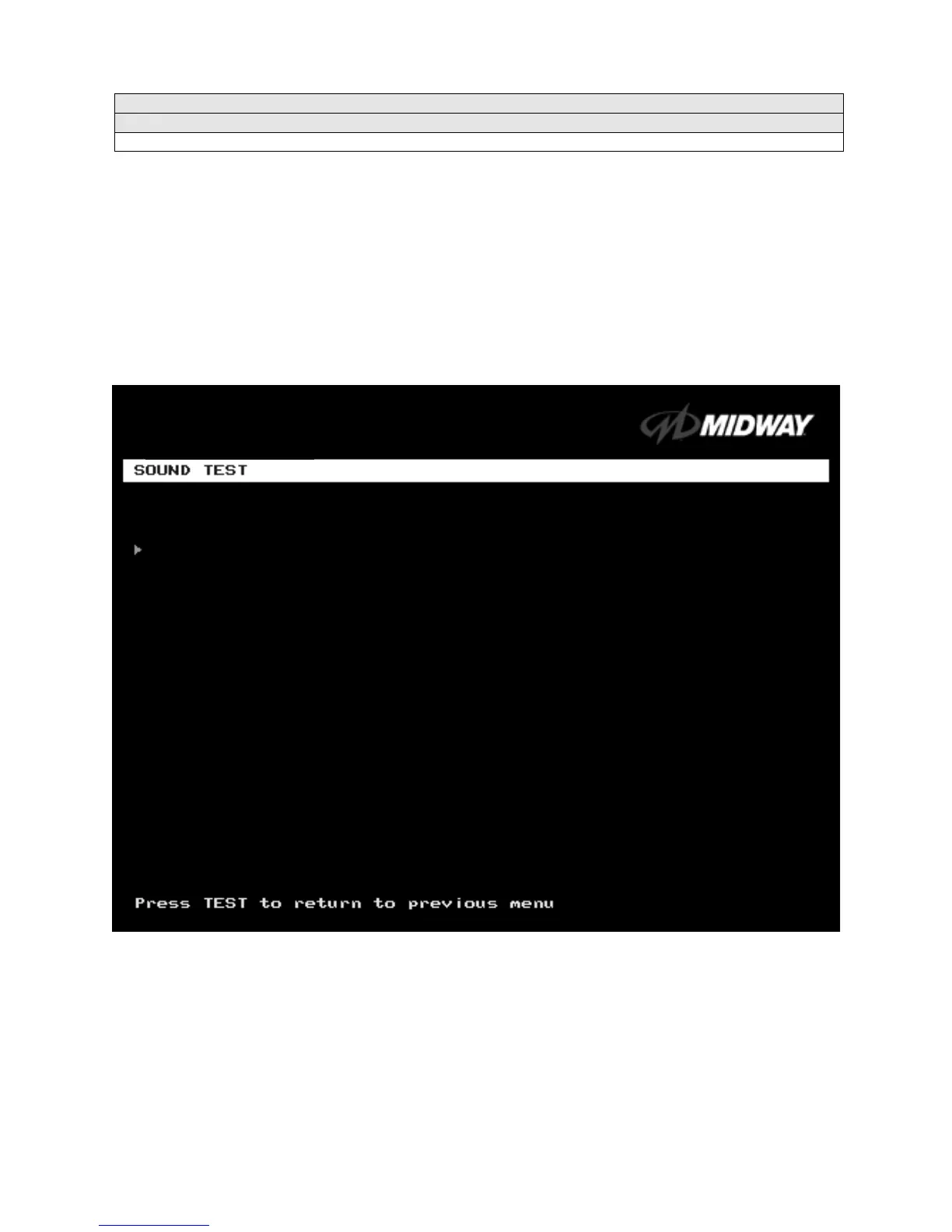
Sound Test Menu
SOUND TEST
Select SOUND TEST at the Diagnostics Menu. The Sound Test verifies the operation of the sound
hardware and speakers. Use the Sound Test to find crossed connections, incorrect phase, rattles,
vibration, distortion, etc. The Sound Test
screen reports information, but doesn’t permit changes.
Increase the master volume level before beginning this test.
Highlight a test with the middle two diagnostic buttons inside the coin door. Select the option with the
TEST MODE button. Selecting also activates a sound tone. The tone continues to play until you once
again press TEST MODE.
SOUND TEST SCREEN
After choosing a speaker name, listen to the audio tone from that speaker. Only the specified speaker
should produce sound. The other speakers should remain silent.
To exit the Sound Test Menu, highlight RETURN TO PREVIOUS MENU. Then press TEST MODE.
BEEP FRONT SPEAKER
BEEP RIGHT SPEAKER
RETURN TO PREVIOUS MENU












 To Next Page