Diagnostic, Audit & Adjustment Menu System 3-23
Operator Menu (continued)
Adjustments Menu (continued)
Pricing Menu (continued)
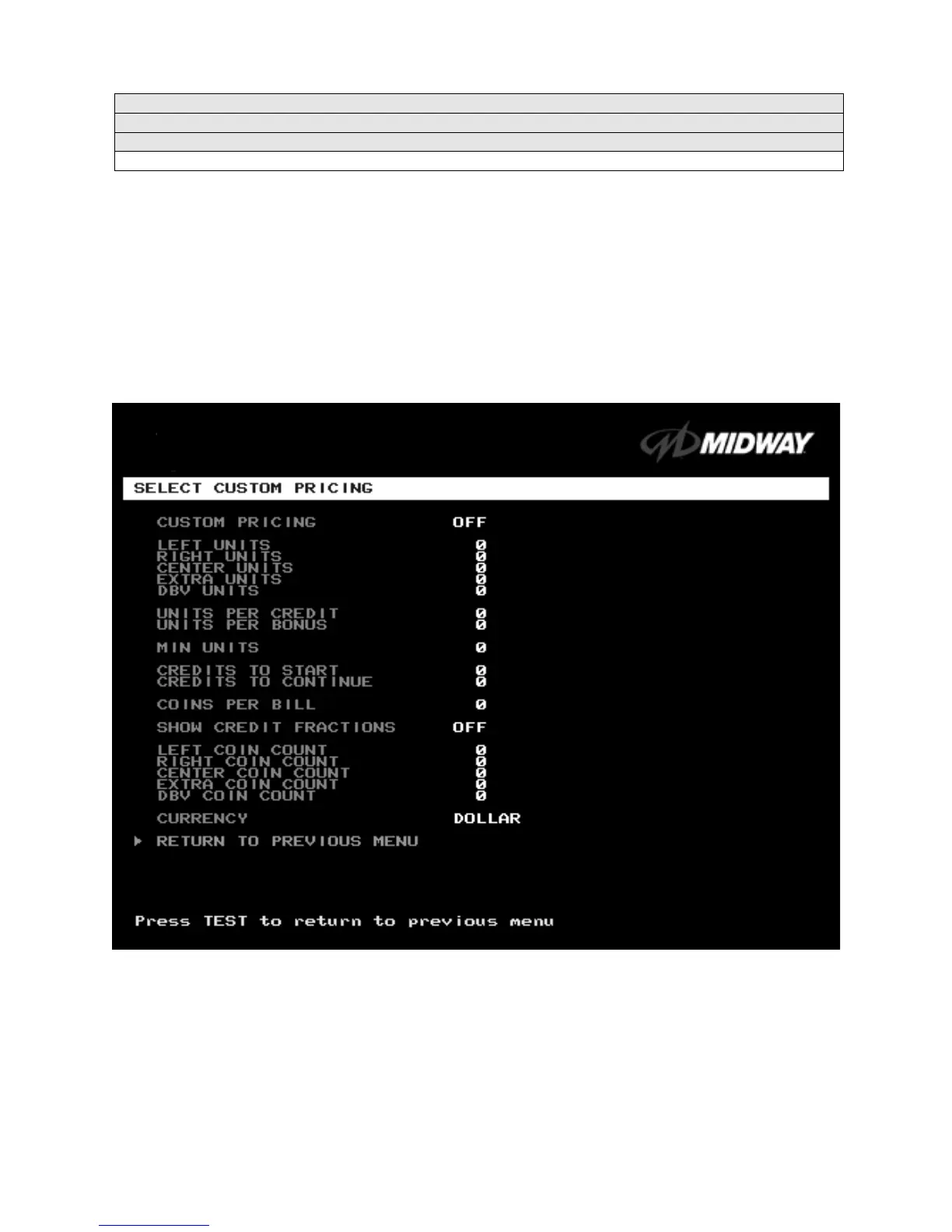
Select Custom Pricing Menu
SELECT CUSTOM PRICING MENU
Choose SELECT CUSTOM PRICING at the Pricing Menu. The Select Custom Pricing Menu permits you
to program and use your own pricing table. You can save several pricing schemes and chose between
them as desired.
Highlight an option with the middle two diagnostic buttons inside the coin door. Press TEST MODE to
enter Change Mode. Use the diagnostic switches to change the variable. Then press TEST MODE to save
changes and exit the variable.
TYPICAL SELECT CUSTOM PRICING MENU
The Custom Pricing Menu employs the same terms that appear on the Current Pricing Table. See the
table below for definitions of these terms.












 To Next Page