Diagnostic, Audit & Adjustment Menu System 3-13
Operator Menu (continued)
Audits Menu (continued)
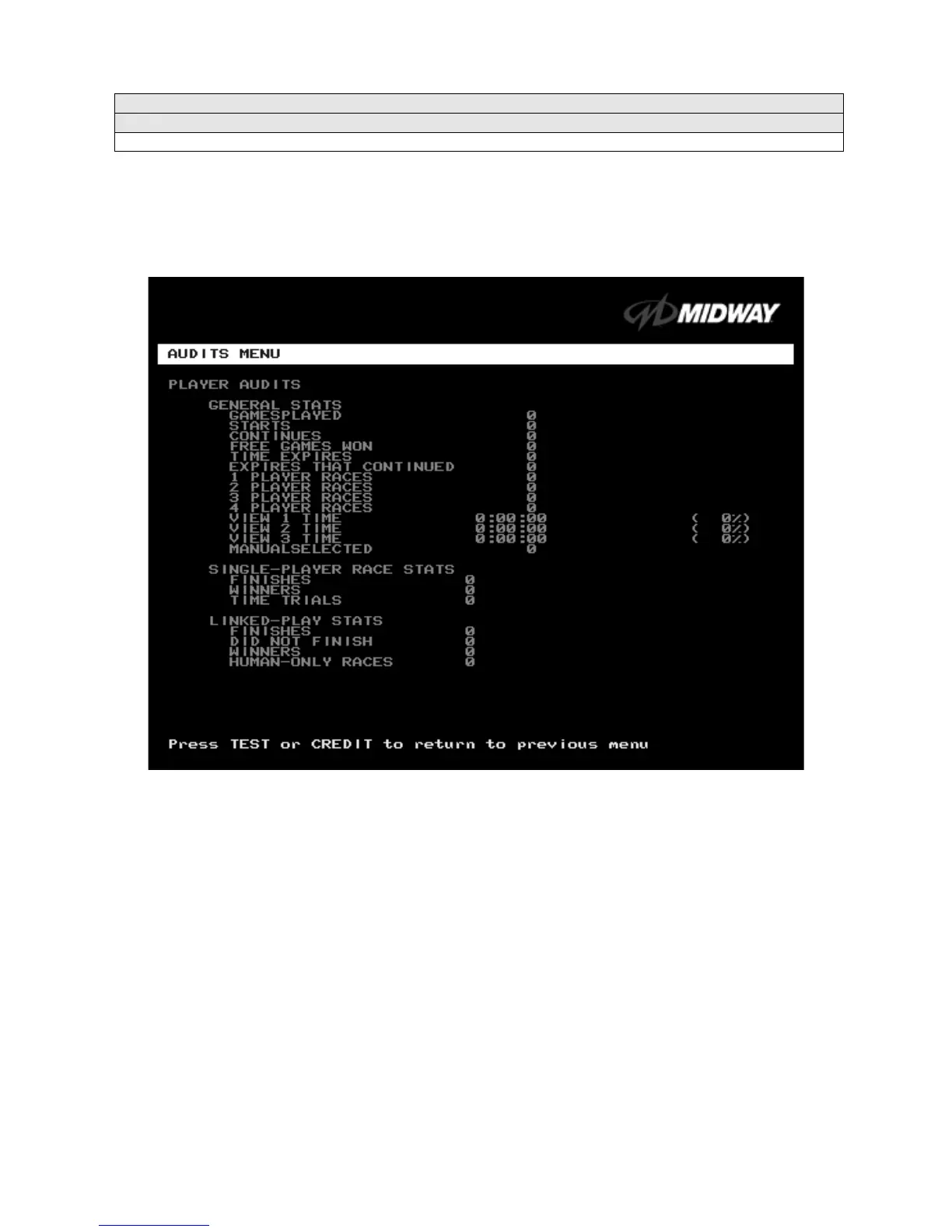
Player Audits Menu
PLAYER AUDITS
Select PLAYER AUDITS at the Audits Menu. The Player Audits Menu displays additional information
about player statistics and ability. This information assists you in understanding game use and profitability.
Player Audits is a read-only screen.
PLAYER AUDITS MENU
GAMES PLAYED.
Total number of games that players played on this machine.
CONTINUES.
Total number of games on this machine that players paid to continue.
FREE GAMES WON
remains at zero if you turn off the bonus and award options. Refer to the General
Adjustments Menu for the bonus and award options settings.
STARTS.
Number of games that players started.
FREE GAMES %.
Proportion of games that were free, expressed as a percentage.
TIME EXPIRES.
Number of times that time expired before a player completed the game.
DID NOT FINISH.
Number of incomplete games.
FINISHES.
Number of completed games.
TWO, THREE AND FOUR-PLAYER RACES
remain at zero if no other games are linked to this one.












 To Next Page