Diagnostic, Audit & Adjustment Menu System 3-27
Operator Menu (continued)
Adjustments Menu (continued)
Pricing Menu (continued)
Select Standard Pricing Continent Menu (continued)
Select Standard Pricing Country for North America Menu (cont’d)
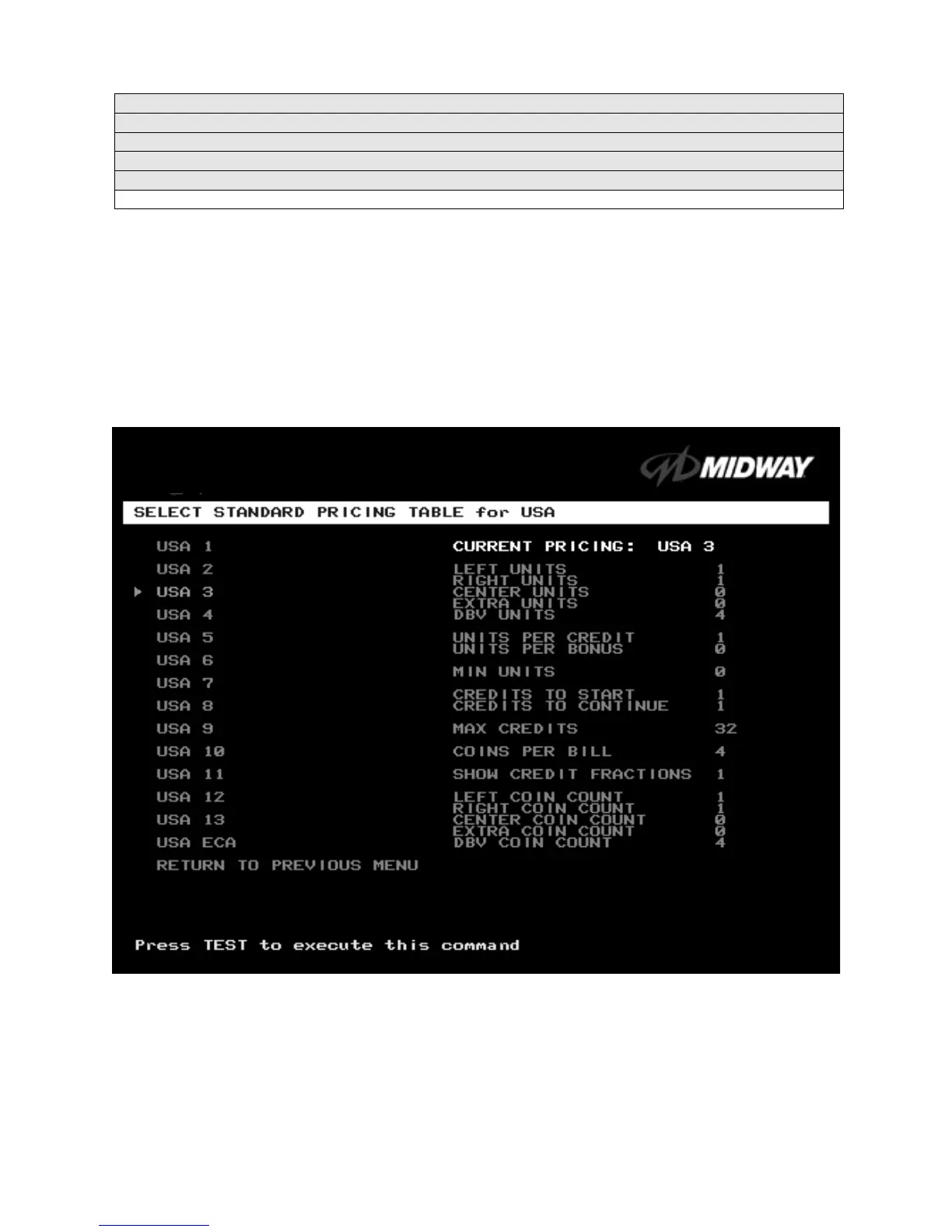
Select Standard Pricing Table for USA Menu (cont’d)
SELECT STANDARD PRICING MENU
Suppose that you want to set U.S. pricing. Choose USA at the menu entitled
Select Standard Pricing
Country for North America
.
This menu contains options for selecting standard U.S. currency combinations.
Highlight an option with the middle two diagnostic buttons inside the coin door. Press TEST MODE to
enter Change Mode. Use the diagnostic switches to change the variable. Then press TEST MODE to save
changes and exit the variable.
TYPICAL VIEW CURRENT PRICING DISPLAY












 To Next Page