Technical Information
47
Master Chef Ovens
5.21 Oven Cavity Back Panel - Removal
1. Remove the Front Door(s) (Section 5.2)
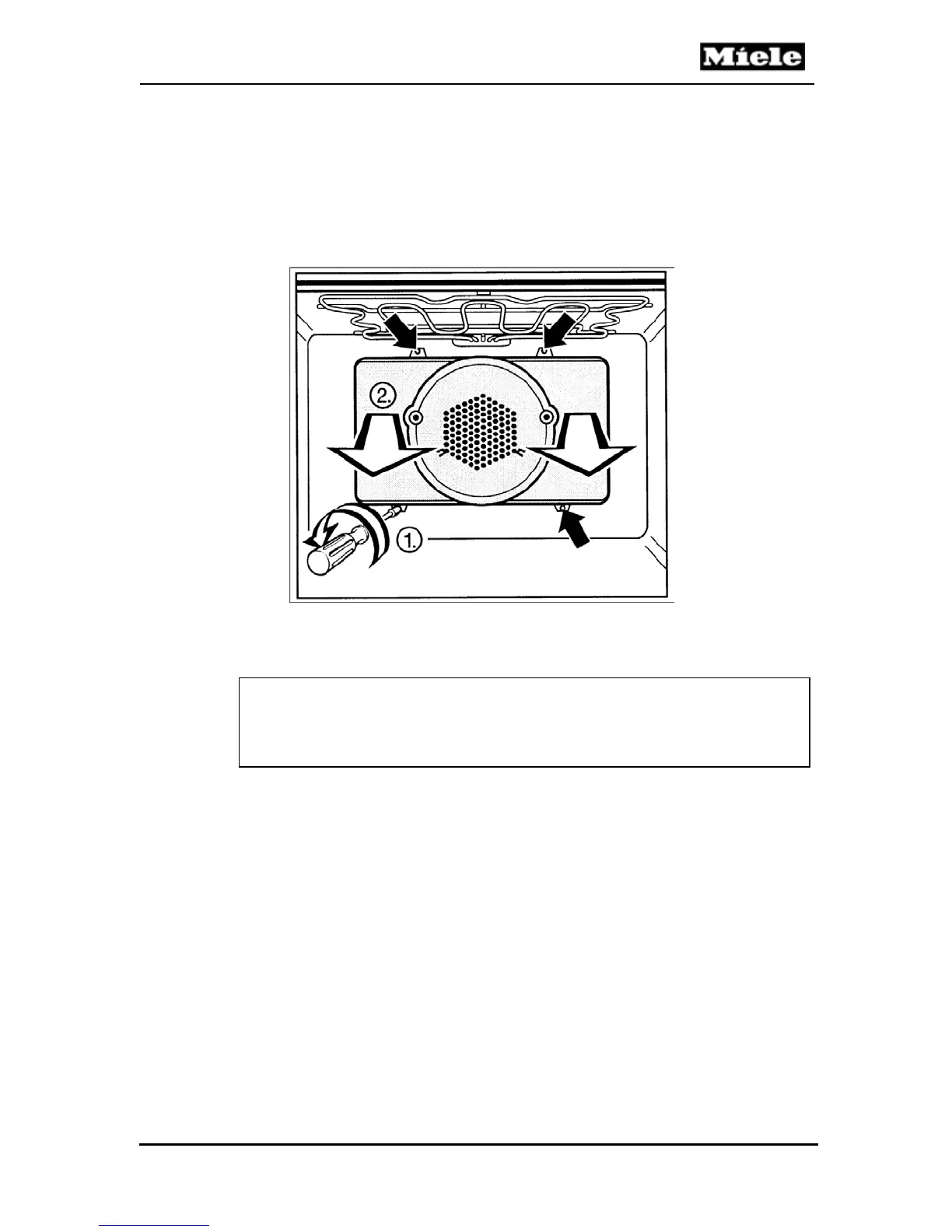
2. Refer to Figure 5-15. Remove the four screws from the panel (Item 1).
3. Pull the back panel forward to remove from the oven (Item 2).
Figure 5-15: Removing the Oven Cavity Back Panel
Note
When removing the back panel use care not to make contact with the
oven interior surfaces. Protect the interior of the oven as necessary.



 To Next Page