Technical Information
62
Master Chef Ovens
6.2 Programming Mode
Initial requirements
• Turn off the oven.
• Close the door(s).
Accessing
Service Mode access for the Top Oven and the Bottom Oven is
separate – use the appropriate ON/OFF touch control.
1. Press and Hold the CLEAR touch control.
2. Press the ON (ON/OFF for double ovens) touch control
3. Release the ON (ON/OFF for double ovens) touch control button and
press the CLEAR touch control 5 times, holding the fifth time for 5
seconds.
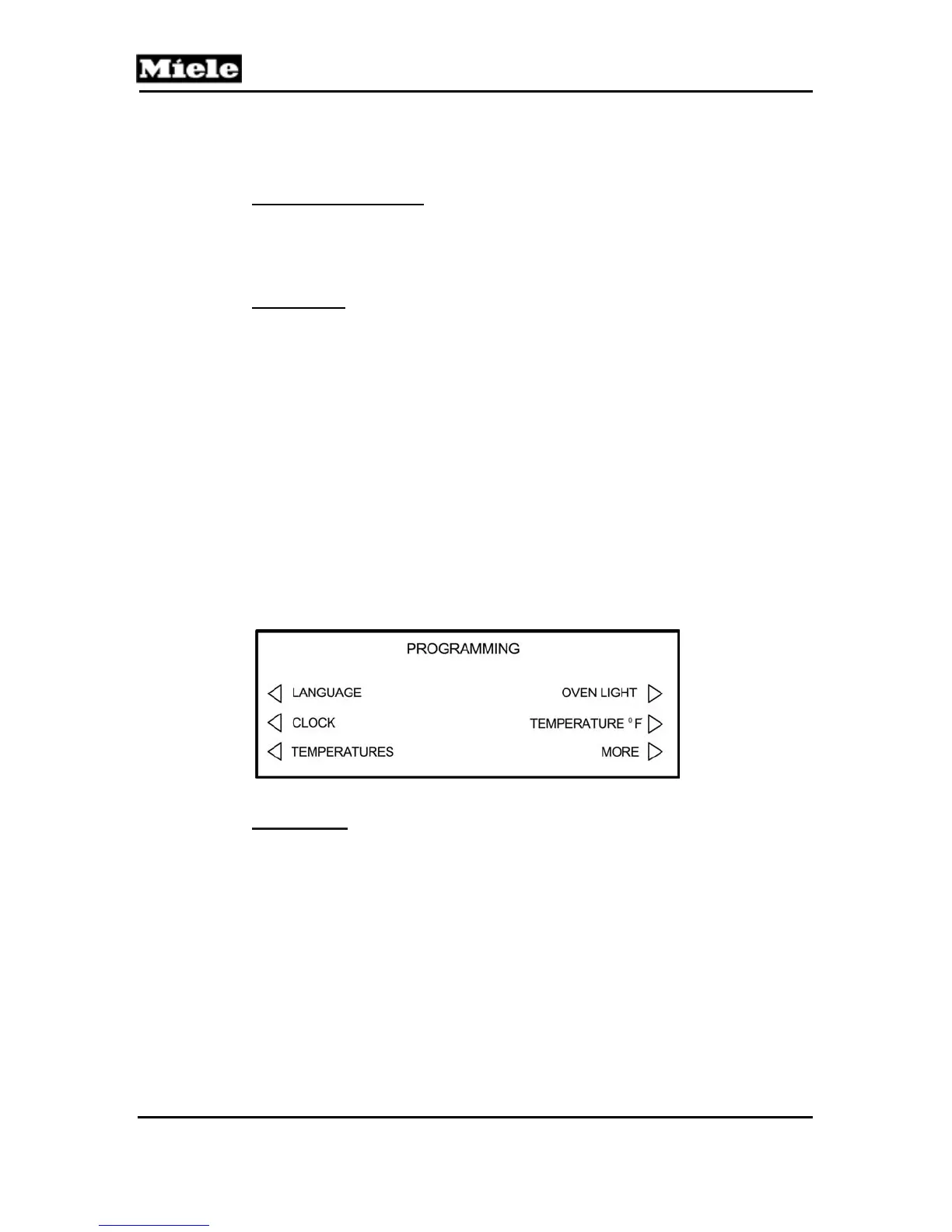
Successful access of the Programming Mode is indicated in the
display.
The following appears in the display.
Navigation
Refer to the Programming Mode Navigation Chart (Table 6-3).
Press the touch control next to the displayed text to make a selection.
Use the CLEAR touch control to back up to the previous menu or
cancel a function.



 To Next Page