Technical Information
60
Master Chef Ovens
Service Mode Navigation – Part 1 of 2
OR
Indicates which oven (upper/lower)
s presently in the Service Mode
INDEX
Displays the version of the main and
display electronics
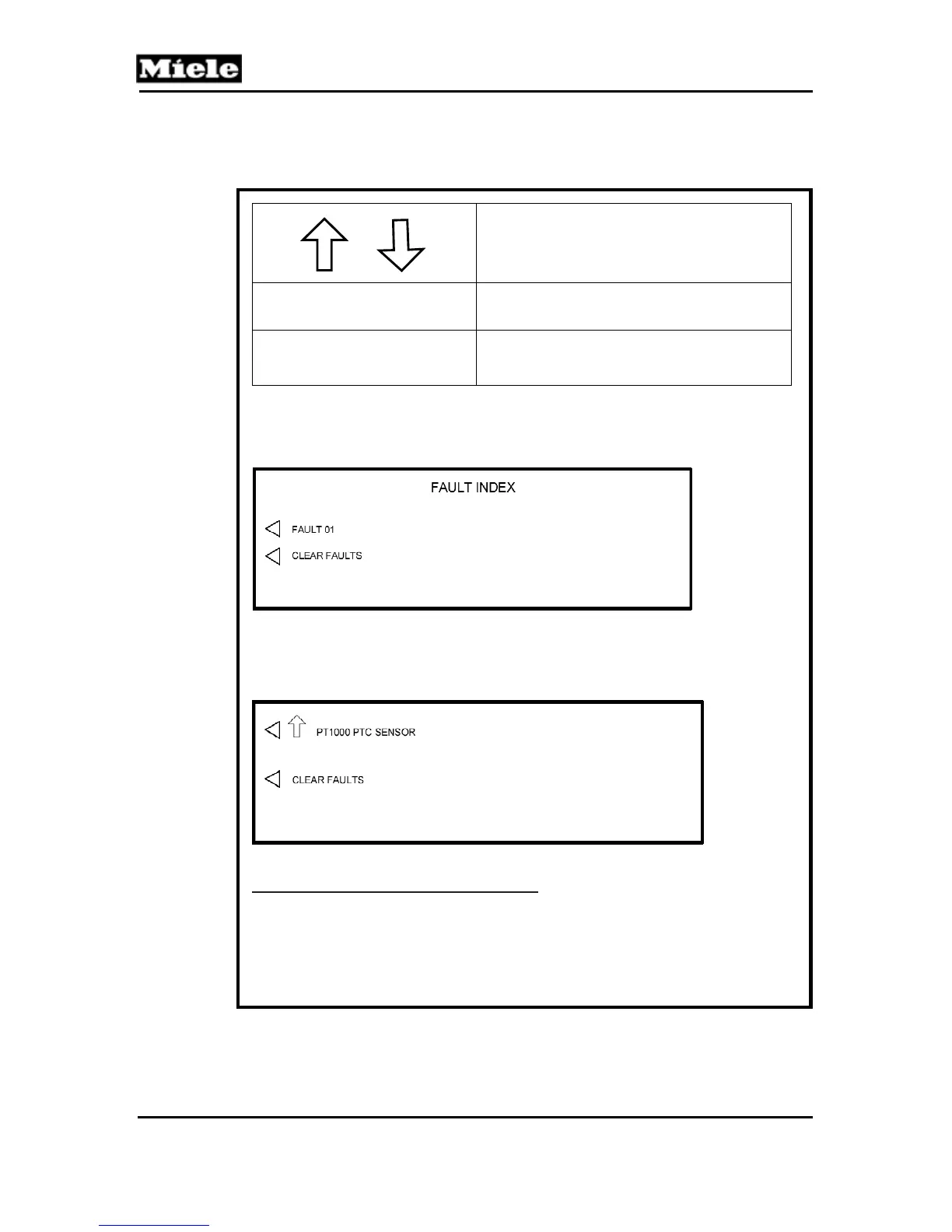
FAULT INDEX
Retrieve and clear stored fault codes
To Retrieve the Stored Fault(s)
Select “FAULT INDEX” from the main menu, the display shows:
1. Press the touch control along side “FAULT 01”.
The fault information is displayed (example shown).
To Clear the Stored Fault Codes
1. Press the touch control along side “CLEAR FAULTS”
2. Shut the oven of using the ON/OFF touch control.
For descriptive information on Fault Codes refer to the Fault Code
Summary in section 6.3.
Table 6-1: Service Mode Navigation Chart (Part 1 of 2)



 To Next Page