Operation tips
16
Display
The display is not a touch screen.
The display is used to select or set the following:
- the programme
- the Delay start time
- the settings
During a programme, the display shows the following:
- the programme name
- the programme stage / target temperature / actual temperature
- the estimated time left for the programme to run
- any relevant fault messages and information
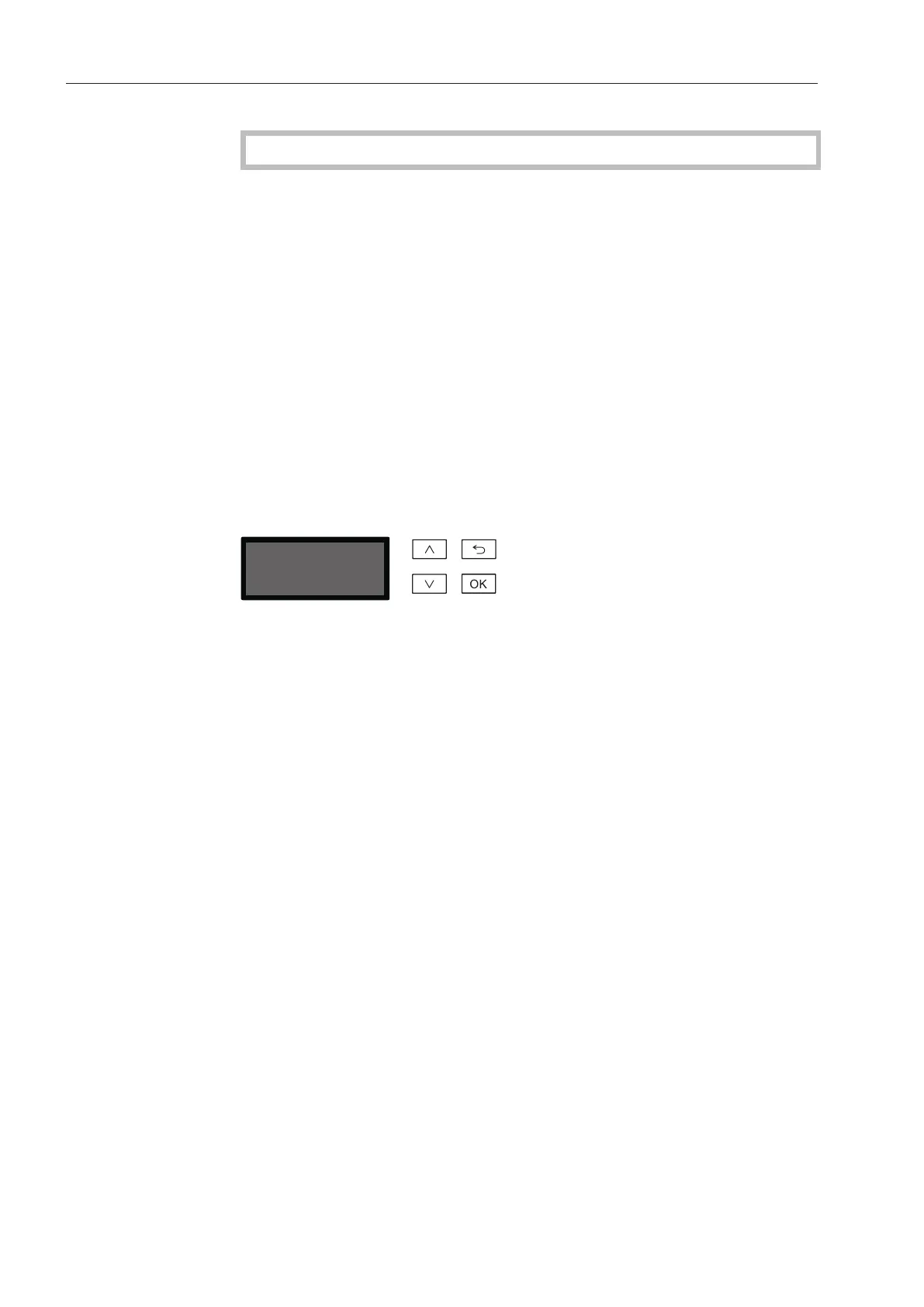
Menu operation
This dishwasher is operated exclusively via buttons on the control
panel. The buttons are arranged to the side of the display on the
stainless steel control panel and are operated by pressing gently.
Menu operation is via the keypad to the right of the display.
- button
For navigating upwards by row within a menu, or increasing the
value highlighted.
- button (Cancel or back)
For ending a menu early. Any changes to settings are not saved
and the display reverts to the previous menu.
- button
For navigating downwards by row within a menu, or decreasing the
value highlighted.
- OK button
For confirming a selection or for saving input. The display moves to
the next menu or, when entering values, to the next input position.
The procedure for entering values is described in the relevant
section.



 To Next Page