EasyManua.ls Logo

Miller CST 280 - User Manual

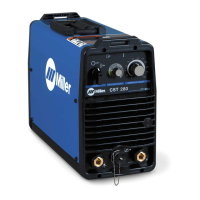
Miller CST 280
56 pages
Print Icon
To Next Page IconTo Next Page
Loading...
Processes
Description
Stick (SMAW) Welding
OM-258 035F 201508
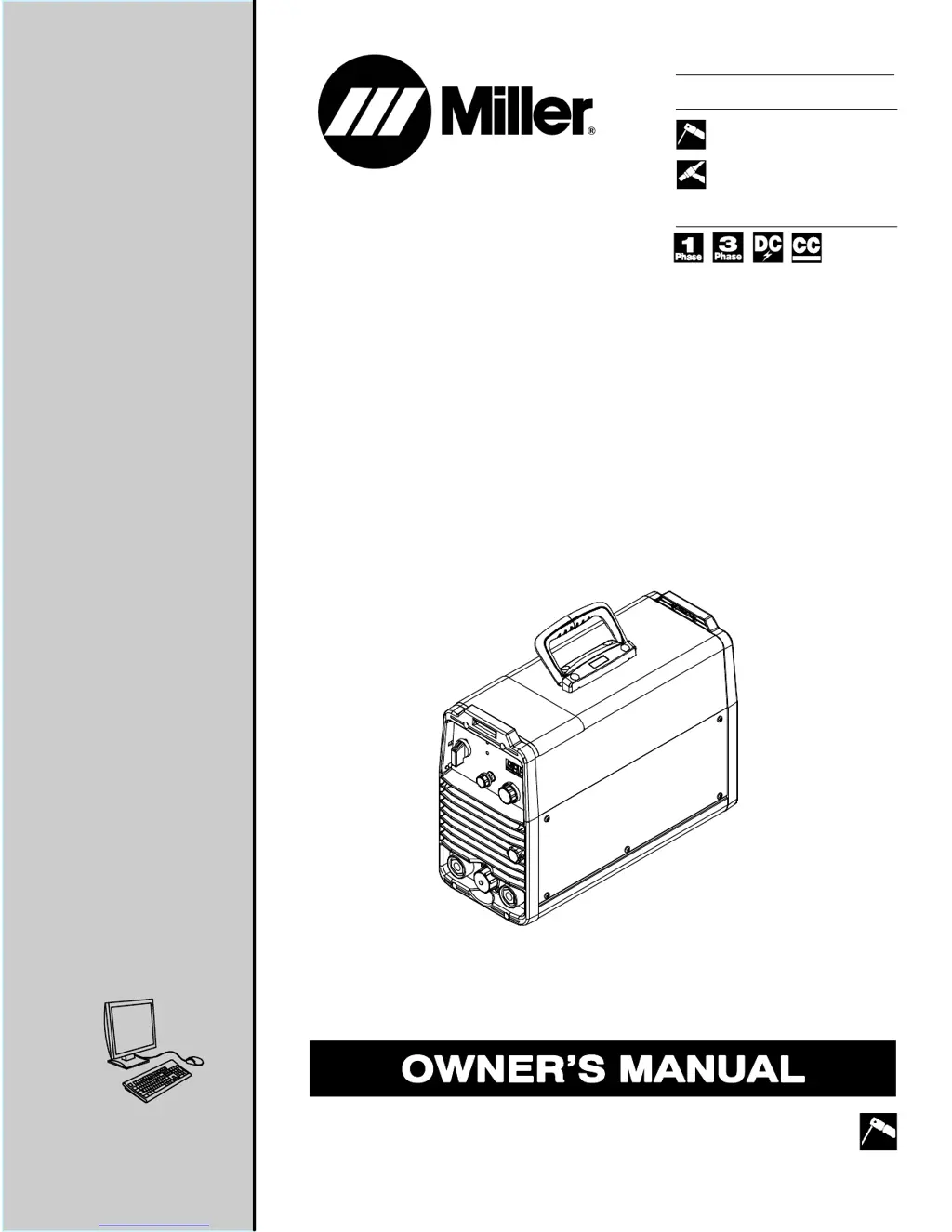
Arc Welding Power Source
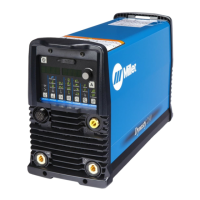
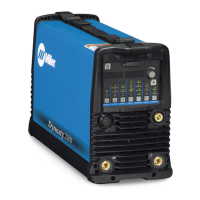
CST 280 And CST 280 VRD
With Meter
TIG (GTAW) Welding
File: Stick (SMAW)
Visit our website at
www.MillerWelds.com

Table of Contents

Questions and Answers

  • H
    hduffySep 23, 2025
    What to do if my Miller Welding System has no weld output due to thermistor failure?
    • T
      Timothy KingSep 23, 2025
      If your Miller Welding System has no weld output, check the IGBT thermistors for shorts. This issue may be caused by a thermistor failure.
  • T
    Theresa BurchAug 23, 2025
    Why is the weld output reduced on my Miller Welding System?
    • L
      leevictoriaAug 25, 2025
      If your Miller Welding System is experiencing reduced weld output, it might be due to exceeding the single-phase rating, resulting in output foldback from excessive input current. Try reducing the output to 200 amperes or less. It could also be a combination of high output VA and a low 230V line. In this case, check both the line voltage and your weld settings.
  • D
    dennisfrenchAug 25, 2025
    How to fix a Miller Welding System when the fan is not operating?
    • J
      John EricksonAug 25, 2025
      If your Miller Welding System's fan is not operating, start by checking for any obstructions that may be blocking the fan's movement and remove them. If there are no obstructions, the fan itself may have failed, and you should have a factory-authorized service agent check the fan motor. A faulty PC13 can also cause the fan to fail; consider replacing PC13.
  • R
    Rebecca HicksAug 27, 2025
    What to do if my Miller CST 280 has voltage loss?
    • J
      James WernerAug 27, 2025
      If your Miller Welding System is experiencing a voltage loss, there are several potential causes. First, check the Vfb leads for proper wiring and connection to the output studs and PC13. Second, check for any short circuits across the output studs. Next, inspect the IGBT PM1 or PM2 on PC2 and replace PC2 if necessary. Also, a faulty PC13 could be the reason, so try replacing it. If you observe low OCV initially with LEDs flashing when a load is applied, the PM1 or PM2 on PC2 might be faulty, suggesting PC2 replacement. Finally, a faulty C3 could also cause voltage loss, so consider replacing C3.
  • E
    evansdanielAug 27, 2025
    Why does the fan cycle on and off on my Miller CST 280 Welding System?
    • M
      Mark RiosAug 27, 2025
      If the fan in your Miller Welding System cycles on and off, it could be due to an over-voltage condition. Check the primary voltage and the Voltage Selection switch. Alternatively, the voltage sense circuit on PC2 may be faulty, requiring PC2 to be replaced.
  • T
    tinahicksSep 16, 2025
    What to do if my Miller CST 280 has no weld output and the line disconnect is open?
    • K
      Keith ReyesSep 16, 2025
      If the Miller Welding System has no weld output, but is not completely inoperative, check if the line disconnect switch is open and place it in the on position.
  • L
    Lauren GonzalezSep 13, 2025
    What to do if my Miller CST 280 Welding System has no weld output because of a short circuit?
    • M
      mcdonaldrhondaSep 13, 2025
      If the Miller Welding System has no weld output, it might be due to a short circuit across the output studs. Check for shorts.
  • M
    maria70Sep 14, 2025
    How to fix a Miller CST 280 with no weld output due to a voltage latch?
    • E
      Evelyn JacksonSep 14, 2025
      If your Miller Welding System has no weld output, check for a shorted relay or wiring. This issue may be caused by a voltage latch.
  • J
    justin78Sep 5, 2025
    What to do if my Miller CST 280 has no weld output because the remote trigger has been left on?
    • E
      egoldenSep 5, 2025
      If the Miller Welding System has no weld output, first remove the trigger, then wait about 5 seconds, and then restart the system. This issue might happen if the remote trigger was left on.
  • J
    Joseph ColemanSep 3, 2025
    Why is the arc wandering on my Miller CST 280?
    • C
      Cristina DavisSep 3, 2025
      If you're experiencing a wandering arc with your Miller Welding System, it could be due to using an improper size of tungsten. Make sure you are using the proper size tungsten. It could also be due to worn or defective tungsten; use properly prepared tungsten. Another potential cause is a gas flow that is too high, so reduce the gas flow rate.

Summary

SECTION 1 - SAFETY PRECAUTIONS - READ BEFORE USING

Symbol Usage

Explains symbols for hazards, warnings, and notices.

Specific Welding Hazards

Details specific risks like fumes, arc rays, fire, explosion, EMF, noise, and cylinders.

Arc Welding Hazards

Introduces general hazards associated with arc welding processes.

SECTION 3 - DEFINITIONS

Additional Safety Symbols and Definitions

Explains safety symbols and their meaning.

SECTION 4 - SPECIFICATIONS

Duty Cycle And Overheating

Explains duty cycle percentages and consequences of overheating.

SECTION 5 - INSTALLATION

Weld Output Terminals And Selecting Cable Sizes

Details how to select appropriate weld cable sizes based on amperage and cable length.

Selecting 208 - 230 Volts AC Single;Three Phase Input Voltage

Guides on how to select the correct input voltage for the unit.

Electrical Service Guide

Provides recommendations for electrical service, circuit protection, and conductor sizing.

Connecting 1-Phase Input Power

Details the steps and components for connecting 1-phase input power.

Connecting 1-Phase Input Power (Continued)

Provides further instructions for connecting 1-phase input power and safety notes.

Connecting 3-Phase Input Power

Details the steps and components for connecting 3-phase input power.

Connecting 3-Phase Input Power (Continued)

Provides further instructions for connecting 3-phase input power and safety notes.

SECTION 6 - OPERATION

Controls

Identifies and explains the function of various controls on the unit.

Process Select Control

Explains how to select different welding processes and electrode types.

SECTION 7 - MAINTENANCE AND TROUBLESHOOTING

Troubleshooting

Details common problems, possible causes, and remedies based on LED flash codes.

Troubleshooting (Continued)

Provides further troubleshooting information for various error codes and conditions.

SECTION 9 - SELECTING AND PREPARING A TUNGSTEN FOR DC OR AC WELDING WITH INVERTER MACHINES

SECTION 10 - GUIDELINES FOR TIG WELDING (GTAW)

Warranty

Miller CST 280 Specifications

General IconGeneral
Amperage Range5-280 A
Input Frequency50/60 Hz
ProcessStick (SMAW)
Rated Output280 A
Input Voltage208 V / 230 V / 460 V / 575 V

Related product manuals