OM-258 035 Page 26
SECTION 6 − OPERATION
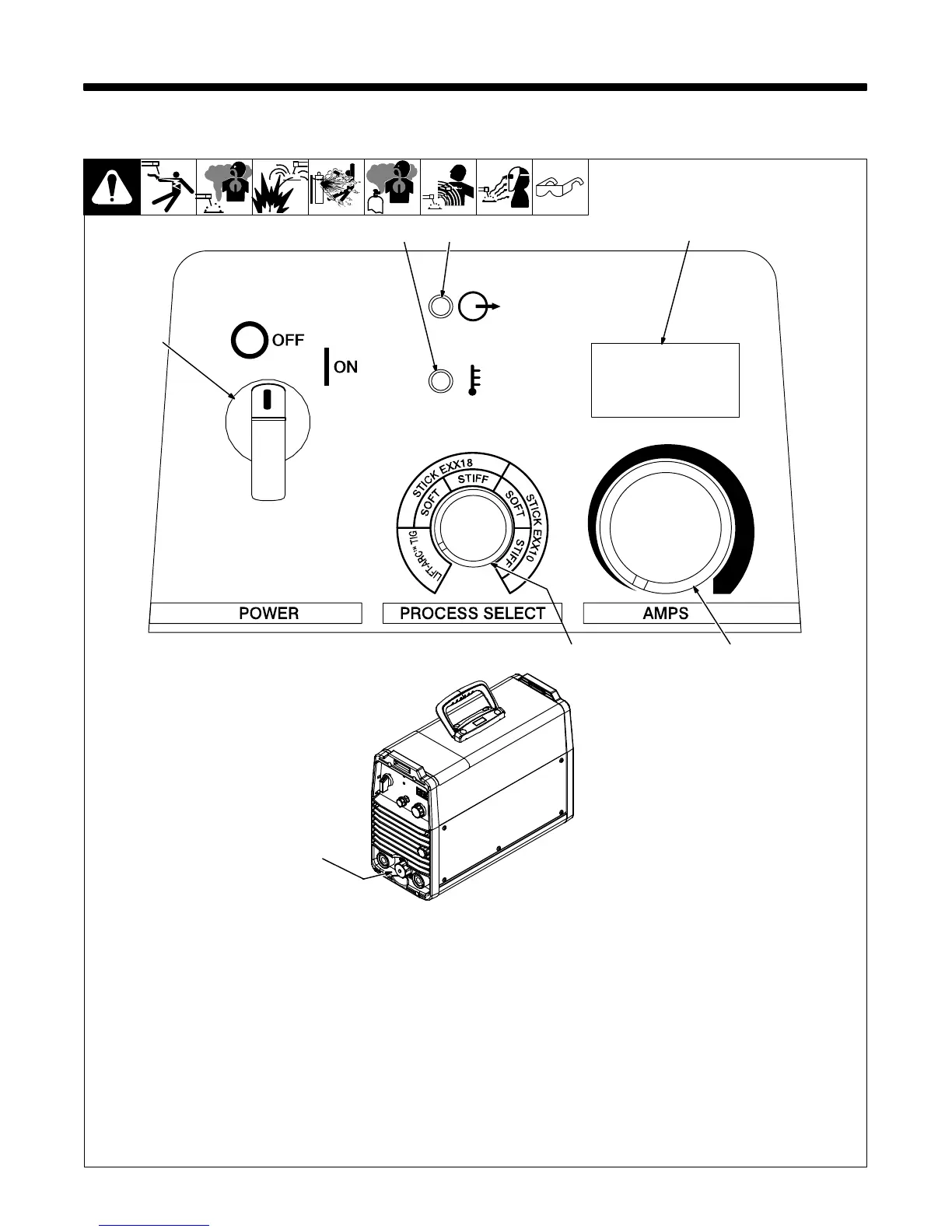
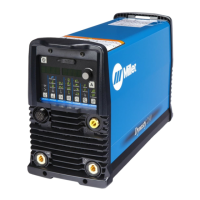
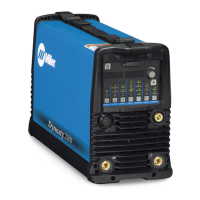
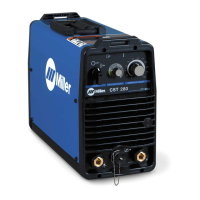
6-1. Controls
Ref. 257 571-A / 258 649-A
Green on nameplate indicates a TIG
function and Gray indicates a Stick
function.
1 Power Switch
Use switch to turn unit and indicator light
On/Off.
2 High Temperature Shutdown Light
When unit is first energized this indicator
light illuminates for approximately 1 second
to provide visual confirmation that the light
is functioning properly (see Section 4-4).
3 Output Indicator Light
When unit is first energized this indicator
light flashes several times and then
illuminates continuously. When unit is shut
down, the indicator light flashes several
times and the cooling fan will run briefly, then
both will turn off completely.
4 Ammeter Display
The display shows amperage setting in both
stick and TIG processes. Actual amperage
is displayed while welding and indicated
with the trailing decimal point illuminated.
Measured amperage just prior to the end of
a welding operation will appear on the
display for 10 seconds after welding ends.
5 Process Control
See Section 6-2.
6 AMPS (Amperage Control)
Rotate knob clockwise to increase
amperage (5−280 amps).
7 Remote 14 Receptacle
5
1
6
32 4
7




 To Next Page