EasyManua.ls Logo

Miller Continuum 500 - User Manual

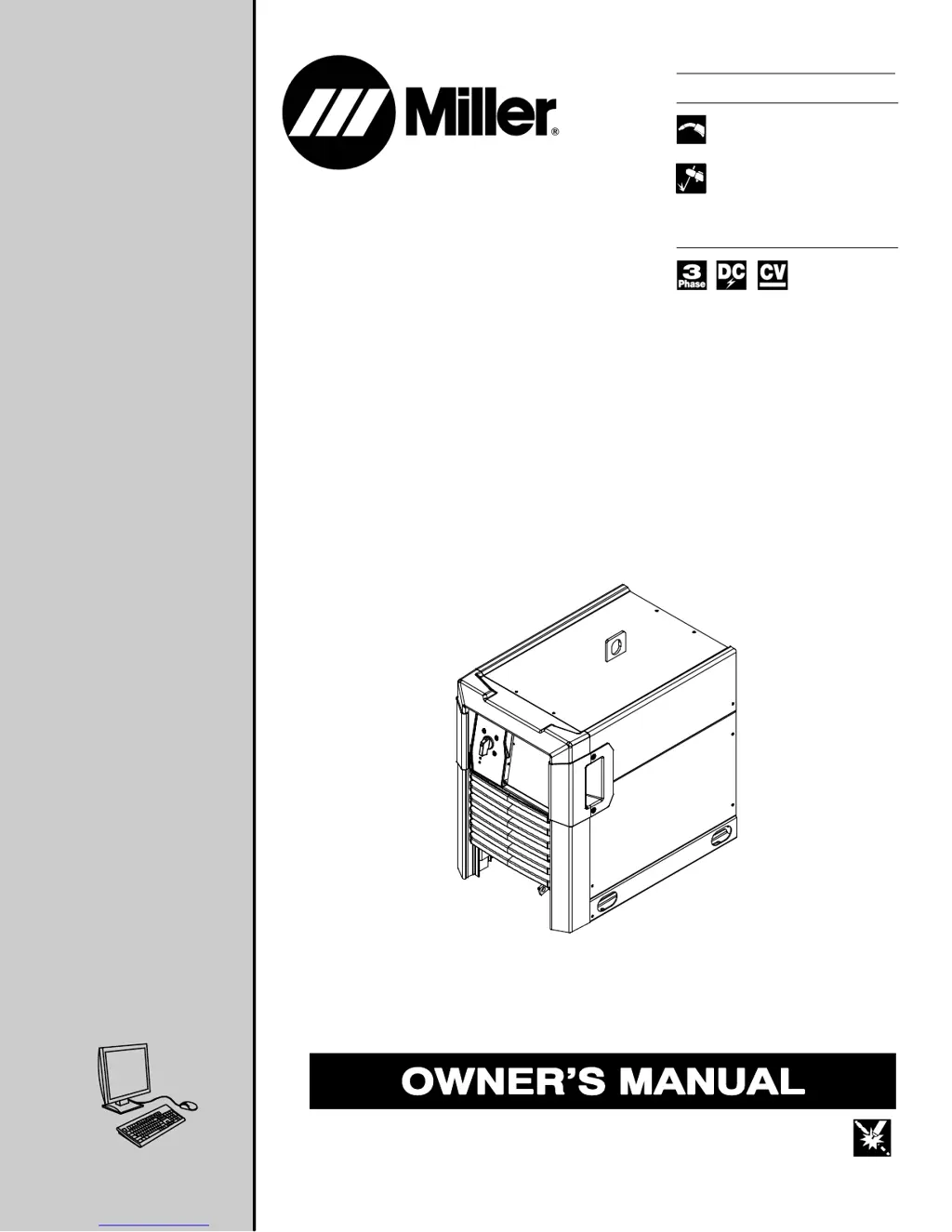
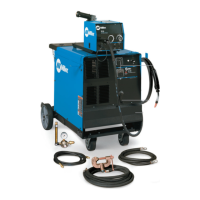
Miller Continuum 500
64 pages
Print Icon
To Next Page IconTo Next Page
Loading...
Processes
OM-257 798B 201502
Continuum 350 And
Continuum 500
Processes
Description
Arc Welding Power Source
Visit our website at
www.MillerWelds.com
Air Carbon Arc (CAC-A)
Cutting and Gouging
File: Advanced Manufacturing Systems
MIG (GMAW) Welding
Pulsed MIG (GMAW-P)
Flux Cored (FCAW) Welding

Table of Contents

Questions and Answers

  • M
    Michael RobertsAug 20, 2025
    How to troubleshoot no weld output on a Miller Welding System?
    • R
      Ronald AbbottAug 20, 2025
      If your Miller Welding System has no weld output and is completely inoperative, there are a few things you can check. First, ensure that the line disconnect switch is in the On position. Next, verify that the power source switch is also in the On position. Finally, check if the primary power fuse is blown or the circuit breaker has tripped. If so, replace the fuse or reset the circuit breaker and check the input voltage.
  • A
    April BennettAug 31, 2025
    What to do if welding wire burns back to contact tip at the start of a weld with Miller Welding System?
    • B
      brendasantiagoAug 31, 2025
      If the welding wire burns back to the contact tip at the start of a weld with your Miller Welding System, it could be due to a restriction in the wire feed system; check the inlet cable, gun liner, and wire guides. Other potential causes include worn drive rolls (replace them), using the wrong size drive rolls (replace with the proper size), or improper start parameters (adjust them). Additionally, a worn contact tip (replace it) or using the wrong size or type of contact tip (replace with the proper size and type) can cause this issue. If the welding wire doesn't have enough cast, add a wire straightener to put cast in the wire.
  • D
    Deborah JordanSep 4, 2025
    Why does the welding wire burn back to the contact tip during welding with Miller Continuum 500?
    • S
      Shelly MccarthySep 4, 2025
      If the welding wire burns back to the contact tip during welding with your Miller Welding System, it could be due to a restriction in the wire feed system. Check the inlet cable, gun liner, and wire guides. Other potential causes include worn drive rolls (replace them), using the wrong size drive rolls (replace with the proper size), or incorrect drive roll pressure (adjust it). Additionally, a worn contact tip (replace it) or using the wrong size or type of contact tip (replace with the proper size and type) can cause this issue. If the welding wire doesn't have enough cast, add a wire straightener to put cast in the wire.
  • F
    Francisco StewartSep 7, 2025
    What causes welding wire to burn back to contact tip at the end of a weld on Miller Welding System?
    • R
      Rachel CarsonSep 8, 2025
      If the welding wire burns back to the contact tip at the end of a weld with your Miller Welding System, it could be because the welding power source output is not shutting off; ensure all switches are in the correct position and repair the power source if necessary. Alternatively, the burnback setting may be too high or too long; adjust the burnback setting or turn it off completely.
  • A
    awatersNov 11, 2025
    Why is there porosity in my Miller Continuum 500 Welding System weld?
    • J
      Joshua GarzaNov 12, 2025
      Porosity in a weld when using a Miller Welding System can be caused by several factors. The base metal may be dirty with heavy oxides, mill scale, or oil; in this case, clean the base metal by brushing, grinding, or using a chemical cleanser before welding. Other potential causes include a faulty regulator/flowmeter (adjust or replace it), a closed gas cylinder valve (open it), a defective gas regulator diaphragm (replace the regulator), or a cracked or broken flowmeter (repair or replace it). Also, check for disconnected or leaking gas hoses (connect or replace them), ensure proper gas flow (adjust it), and verify that there's no moisture in the shielding gas (replace the gas cylinder or supply). Using the wrong gas for the wire type or transfer mode can also cause porosity (use the corre...
  • D
    Dr. Alicia Jordan MDNov 16, 2025
    Why does my Miller Continuum 500 have a wandering, hunting, or erratic arc?
    • A
      ashley63Nov 16, 2025
      A wandering, hunting, or erratic arc in your Miller Welding System can stem from various causes. Check for restrictions in the unspooler or drum adapter, and replace the unspooler or repair the restriction. Clean or replace a dirty or worn gun liner or inlet cable. Straighten any sharp bends or kinks in the gun cable or liner. Ensure the contact tip isn't loose or worn; tighten or replace it as needed, making sure it is the correct size and type. If the gun is overheating, use one with the proper amperage rating. Tighten, repair, or replace any loose power cables or electrical connections, and check all rotary or brush type connections. Verify the gun or torch angle is correct, and adjust the gas flow to the proper level. Moisture in the shielding gas can also cause this issue, so replace ...
  • M
    Michael RodriguezNov 23, 2025
    What to do if the wire stops feeding on my Miller Continuum 500 while welding?
    • J
      Justin BrownNov 23, 2025
      If the wire stops feeding while welding with your Miller Welding System, it could be due to several reasons. Start by checking the wire feeder protective fuse or circuit breaker; replace the fuse or reset the circuit breaker, looking for any overload condition. Misaligned wire feeder drive rolls can also cause this issue, so ensure they are properly aligned. Other potential causes include using the wrong size drive rolls (replace with the proper size), incorrect drive roll pressure (adjust it), or too much tension set at the wire spool (reduce the tension). A restriction in the unspooler or drum adapter could also be the culprit (replace the unspooler or repair the restriction). If none of these resolves the issue, test the feeder motor and replace it if necessary, or inspect the gun liner...
  • K
    Kenneth HahnNov 27, 2025
    How to reduce excessive spatter when using a Miller Continuum 500?
    • J
      Jessica FlemingNov 27, 2025
      Excessive spatter with your Miller Welding System can arise from several factors. If the voltage is set too high, reduce the voltage setting. Also, ensure that you are using the correct gun or torch angle, and adjust the gas flow to the proper level. Using the wrong shielding gas for the wire type or transfer mode can also cause excessive spatter, so verify you are using the correct gas. Additionally, check that you are using the proper electrode wire type and size, and adjust the inductance setting if it's incorrect. Replace the electrode wire if it's dirty or old. Clean the base metal if it's oily or dirty by brushing, grinding, or using a chemical cleanser before welding. Adjust the wire stick-out or reduce the nozzle to work distance if they are too great. Ensure that the transfer mode...

Summary

SECTION 1 - SAFETY PRECAUTIONS - READ BEFORE USING

1-1. Symbol Usage

Explains the meaning and importance of various safety symbols used throughout the manual.

1-2. Arc Welding Hazards

Details potential hazards associated with arc welding processes, including electric shock and fumes.

SECTION 4 - SPECIFICATIONS

4-2. 350 Model Specifications

Details electrical and performance specifications for the Continuum 350 model.

4-7. Duty Cycle And Overheating

Explains duty cycle limitations and measures to prevent overheating.

SECTION 5 - INSTALLATION

5-2. Weld Output Terminals And Selecting Cable Sizes*

Details how to connect weld output terminals and select appropriate cable sizes.

5-8. Electrical Service Guide

Provides recommendations for electrical service requirements and installation.

5-9. Connecting 3-Phase Input Power

Instructions for connecting the 3-phase input power to the welding unit.

SECTION 6 - RECOMMENDED SETUP PROCEDURES

6-5. Basic Welding Troubleshooting

Lists common welding problems, their probable causes, and suggested remedies.

SECTION 7 - OPERATION

7-1. Operator Controls

Identifies and explains the function of the operator controls on the welding unit.

SECTION 8 - CONFIGURATION (IF EQUIPPED)

SECTION 9 - MAINTENANCE & TROUBLESHOOTING

9-1. Routine Maintenance

Outlines regular maintenance tasks and schedules for the welding unit.

9-3. Error Code Troubleshooting Description And Tables

Provides a guide to understanding and resolving error codes displayed by the unit.

9-4. Troubleshooting

Offers general troubleshooting steps for common operational issues.

Miller Continuum 500 Specifications

General IconGeneral
BrandMiller
ModelContinuum 500
CategoryWelding System
LanguageEnglish

Related product manuals