EasyManua.ls Logo

Miller Auto Continuum 500 - User Manual

Miller Auto Continuum 500
92 pages
Print Icon
To Next Page IconTo Next Page
Loading...
Processes
OM-277115F 201910
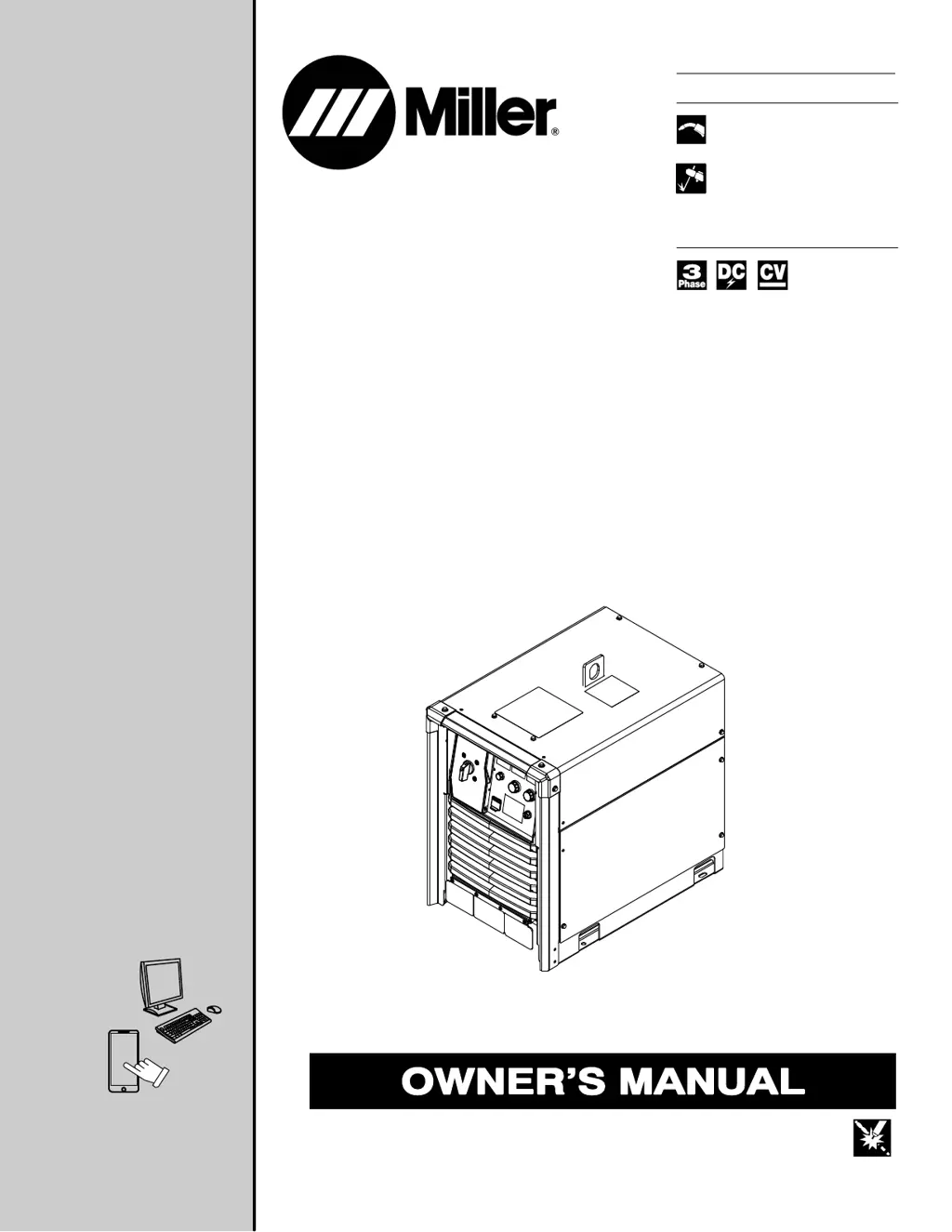
AutoContinuum
350 And 500
w/Insight Coret
CE
Processes
Description
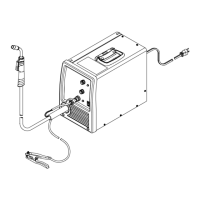
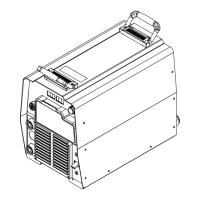
Arc Welding Power Source
Air Carbon Arc (CAC-A)
Cutting and Gouging
File: Advanced Manufacturing Systems
MIG (GMAW) Welding
Pulsed MIG (GMAW-P)
Flux Cored (FCAW) Welding
®
For product information,
Owner’s Manual translations,
and more, visit
www.MillerWelds.com

Table of Contents

Questions and Answers

  • C
    Courtney NavarroAug 12, 2025
    Why is there no weld output from my Miller Auto Continuum 500?
    • D
      davispatriciaAug 12, 2025
      The Miller Welding System might not be producing weld output due to several reasons: * The line disconnect switch could be in the Off position. If so, place the switch in the On position. * The power source switch may be in the Off position. Place the switch in the On position. * A primary power fuse might be blown, or the circuit breaker tripped. Replace the fuse or reset the circuit breaker, and then check the input voltage.
  • A
    Alyssa MartinezAug 31, 2025
    What causes welding wire to burn back to contact tip at start of weld with Miller Auto Continuum 500?
    • K
      Kimberly McbrideAug 31, 2025
      Welding wire burning back to the contact tip at the start of a weld can be caused by: * A restriction in the wire feed system. Check the inlet cable, gun liner, and wire guides. * Worn drive rolls. Replace the drive rolls. * Wrong size drive rolls. Replace with proper size drive rolls. * Improper start parameters. Adjust start parameters. * Worn contact tip. Replace contact tip. * Wrong size or type of contact tip. Replace with proper size and type contact tip. * Not enough cast in welding wire. Add a wire straightener to put cast in wire.
  • J
    Jason SchroederSep 3, 2025
    What causes welding wire to burn back to contact tip during welding with Miller Auto Continuum 500 Welding System?
    • S
      Sydney WheelerSep 3, 2025
      Welding wire burning back to the contact tip during welding can be caused by: * A restriction in the wire feed system. Check the inlet cable, gun liner, and wire guides. * Worn drive rolls. Replace the drive rolls. * Wrong size drive rolls. Replace with proper size drive rolls. * Too much or too little drive roll pressure. Adjust drive roll pressure. * Worn contact tip. Replace contact tip. * Wrong size or type of contact tip. Replace with proper size and type contact tip. * Not enough cast in welding wire. Add a wire straightener to put cast in wire.
  • W
    wharrellSep 7, 2025
    What causes welding wire to burn back to contact tip at end of weld with Miller Welding System?
    • C
      Christopher Flores MDSep 7, 2025
      Welding wire burning back to the contact tip at the end of a weld can be caused by: * Welding power source output not shutting off. Make sure all switches are in correct position, repair power source if necessary. * Burnback setting too high or too long. Adjust burnback setting or turn off completely.
  • J
    jerome08Nov 15, 2025
    What to do if my Miller Auto Continuum 500 Welding System has porosity in weld?
    • R
      Robert WarrenNov 15, 2025
      If you observe porosity in the weld, consider the following potential causes and solutions: * The base metal may be dirty with heavy oxides, mill scale, or oil. Clean the base metal by brushing, grinding, or using a chemical cleanser before welding. * The regulator/flowmeter could be faulty. Adjust or replace the regulator/flowmeter. * The gas cylinder valve might be closed. Open the gas cylinder valve. * The gas regulator diaphragm may be defective. Replace the regulator. * The flowmeter might be cracked or broken. Repair or replace the flowmeter. * The gas hose could be disconnected or leaking. Connect or replace the gas hose. * The gas flow may be too high or too low. Adjust for proper gas flow. * There might be moisture in the shielding gas. Replace the gas cylinder or...
  • A
    Amber WoodNov 19, 2025
    Why does the Miller Auto Continuum 500 Welding System have excessive spatter?
    • E
      Elizabeth KaneNov 19, 2025
      Excessive spatter during welding can arise from several factors: * The voltage may be set too high. Reduce the voltage setting (reduce trim or arc adjust for pulse welding). * The gun or torch angle might be incorrect. Set the proper gun angle. * The gas flow could be too high or too low. Adjust for proper gas flow. * The wrong gas may be in use for the wire type or transfer mode. Use the correct shielding gas. * The electrode wire type or size may be incorrect. Use the proper electrode wire. * The inductance setting might be wrong. Adjust the inductance. * The electrode wire could be dirty or old. Replace it with new electrode wire. * The base metal might be oily or dirty. Clean the base metal by brushing, grinding, or using a chemical cleanser before welding. * Excessi...
  • T
    terriwheelerNov 22, 2025
    What to do if wire stops feeding while welding with Miller Welding System?
    • B
      Benjamin WaltersNov 22, 2025
      If the wire stops feeding while welding, here are possible causes and solutions: * A wire feeder protective fuse may be blown, or the circuit breaker tripped. Replace the fuse or reset the circuit breaker and find the overload condition. * The wire feeder drive rolls might be misaligned. Align the drive rolls. * The drive rolls could be the wrong size. Replace them with the proper size drive rolls. * There may be too much or too little drive roll pressure. Adjust the drive roll pressure. * Too much tension may be set at the wire spool. Reduce the wire spool tension. * There could be a restriction in the unspooler or drum adapter. Replace the unspooler or repair the restriction. * The feeder motor might be burnt out. Test the motor and replace it if necessary. * The gun lin...
  • J
    James TapiaNov 26, 2025
    Why does my Miller Auto Continuum 500 Welding System have a wandering, hunting, or erratic arc?
    • R
      Randy RobinsonNov 26, 2025
      A wandering, hunting, or erratic arc in your welding system can stem from several causes: * There may be a restriction in the unspooler or drum adapter. Replace the unspooler or repair the restriction. * The gun liner or inlet cable could be dirty or worn. Remove the gun liner or inlet cable and clean or replace it. * Sharp bends or kinks might be present in the gun cable or liner. Straighten the gun cable and/or replace the liner. * The contact tip may be loose or worn. Tighten or replace the contact tip. * The contact tip could be the wrong size or type. Replace it with the proper size and type of contact tip. * The gun may be overheating. Use a gun with the proper amperage rating. * Loose power cables or other electrical connections may exist. Tighten, repair, or replace ...

Summary

Processes

MIG (GMAW) Welding

Lists supported welding processes like MIG, Pulsed MIG, and Flux Cored.

Product Description

Arc Welding Power Source

Identifies the primary function of the unit as an arc welding power source.

Declaration of Conformity

Product Identification and Compliance

Lists product models, stock numbers, and relevant EU directives/standards.

EMF Data Sheet

Compliance Summary and Data

Summarizes EMF compliance and provides data for non-thermal effects.

Safety Precautions

General Hazards and Symbol Usage

Explains manual symbols and general safety warnings, including electric shock.

Arc Welding Specific Hazards

Covers arc welding risks: fumes, gases, arc rays, fire, explosion, and cylinder safety.

Interference and Regulatory Safety

Discusses EMI, Prop 65, safety standards, and EMF information.

Definitions

Safety Symbols and Definitions

Explains additional safety symbols used in the manual.

Miscellaneous Symbols and Definitions

Defines various symbols related to welding parameters and functions.

Specifications

Serial Number and Rating Label Location

Locates serial number and rating information on the product.

Software Licensing Agreement

Outlines the terms and conditions of the software license.

350 Model Specifications

Lists technical specifications for the 350 model.

500 Model Specifications

Lists technical specifications for the 500 model.

Dimensions, Weight, and Environmental Specs

Provides physical dimensions, weight, IP rating, and temperature ranges.

Duty Cycle and Overheating Information

Explains duty cycle limits and overheating protection mechanisms.

Installation

Selecting a Location

Guides on choosing a suitable installation location for the unit.

Weld Cable Sizing and Connections

Details selecting weld cable sizes and connecting output cables.

Receptacle Information and Connections

Explains various receptacles like RC2, RC3, RC22, and Devicenet.

Electrical Service and Input Power

Provides recommendations for electrical service and connecting 3-phase input power.

Recommended Set-Up Procedures

Welding Circuit and Cable Arrangement

Covers setting up the welding circuit and arranging cables for reduced inductance.

Multiple Power Sources and Arc Blow

Describes using multiple power sources and managing arc blow.

Voltage Sensing and Earth Grounding

Illustrates voltage sensing setups and explains earth grounding procedures.

MIG Welding Mechanics Checklist

Lists key mechanical checks for MIG welding setup.

Basic Welding Troubleshooting

Lists common welding problems, their causes, and remedies.

Operation

Operator Controls and User Interface

Identifies and explains operator controls and the user interface layout.

Front Panel Controls Description

Details the function of each control on the front panel.

Configuration

Accessing Web Pages and Home Screen

Explains accessing configuration via web pages and the Home screen interface.

Setup Screen Options

Details the various settings and parameters available on the Setup screen.

Arc and Data Management Screens

Explains Arc Management and Data Management screens for controls and data.

Maintenance & Troubleshooting

Routine Maintenance and Unit Cleaning

Outlines routine maintenance tasks and internal unit cleaning procedures.

Error Code Troubleshooting

Explains error messages and provides tables for troubleshooting codes.

General Welding Troubleshooting

Lists common welding problems, their causes, and remedies.

Insight Core Installation

License, Survey, and IP Address

Covers license agreement, connectivity survey, and obtaining IP address.

Enabling Insight Core and Network Configuration

Guides on enabling Insight Core and configuring WiFi/Ethernet connections.

WiFi and Wired Connection Setup

Details configuring WiFi and Wired Ethernet connections using DHCP or Static IP.

Serial Number, License Key, and Registration

Guides on obtaining serial number, license key, and registering devices.

Electrical Diagrams

Auto-Continuum 350 Circuit Diagram

Presents the first part of the electrical circuit diagram for the 350 model.

Parts List

Main Assembly Parts

Shows an exploded view and lists parts for the main assembly.

Windtunnel and Fan Panel Parts

Lists parts for the windtunnel and fan panel assemblies.

Front, Penthouse, and Rear Panel Parts

Lists parts for the front, penthouse, and rear panel assemblies.

Warranty Information

Miller Auto Continuum 500 Specifications

General IconGeneral
BrandMiller
ModelAuto Continuum 500
CategoryWelding System
LanguageEnglish

Related product manuals