OM-277115 Page 38
SECTION 7 − OPERATION
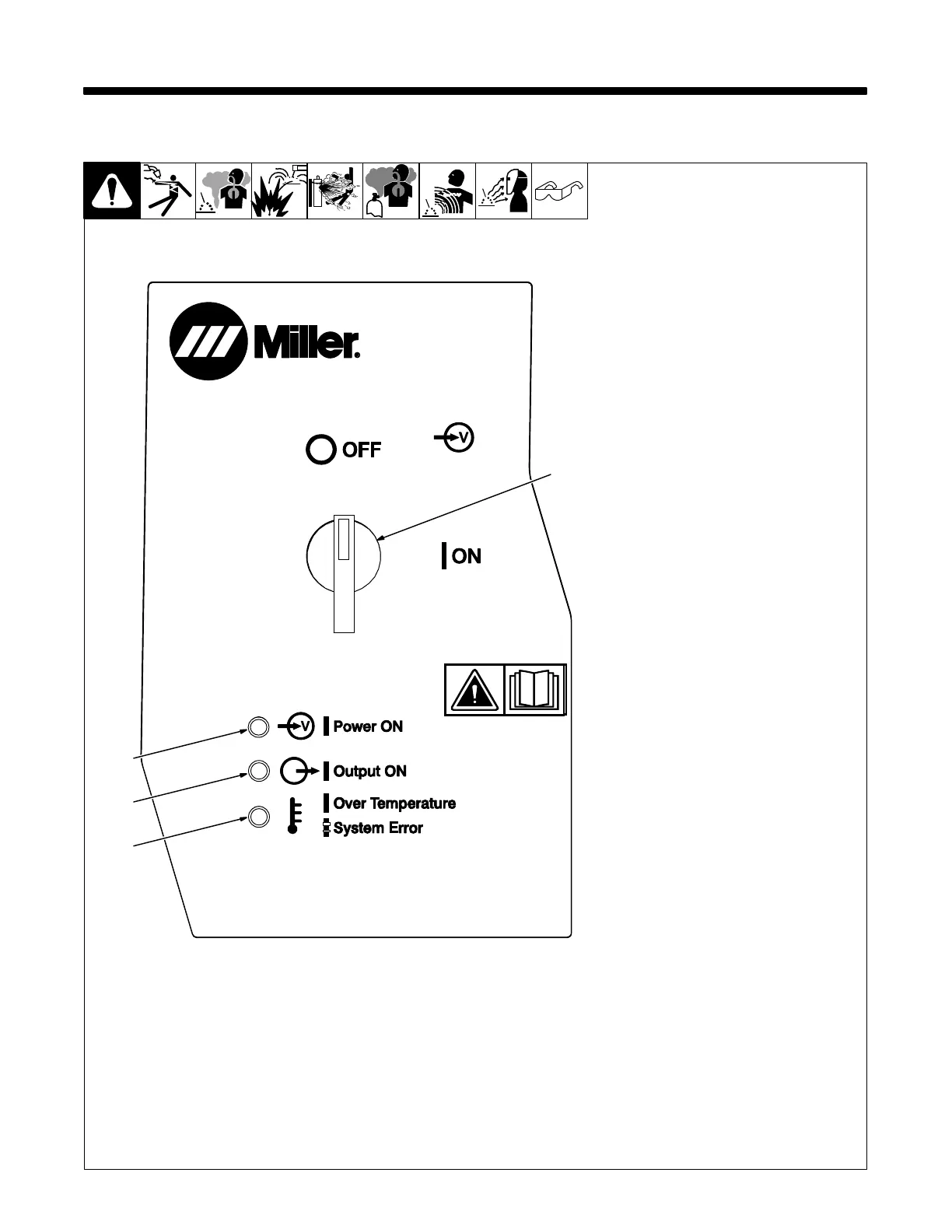
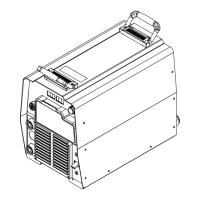
7-1. Operator Controls
Ref. 257195-G
1 Power Switch
Turns unit On or Off.
2 Power On LED
Power LED illuminates when unit is
energized.
3 Output On LED
Output LED illuminates when weld
output is energized.
4 Error LED
On Solid−
Unit has overheated and weld
output has been disabled. Allow
unit to cool to operating
temperature.
Error LED will turn off
and welding may resume.
Blinking−
A system error has occurred. Use
the User Interface to determine the
source of the error as well as
possible solutions. Follow
on-screen instructions to clear the
error. When the error has been
cleared the Error LED will stop
blinking and welding may resume.
. After turning unit off, wait until
Power ON LED is off before
turning unit back on. Cycling
power too quickly can cause
software issues on power up.
1
2
3
4










 To Next Page