OM-277115 Page 53
SECTION 10 − INSIGHT COREt INSTALLATION
7
10-1. License Agreement
You have acquired a device (Insight Core) which includes software licensed by Miller Electric Mfg. Co. Such software products, as well as associated
media, printed materials, and “online” or electronic documentation for such software are protected by international intellectual property laws and
treaties. The software is licensed, not sold. All rights reserved.
10-2. Downloading Connectivity Survey
In order to ensure proper connectivity, visit the Insight Core Download page at
https://insight.millerwelds.com/download
.
Download and print the Network Connectivity Survey Form.
Ask your corporate IT department to complete the survey.
10-3. Obtaining System IP Address
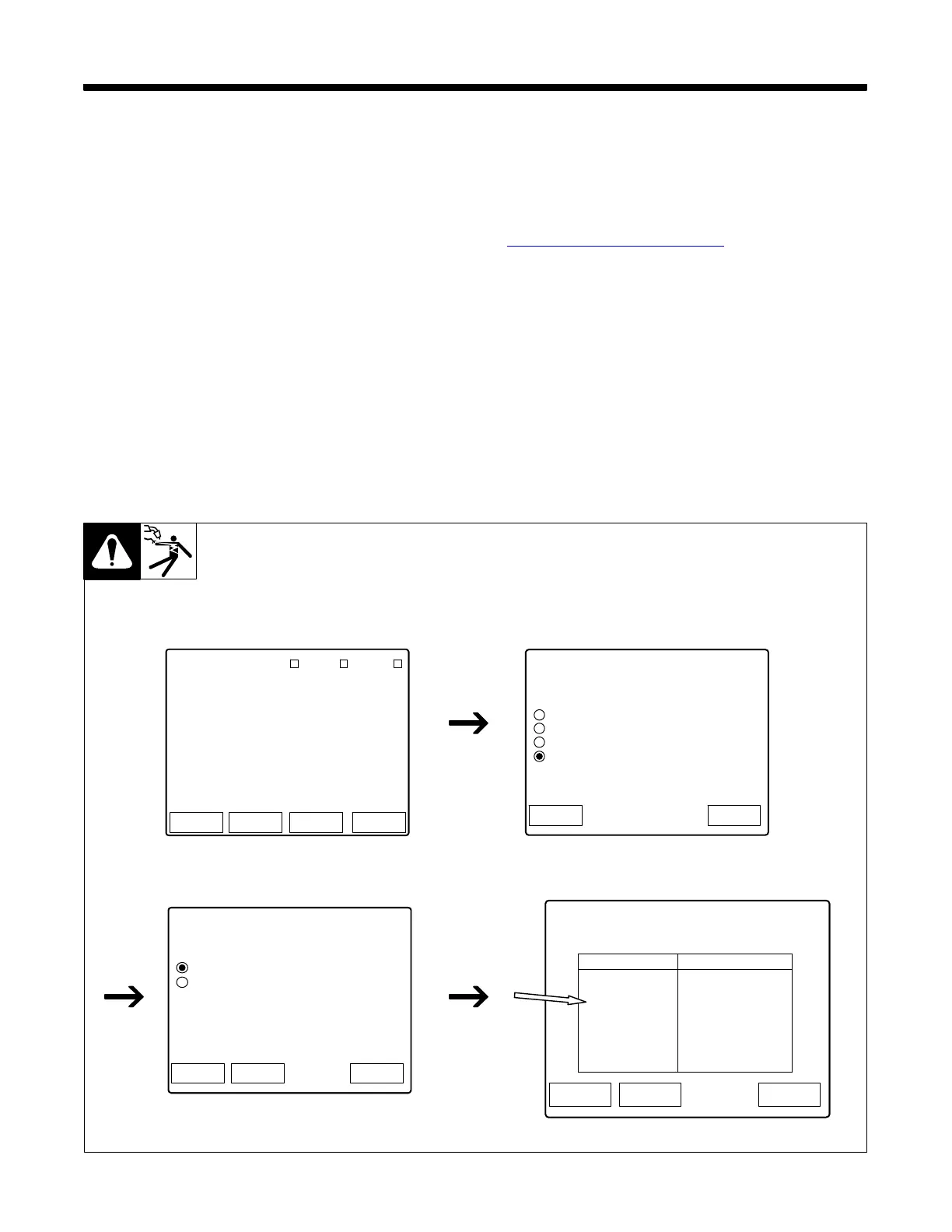
. The factory default IP address of all Continuum systems is 169.254.0.2.
. Ethernet and WiFi connections each have their own unique IP addresses.
. The power source must be on the same Subnet as the computer used to access the Continuum’s web pages.
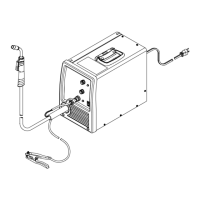
1. Connect your Continuum Welding System per the instructions in the power source Owner’s Manual.
2. Connect an Ethernet cable between your computer and the power source.
3. Turn the welding power source on.
4. From the Feeder (or pendant) main menu screen, go to the Ethernet Settings screen. Using the scroll knob, select System, then Network
Settings, then Ethernet Settings. Note the IP address.
Logs StatusSetup System
Home
Program # 1
MIG
.035 Steel ER70
Ar 90 CO2 10
Internet WiFi Ethernet
35ST MIG
Home
Home > System
System Menu
Factory Reset
USB Functions
System Software Revision
Network Settings
Back
Home
Home > System > Network
Network Menu
Ethernet Settings
WiFi Settings
BackSystem
Home
Home > System > Network > Ethernet
Ethernet Settings
BackSystem
Item
MAC
IP Mode
IP Address
Subnet Mask
Network Gateway
DHCP Server
DNS Server
Port
Value
7C:66:9D:49:30:F3
Dynamic
169.254.0.2
255.255.0.0
10.43.254.250
10.50.10.2
10.50.10.5
80
Figure 10-1. Obtaining IP Address










 To Next Page