OM-277115 Page 62
10-7. Determining Device Serial Number And License Key
. Obtaining the device serial number and license key is necessary for product registration. Registration will activate your Insight Core account and
give access to all Insight Core data.
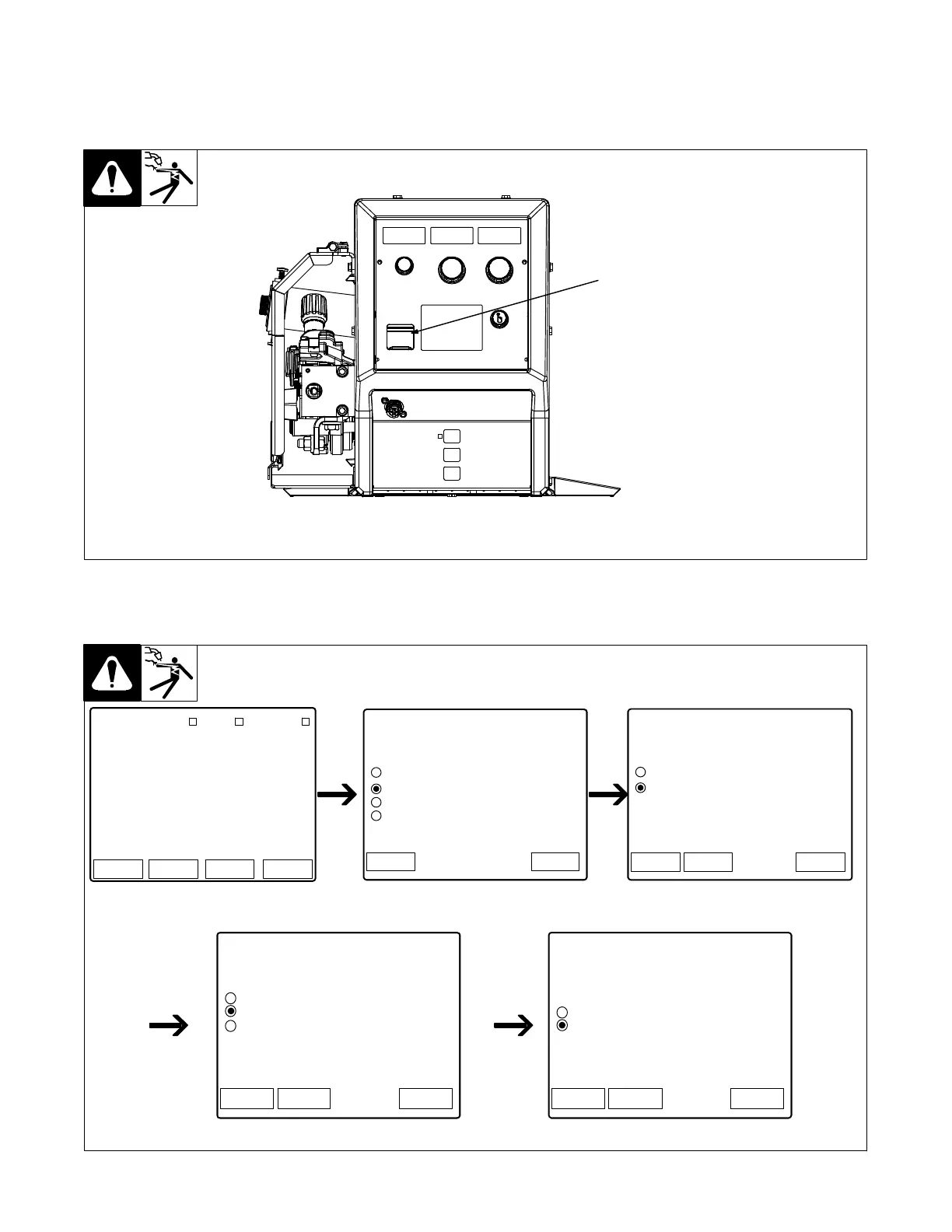
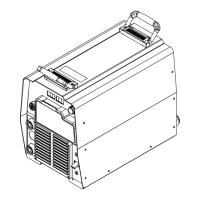
1. Insert a USB drive into the front port on the Continuum Feeder.
Ref. 259144-D
1
1 USB Port
Figure 10-13. Continuum Feeder USB Location
2. From the feeder (or pendant) main menu, select System to bring up the System menu. Using the scroll knob, select USB Functions, then Write
to USB, then License Key, then Yes to save the license key and serial number data. This process will load an IP_MAC file onto the USB drive,
which contains the unique license key for your system.
Logs StatusSetup System
Home
Program # 1
MIG
.035 Steel ER70
Ar 90 CO2 10
Internet WiFi Ethernet
35ST MIG
Home
Home > System
System Menu
Factory Reset
USB Functions
System Software Revision
Network Settings
Back
Home
Home > System > USB
USB Functions
Write to System
Write to USB
BackSystem
Home
Home > System > USB > Write to USB
Write to USB Functions
System Settings
License Key
BackSystem
Diagnostic File
Home
Home > System > USB > Write to USB > License
License File
Write License File to USB?
No
BackSystem
Yes
Warning: save license file will be lost.
Figure 10-14. Obtaining Serial Number And License Key










 To Next Page