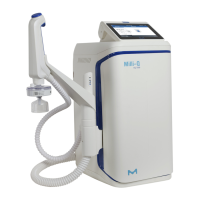
Need help?
Do you have a question about the Milli-Q IQ 7000 and is the answer not in the manual?
How to exit screensaver, dispense water manually, volumetrically, and assisted.
Managing dispense reports and viewing/managing system alerts and alarms.
Setting up system parameters, Q-POD settings, and alarms.
Wizards for installing IPAK and POD-Pak consumables.
Detailed water quality parameters and feed water requirements.
Electrical, environmental specs, and physical dimensions.
Critical safety precautions, high voltage warnings, and operating instructions.
 General
| Brand | Milli-Q |
|---|---|
| Model | IQ 7000 |
| Category | Water Filtration Systems |
| Language | English |


 To Next Page