Image Optimization 5-99
Score Meaning Color
2.5 Severe Hypokinesis Khaki
3 Akinesis Blue
4 Dyskinesis Red
5 Aneurysm Purple
2. Roll the trackball to select the value and then click the target segments, then the segment is assigned
with a value.
3. Repeat step 2 to perform value assign for all segments.
To assign a normal wall motion score (WMS) to all currently displayed loops:
Select [Set All Normal] on the touch screen.
To assign a normal wall motion score (WMS) to the currently selected loop:
Select [Set Current Normal] on the touch screen.
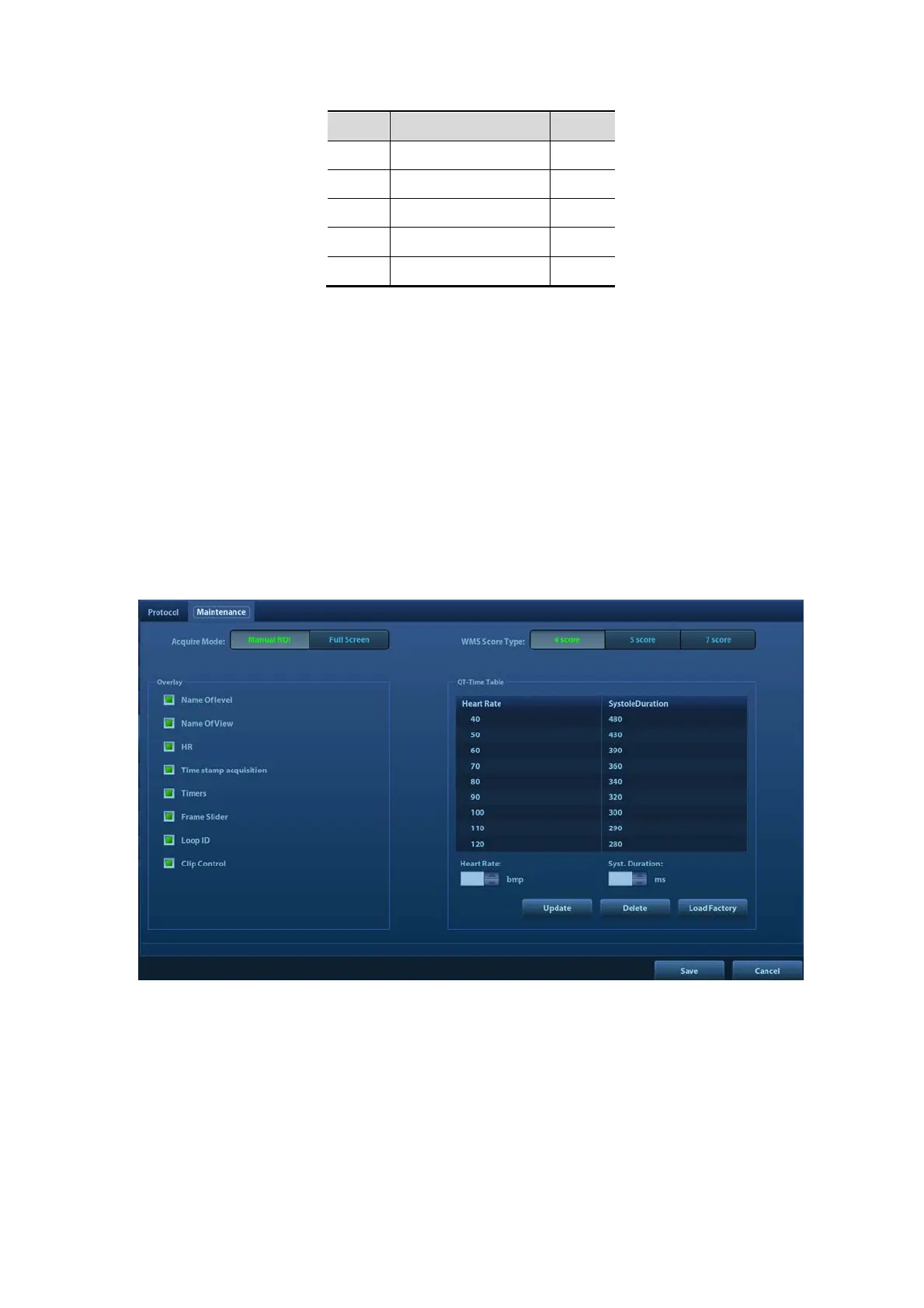
5.14.5 Maintenance and Protocol
5.14.5.1 Maintenance
Select “<F10 Setup>->[Stress Echo]->[Maintenance]” to enter the screen.



 To Next Page