mindray
DC7 Diagnostic Ultrasound System
15
Timeout
Value: 5-60s, in increments of 5s, and 15 is default. After user
sending storage commitment for 15 seconds, the connection is
closed.
Associated
Storage Service
The associated storage server is preset before storage
commitment, only after the exam is sent out, can storage
commitment be created.
Add Add the DICOM service to the service list.
Cancel Click to cancel parameter preset.
Update
Select an item in the service list, change the parameters in the
above area, and click [Update] to update the item in the service
list.
Delete Click to delete the selected service in the service list.
Verify
Click to verify if the two DICOM application entities are normally
connected.
Default
Select an item in the service list, click [Default] and you can see
“Y” in the Default column.
Exit Click to exit the setup screen.
Tips:
You should set storage commitment as default server when you use it.
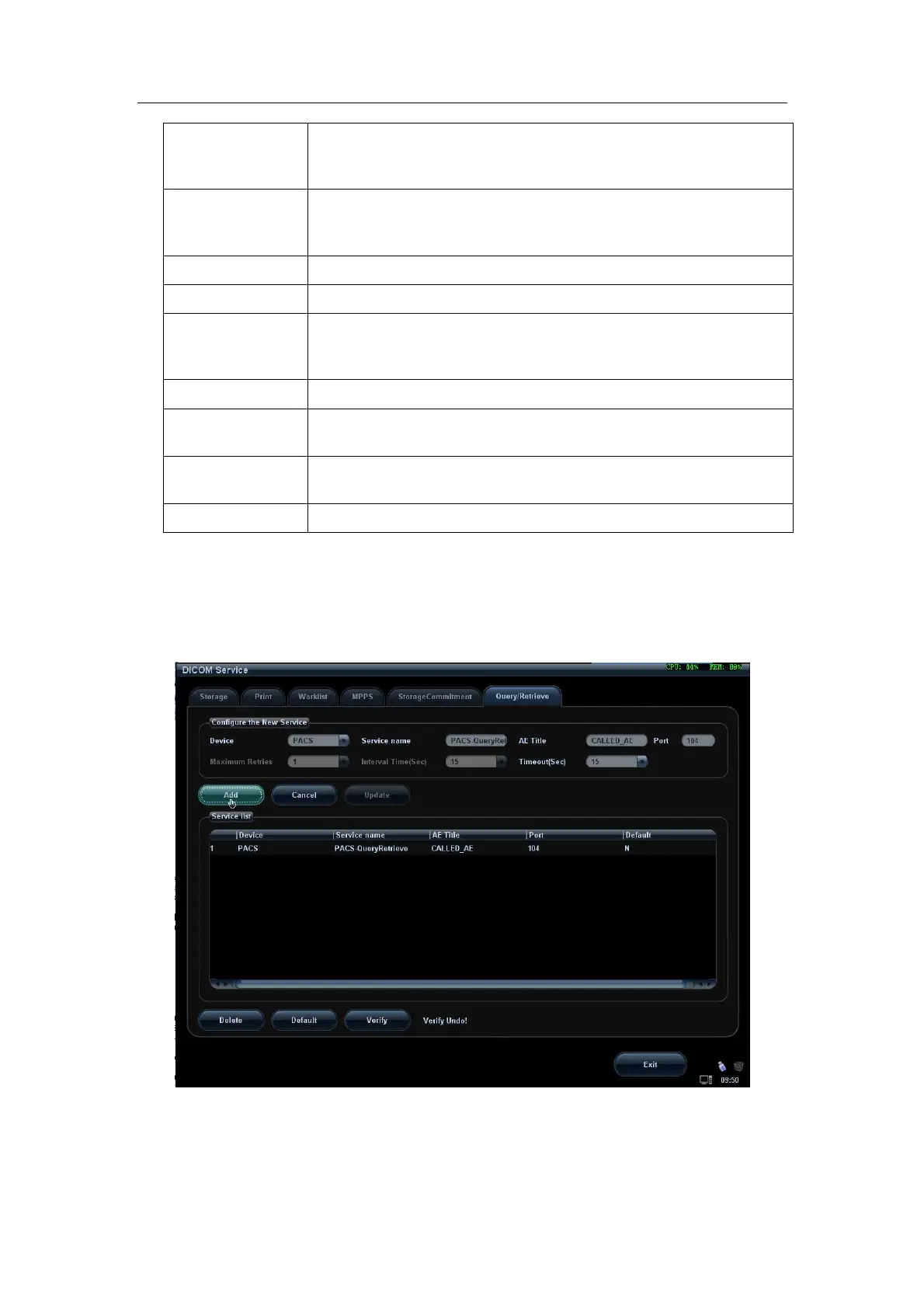
1.4.6 Query/Retrieve Preset
Figure 9 Query/Retrieve Preset Screen


 To Next Page