mindray
DC7 Diagnostic Ultrasound System
19
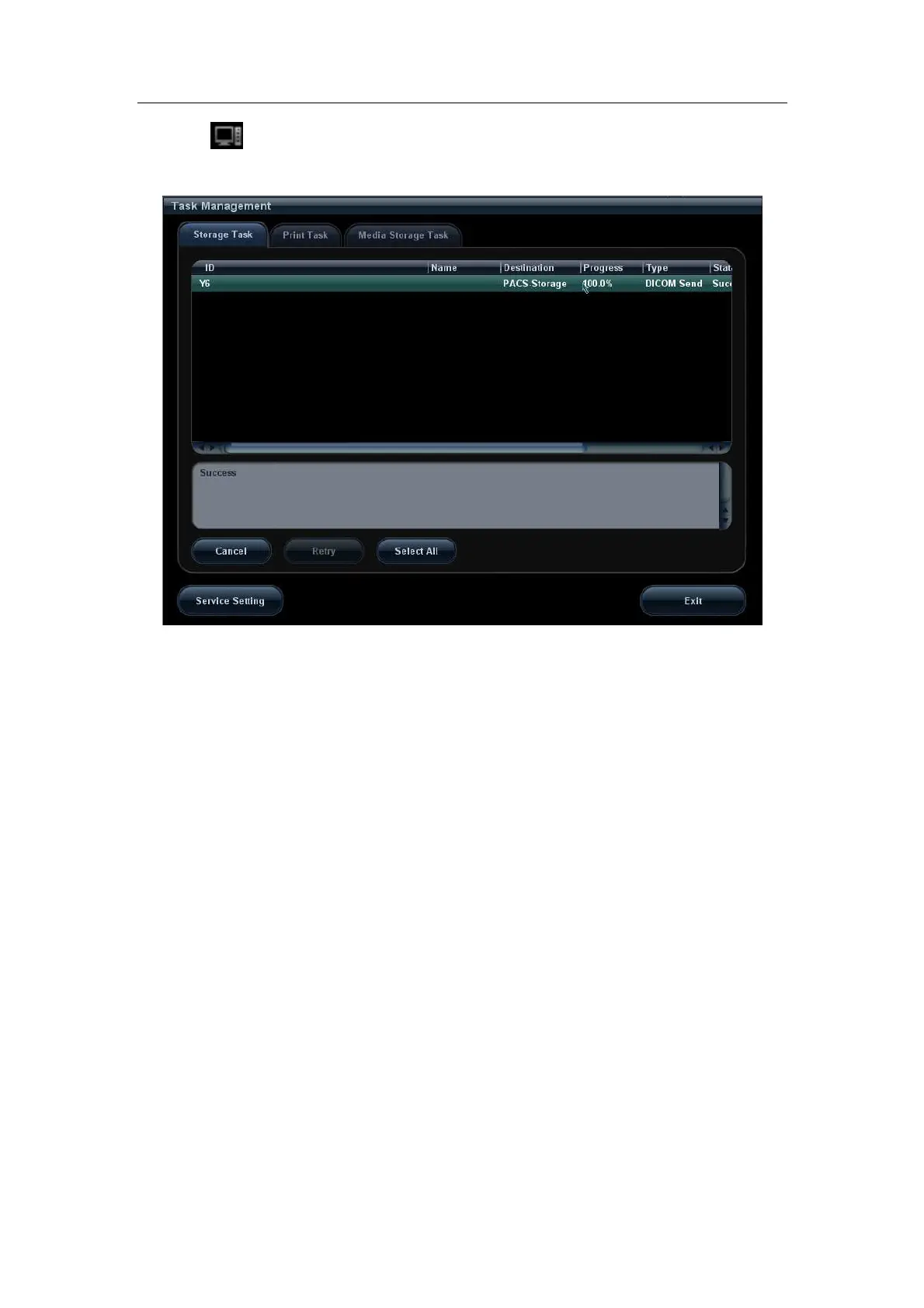
5. Click
in the right corner of the screen to open Management, in which, you can
review sending status. Select one record, and there is sending result in prompt dialog
box, as shown in Figure 12.
Figure 12 Task Management
2.2.2 Send to DICOM Storage Automatically
Function paths of sending image to DICOM storage and sending images by user-defined
key after ending exam automatically:
A. Send Image after end exam:
Steps:
1. In System Preset -> General, select” Send/print Images after End Exam”, as
shown in Figure 13.


 To Next Page