mindray
DC7 Diagnostic Ultrasound System
20
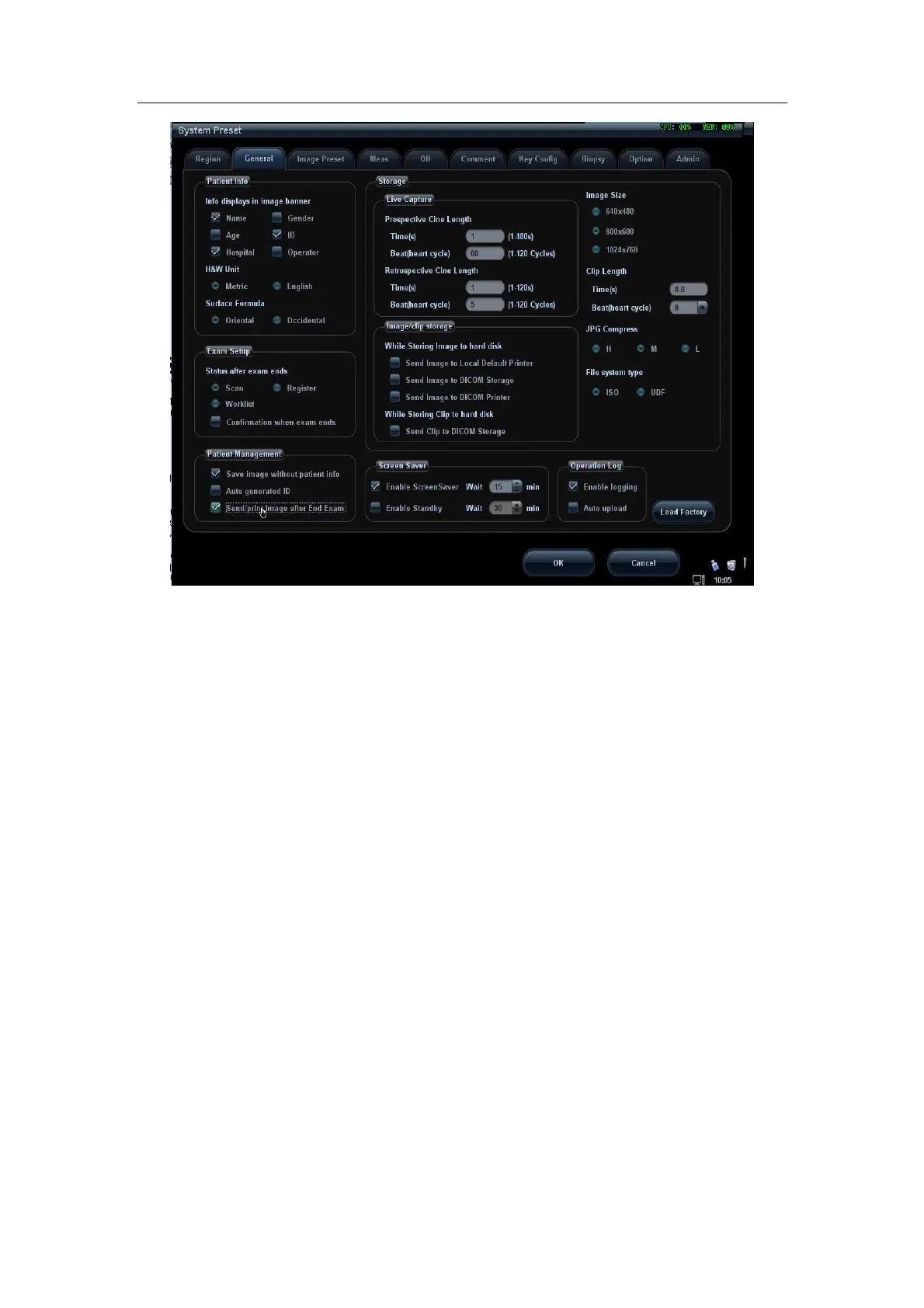
Figure 13 Send Image after End Exam
2. In Storage Preset -> DICOM Service, set the default storage server (one or
more).
3. When pressing <End Exam> with the current exam being active, all images
(and SR) of the current exam are sent to the default DICOM storage server.
B. Send to DICOM Storage when archiving
1. In System Preset -> General, select “Send Image to DICOM Storage” (Or
Send Clip to DICOM Storage), as shown in Figure 14.


 To Next Page