3. Installation
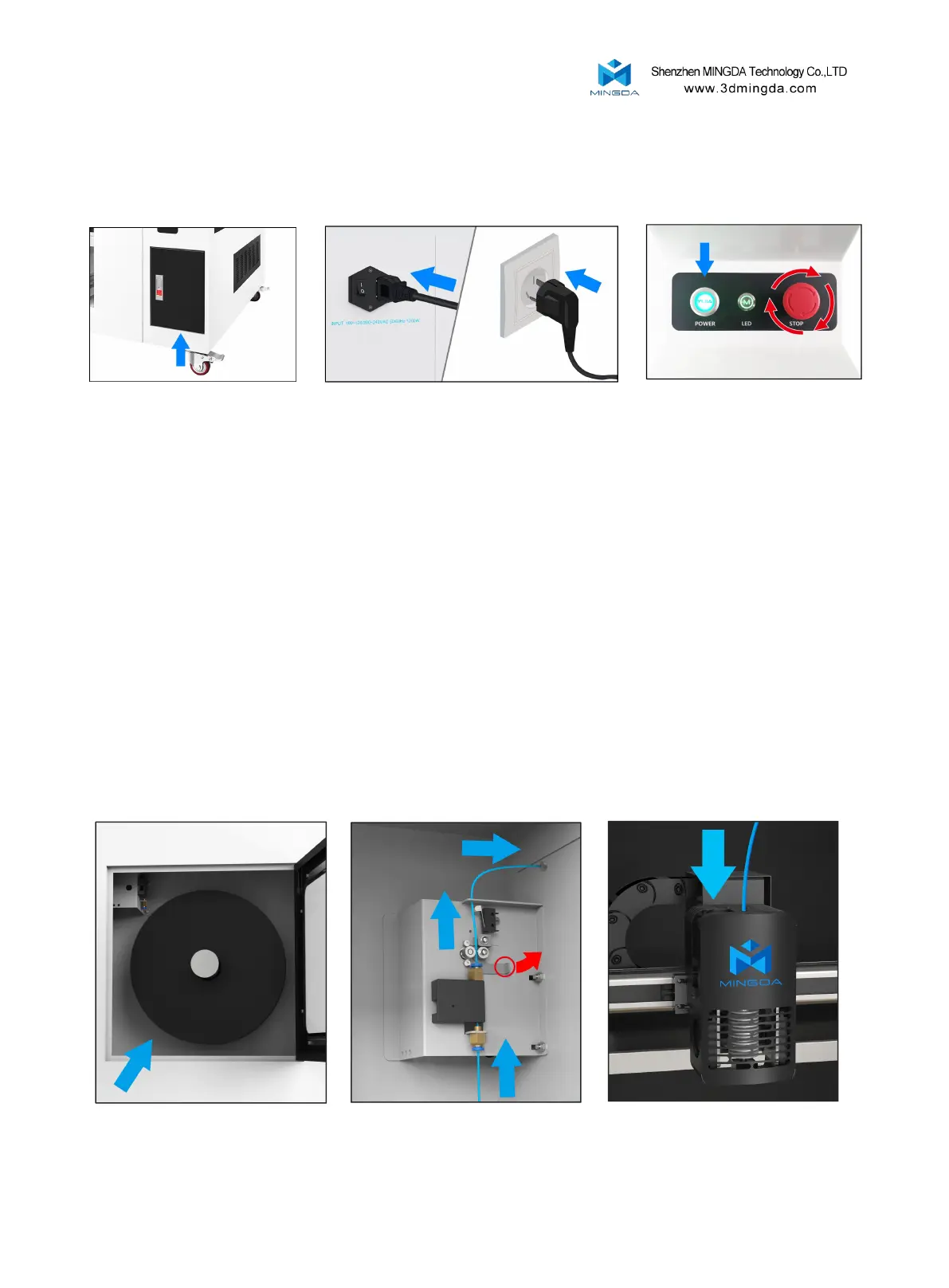
Take out the tool box Plugged in Turn on the power switch
Note: Tool boxes and other accessories
are in the cabinet storage room
7
Install the filament (Take PLA filament as an example )
1. Hung filament on the shelf, and insert the filament through the filament sensor.Then through
the auxiliary feeding gear and bearing, through the adjustment wrench with hand (red circle position),
and then through the square hole at the micro switch and the round hole on the middle baffle
2. Pull away the shrapnel at the filament inlet and insert the filament into the extruder inlet.



 To Next Page