1.2 Getting Your Device Ready for Use
Performing Initial Startup
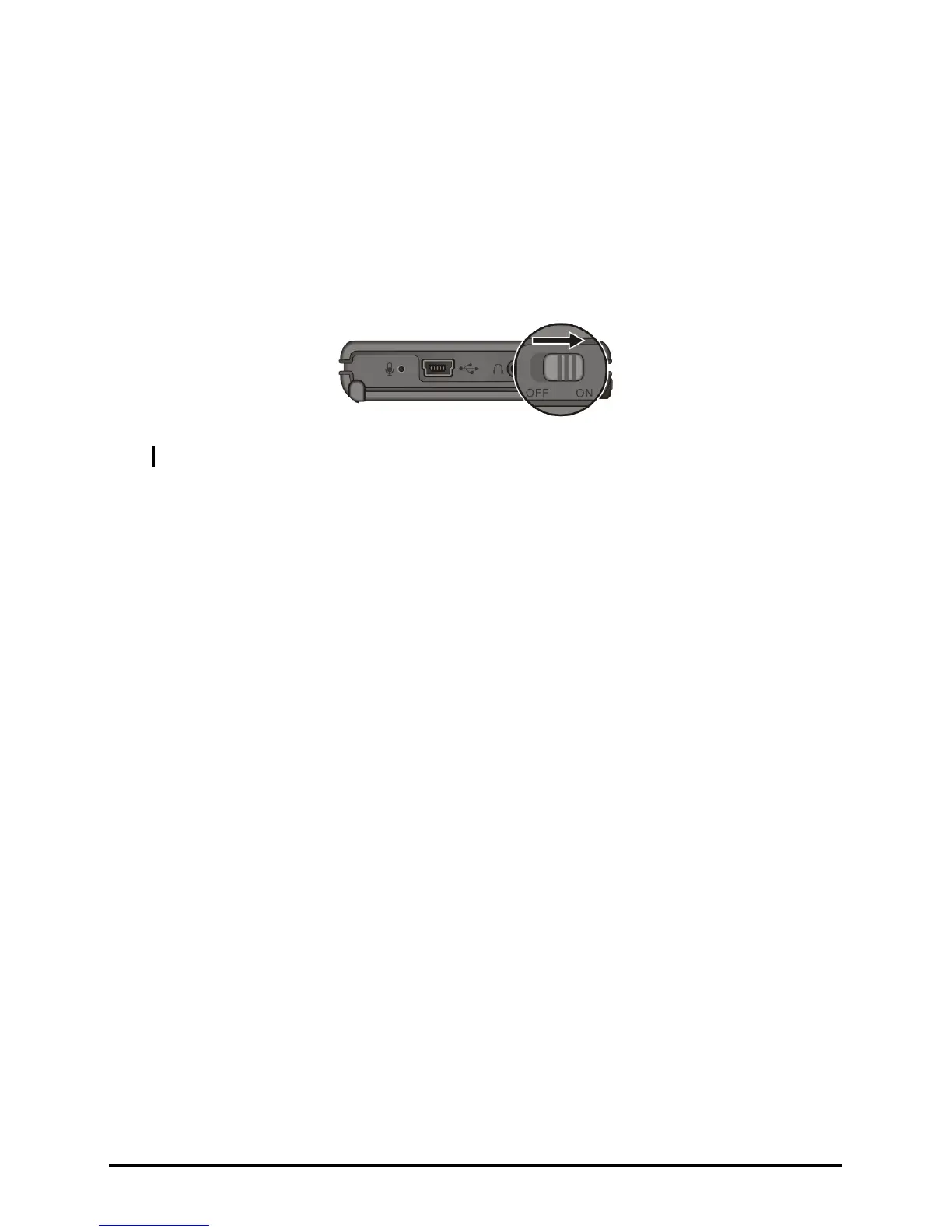
Initial startup includes setting the ON/OFF switch and completing the setup
wizard.
1. Slide the ON/OFF switch to the ON position.
CAUTION: Always leave the ON/OFF switch in the ON position for normal operation.
2. Your device will automatically turn on. Charge the battery as described in
the next sub-section.
3. Wait for a few seconds until the startup screen appears. Follow the onscreen
instructions to complete the setup wizard. You will then see the Today
screen.
5



 To Next Page