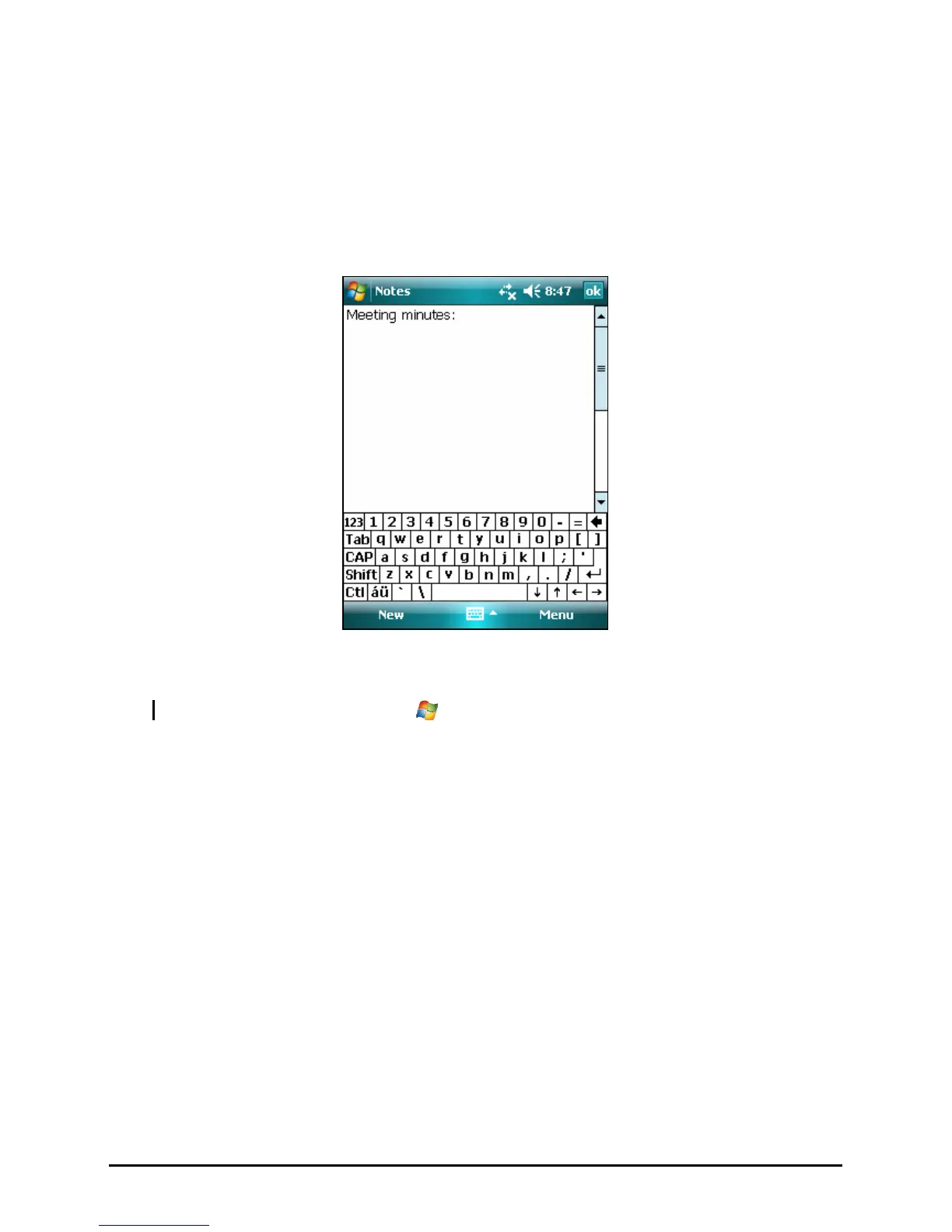
Creating a Note
1. In Notes, tap New.
2. Create your note by writing, drawing, typing, or recording. For more
information about using the Input panel, writing, and drawing on the screen
and creating recordings, see Section 2.8.
3. Tap
OK to save and return to the note list.
NOTE: For more information, tap
Æ Help.
36



 To Next Page