5.10 eCalc
eCalc provides three modes: Calculator, Currency, and Metrology. You can use
these modes to perform basic arithmetic and convert currency and measure.
Tap
Æ
Programs Æ eCalc to switch to the program.
You will see the calculator screen. To switch to another mode, tap one of the
buttons at the top right corner of the screen.
Using Calculator Mode
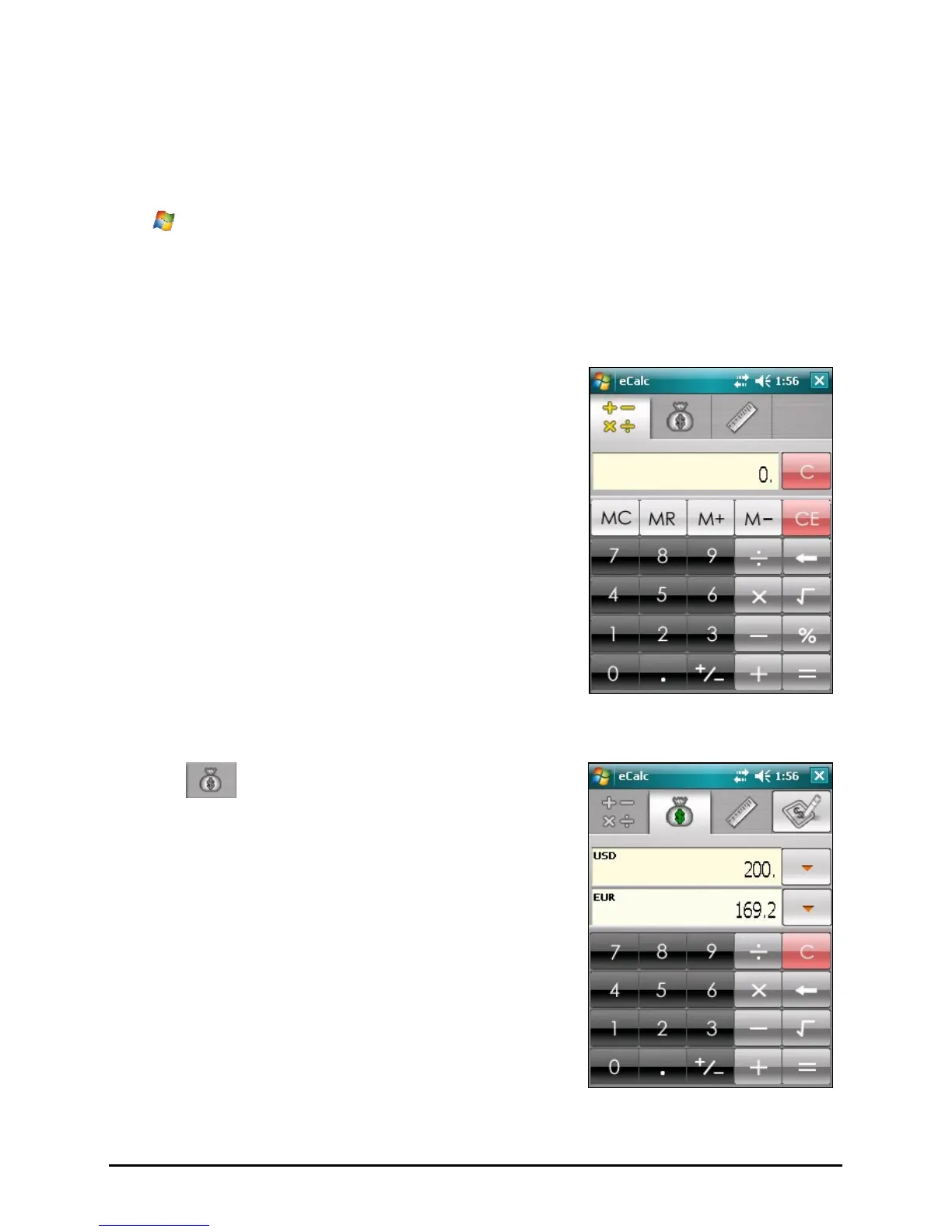
Calculator mode allows you to perform any of
the standard operations for which you would
normally use a handheld calculator.
Using Currency Mode
Tap the
button on the calculator screen
to switch to Currency mode.
Tap the down arrow next to the input field to
display a list of currencies and select the
currency to convert from. Tap the down arrow
next to the output field to display a list of
currencies and select the currency to convert
to.
Enter the currency value in the input field by
tapping the number buttons on the numeric
keypad. The converted currency immediately
appears in the output field.
57



 To Next Page