Recognizer
NOTE: The availability of recognizers depends on the region and the language version you
purchased.
With a recognizer, you can write letters using the stylus just as you would use a
pen on paper.
When you write a letter, it is converted to typed text that appears on the screen.
For specific instructions on using a recognizer, open a recognizer and then tap
the question mark next to the writing area.
Writing on the Screen
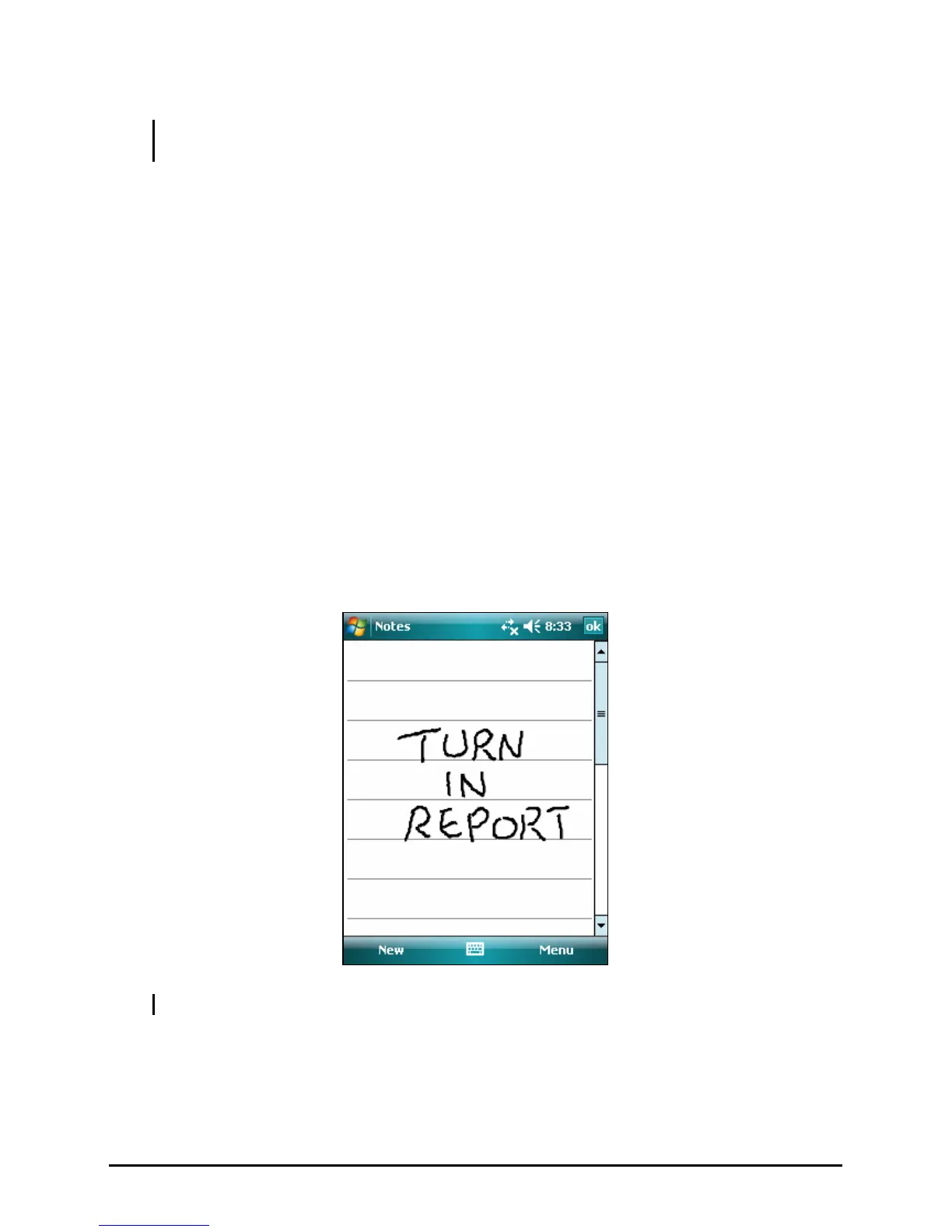
In any program that accepts writing, such as the Notes program, you can use
your stylus to write directly on the screen. Write the way you do on paper. You
can edit and format what you have written and convert the information to text
later.
To write on the screen, tap
Menu Æ Draw to switch to drawing mode. A check (√)
appears before the command.
NOTE: Not all programs support the drawing mode.
17



 To Next Page