Ref Component Description
n
Touch Screen
Displays the output of your Pocket PC. Tap the screen with
the stylus to select menu commands or enter information.
Each of the buttons provides a quick way to use a program
or function. The buttons are customizable. The icons on the
buttons indicate the default functions:
Opens the MioMap program when the program is
installed.
Opens the Today screen if MioMap is not installed.
o
Program Buttons
Opens the Contacts program.
Moves up, down, left or right by pushing the stick toward
the corresponding direction.
p
Navigation Stick
Selects by pressing.
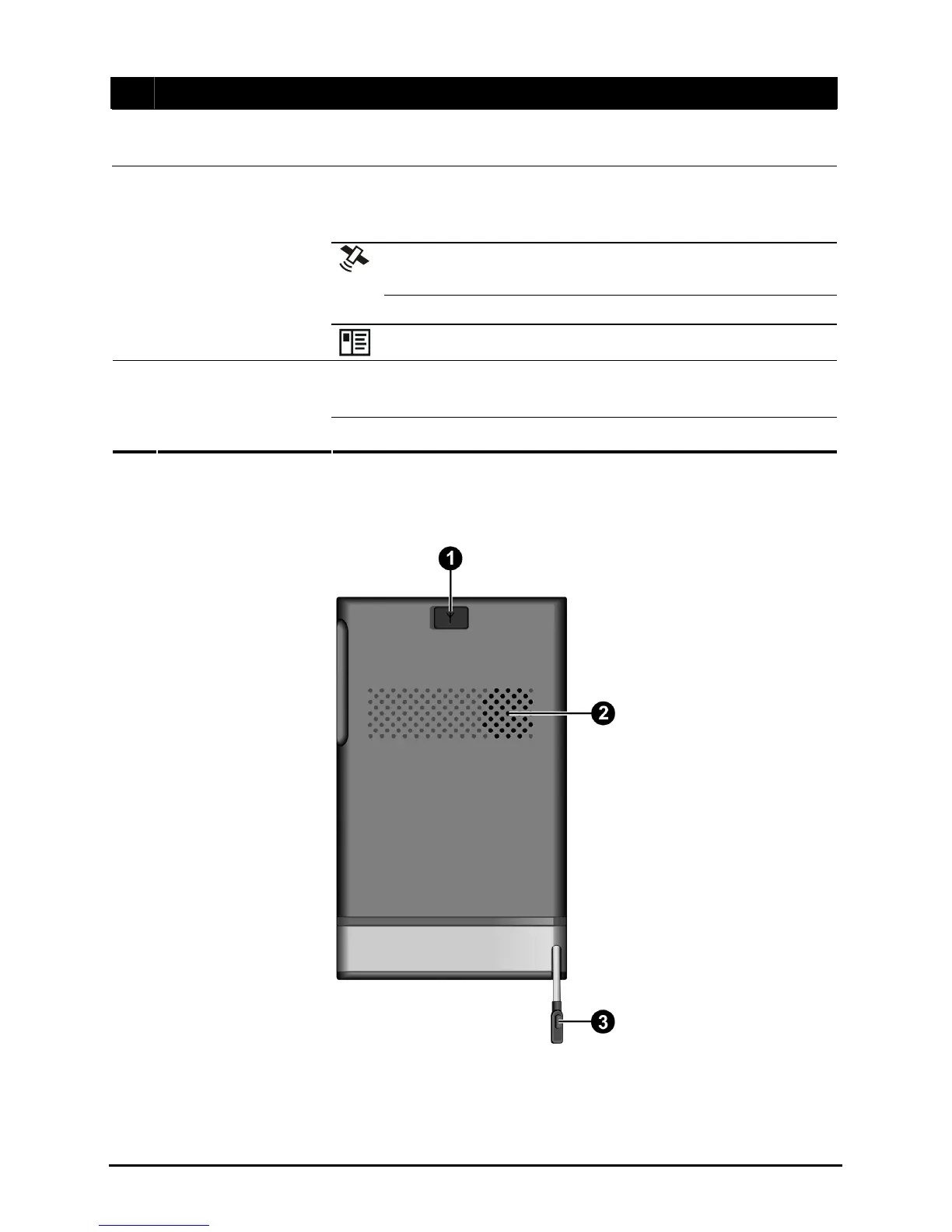
Back Components
2



 To Next Page