Creating a Document
NOTE: To open a template rather than a blank document, select a template for new
documents. Tap Menu Æ Options and select the desired template. When you tap New,
the template appears with appropriate text and formatting already provided.
1. In Word Mobile, tap
New.
2. Enter the information. (For more information on using the input panel, see
Section 2.8 or Pocket PC Help.)
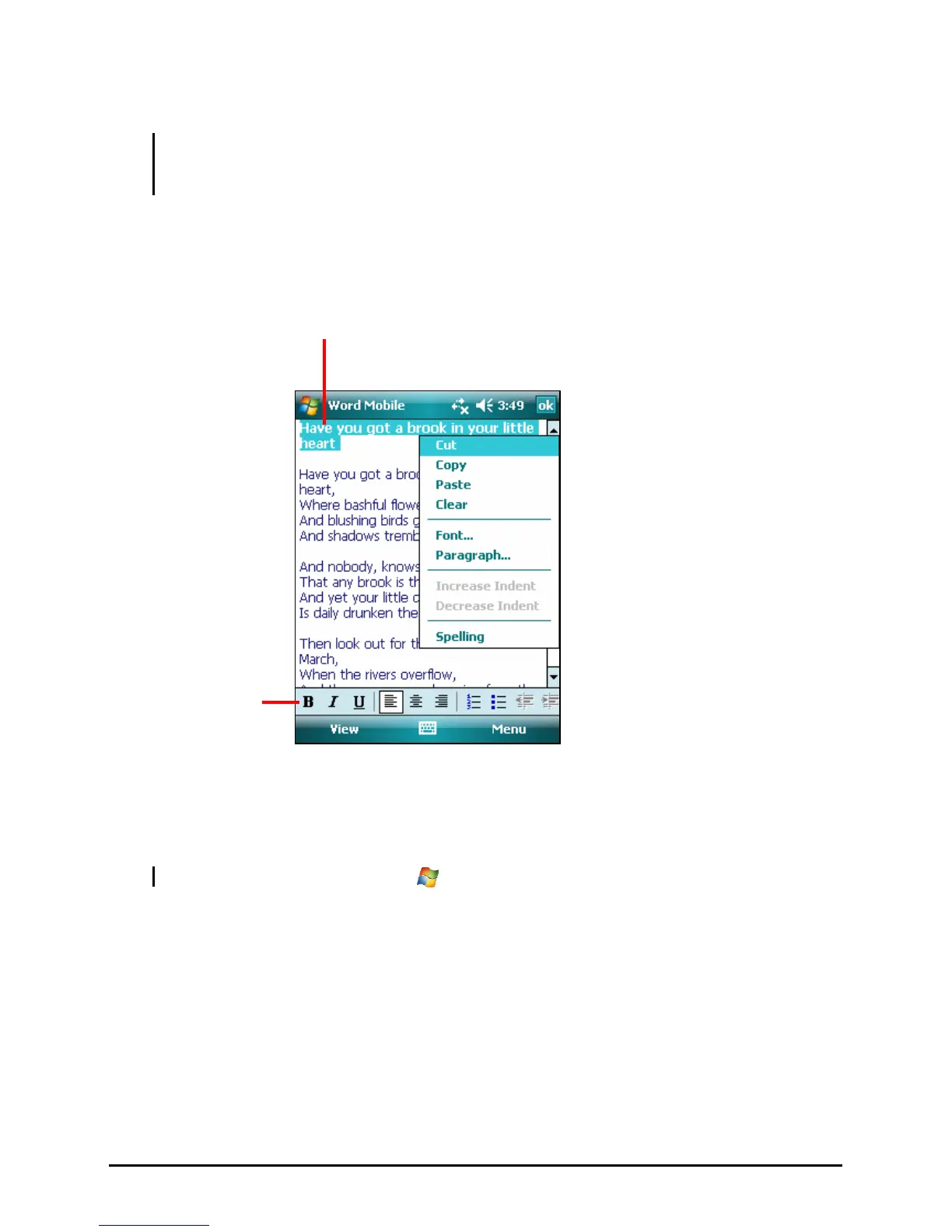
Tap and hold to see a
shortcut menu of actions.
Tap to format text.
3. When you have finished entering the information and tap
OK, the document
is automatically saved and named according to the first characters of text
entered in the document.
NOTE: For more information, tap
Æ Help.
Opening a Document
Whenever you switch to Word Mobile, you will see the document list. Tap the
desired document to open it. You can open only one document at a time; when
you open a second document, you will be asked to save the first.
46



 To Next Page