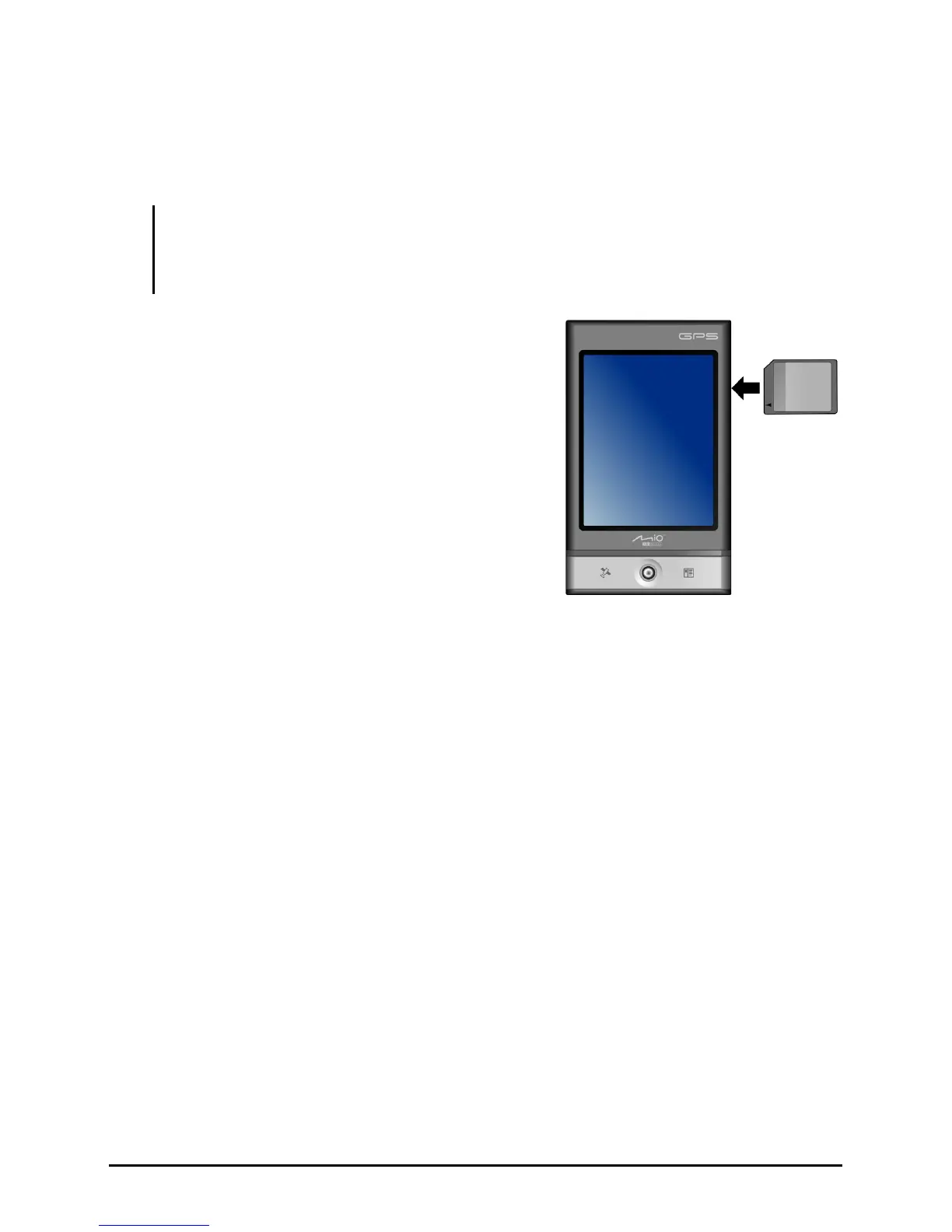
1.6 Using an SD/SDHC/MMC Card
Your Pocket PC has a slot where you can insert an optional SD, SDHC, MMC
storage card or I/O card.
NOTE:
z Your Pocket PC supports the SDHC Class 2/Class 4/Class 6 card.
z A storage card is also called a memory card.
z Make sure that no foreign objects enter the slot.
To use a card, insert it into the slot, with the
connector pointing to the slot and its label
facing the front of the Pocket PC. Follow the
instructions supplied with the card for more
information.
To remove a card, first make sure that no
application is accessing the card, then
slightly push the top edge of the card to
release it and pull it out of the slot.
10



 To Next Page