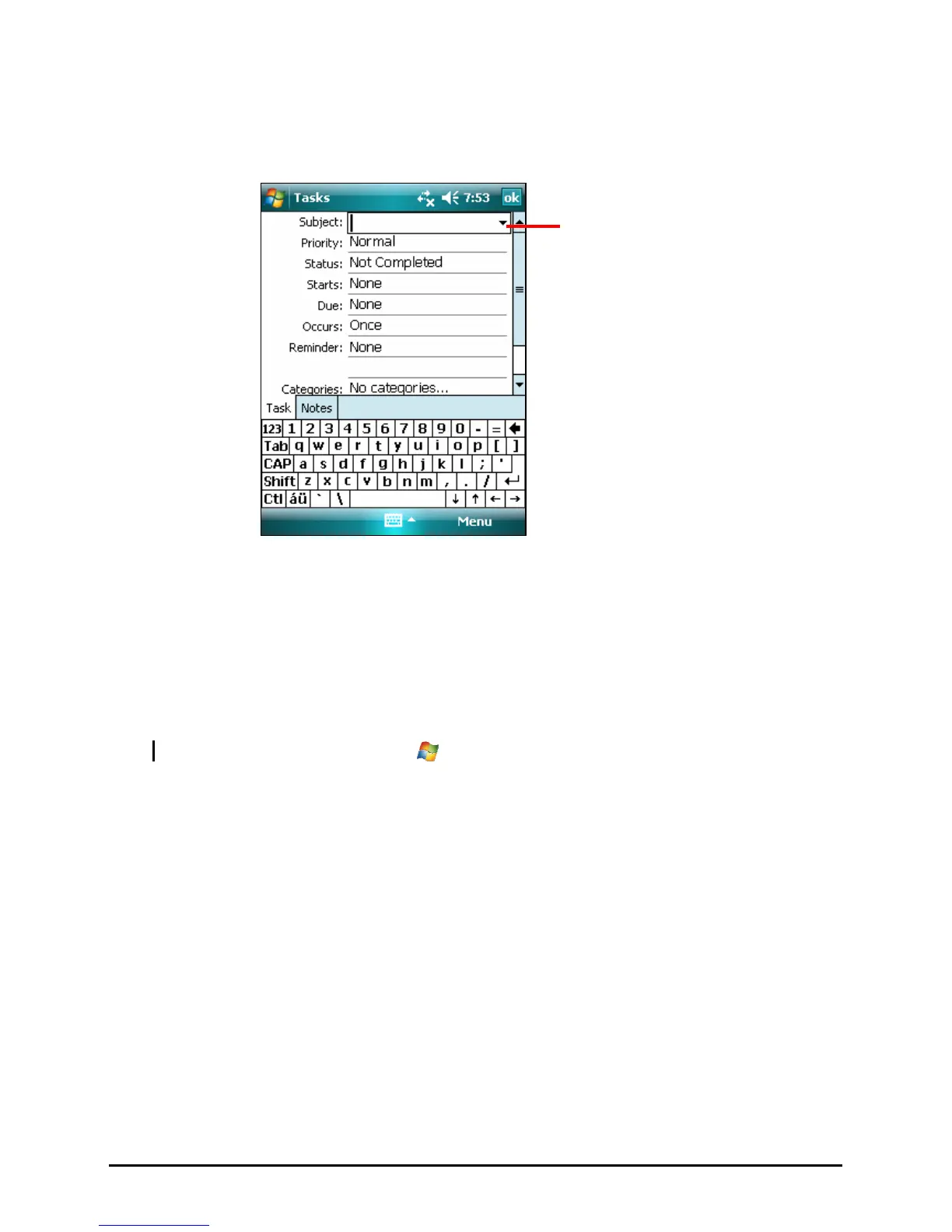
Creating a Task
1. In Task, tap Menu Æ New Task.
Tap to choose from predefined
subjects.
2. Using the Input panel, enter a description.
3. You can enter a start date and due date or enter other information by first
tapping the field. If the Input panel is open, you will need to hide it to see all
available fields.
4. Tap
OK to save and return to the task list.
NOTE: For more information, tap Æ Help.
33



 To Next Page