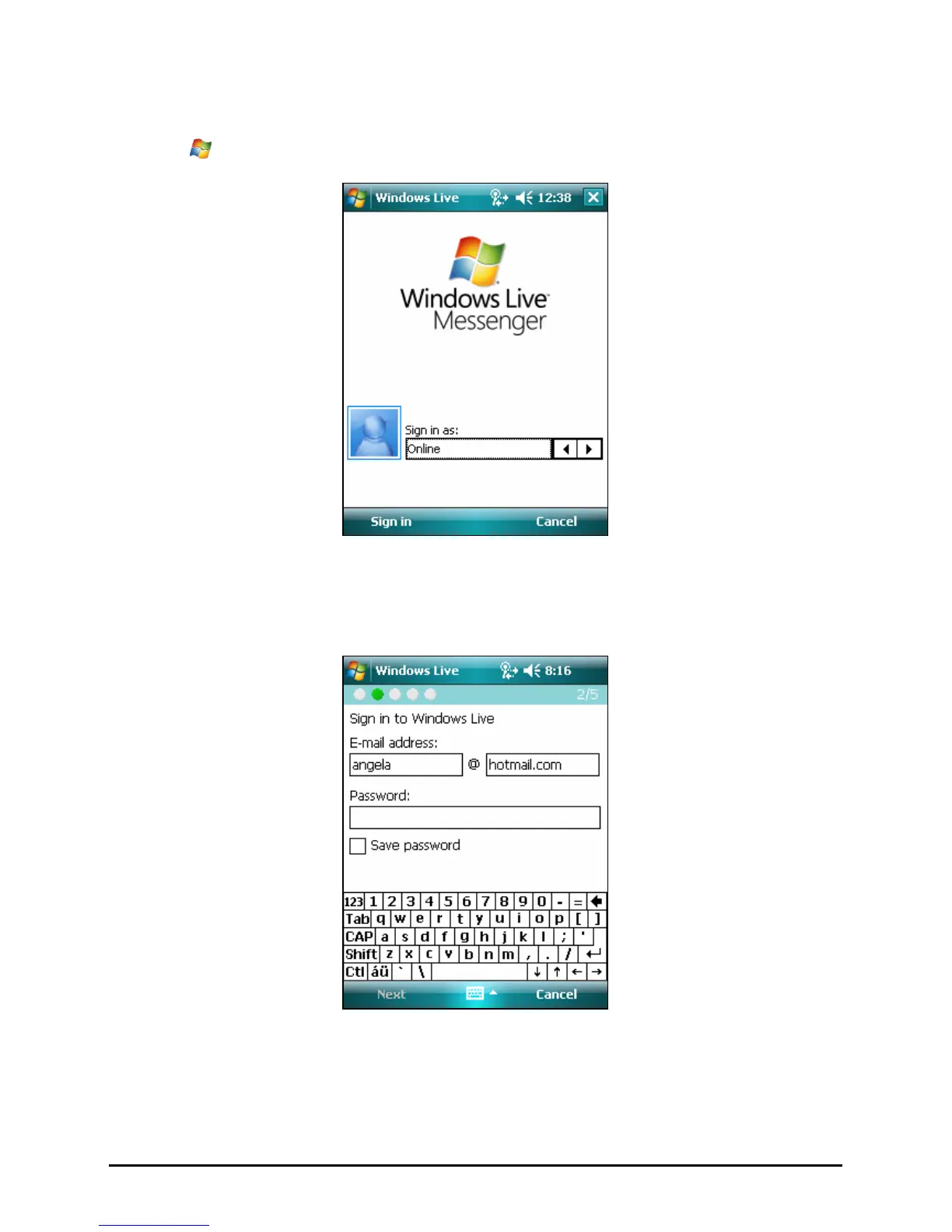
Signing in to Windows Live
1. Tap
Æ
Programs Æ Messenger to switch to the program.
2. Tap
Sign in to continue. Follow the instruction to sign in to Windows Live.
3. Enter your Windows Live e-mail address and password, and tap
Next.
4. You can select whether you want to show Windows Live on the Today
screen. By default, the items are checked. Tap
Next to continue.
5. Select the items that you want to sync on your device and tap
Next.
50



 To Next Page