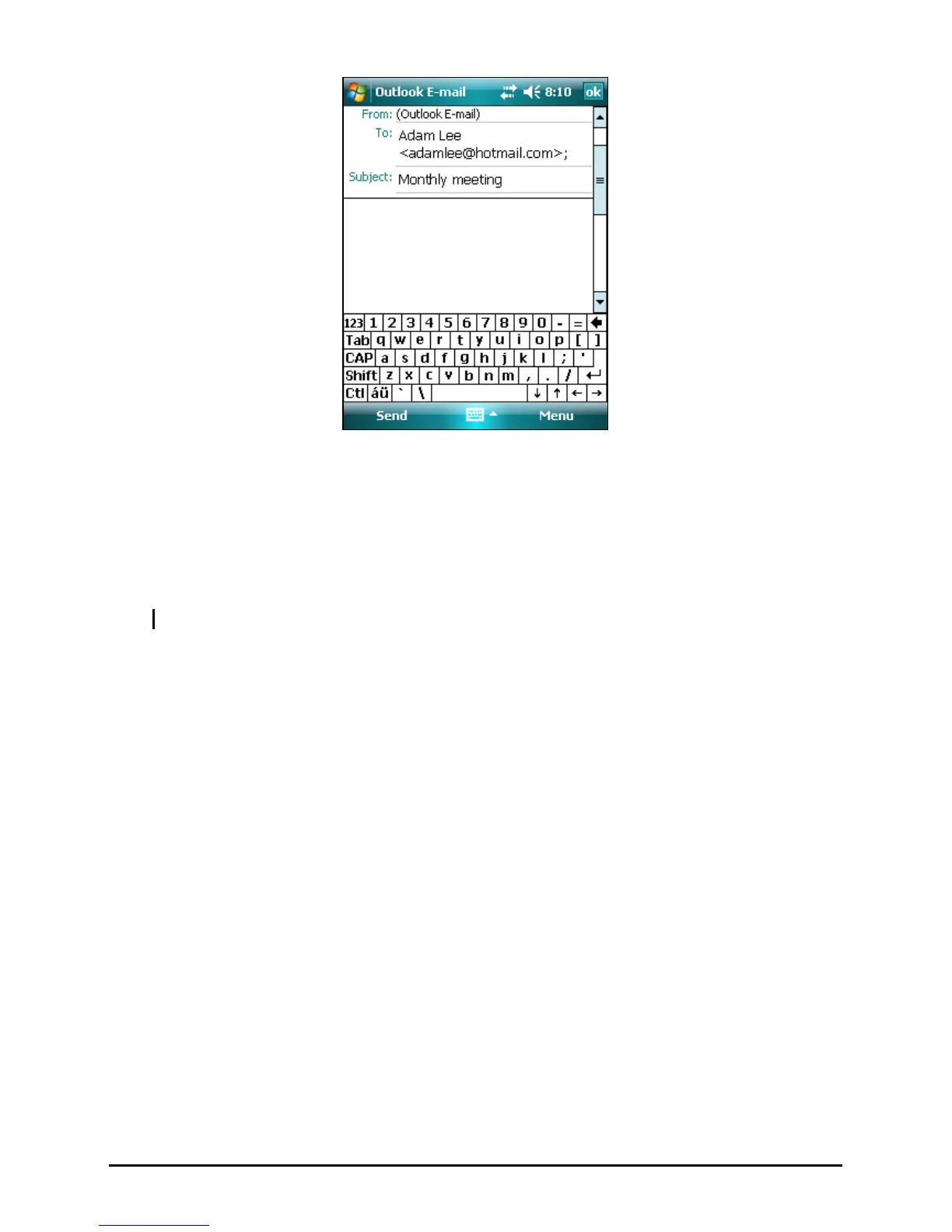
4. Enter your message.
5. To check spelling, tap
Menu Æ Spell Check.
6. If you want to attach a file to the message, tap
Menu Æ Insert and select the
desired file.
NOTE: OLE objects cannot be attached to Inbox messages.
7. Tap
Send when you have finished the message. If you are working offline,
the message is moved to the Outbox folder and is sent the next time you
connect.
The message is placed in the Outbox folder on your Pocket PC and will be
delivered in one of two ways:
z The message is transferred to the Outbox folder in Exchange or Outlook on
your desktop computer and sent the next time you synchronize.
z The message is transferred to your email server the next time you connect.
41



 To Next Page