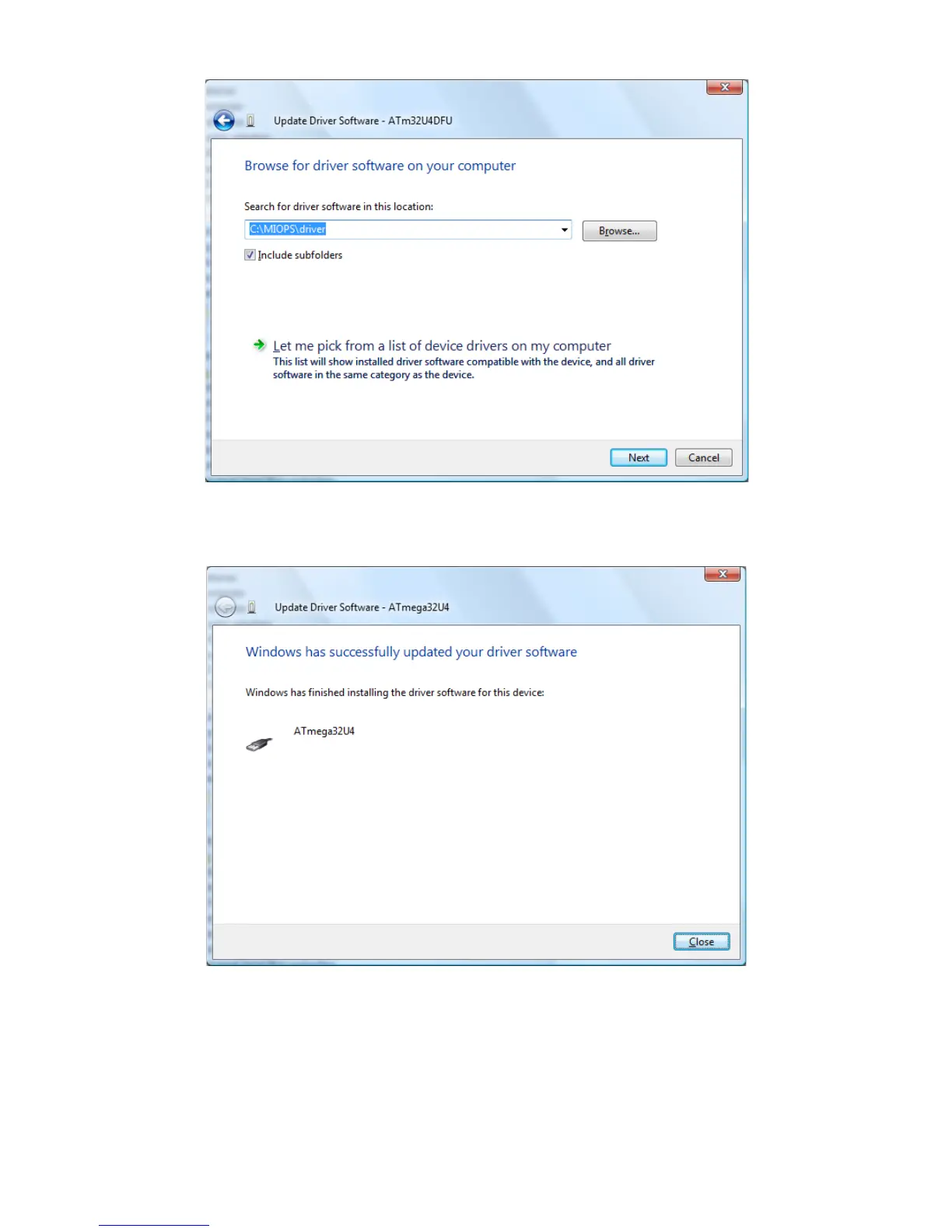
Figure 6 Locate Driver Folder
The driver files will be copied and you should see the following screen.
Figure 7 Driver Installed
After that step you are ready to install the firmware. Switch off MIOPS
Smart again and switch it back on as you press and hold down the Up
Scroll button. At this point, when you start MiopsUpgrade.exe, the program
should recognize MIOPS Smart and it will show a green check sign on MIOPS



 To Next Page