3.2.2. Installation of LDM 320 for Windows XP
The USB driver for the LDM 320 must be installed for Windows XP.
In some cases, after the first LDM 320 connection, Windows XP automatically installs a
"Human Interface Devices (HID)" driver. This device does not support the LDM 320.
Drivers are available on request from Mirion Technologies (MGPI) or by downloading it from
the following address:
http://www.mirion-hp.com/support
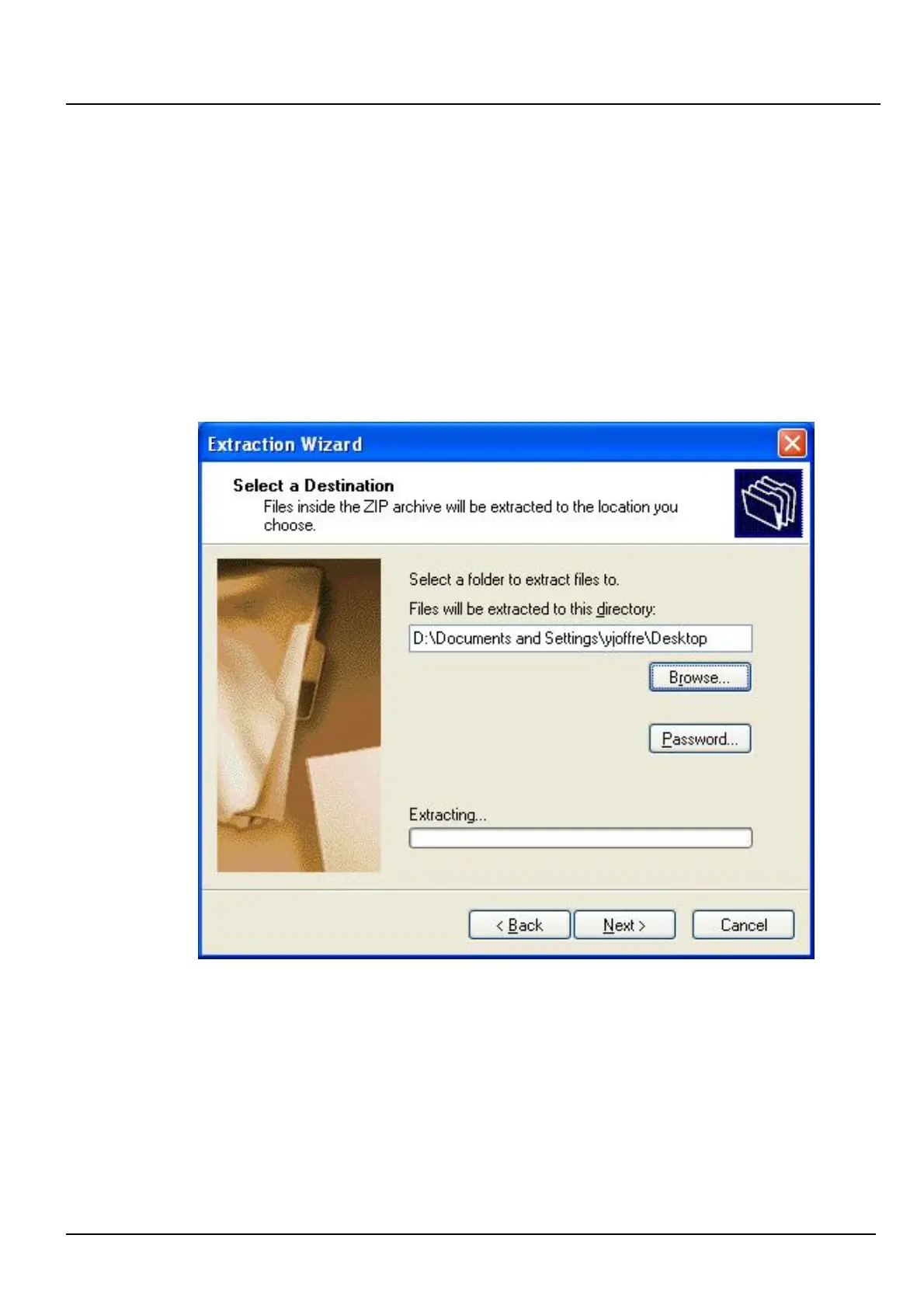
Once the file is recovered, create a folder, and uncompress the compressed file into this
folder.
Connect the LDM 320 to a USB port. The computer will recognize a new device:
LDM 320 Installation, Connection and Start-up
150532EN-C
Publication, traduction et reproduction totales ou partielles de ce document sont rigoureusement interdites, sauf autorisation écrite de nos services.
The publication, translation or reproduction, either partly or wholly, of this document is not allowed without our written consent. Format 112175C.
9













 To Next Page