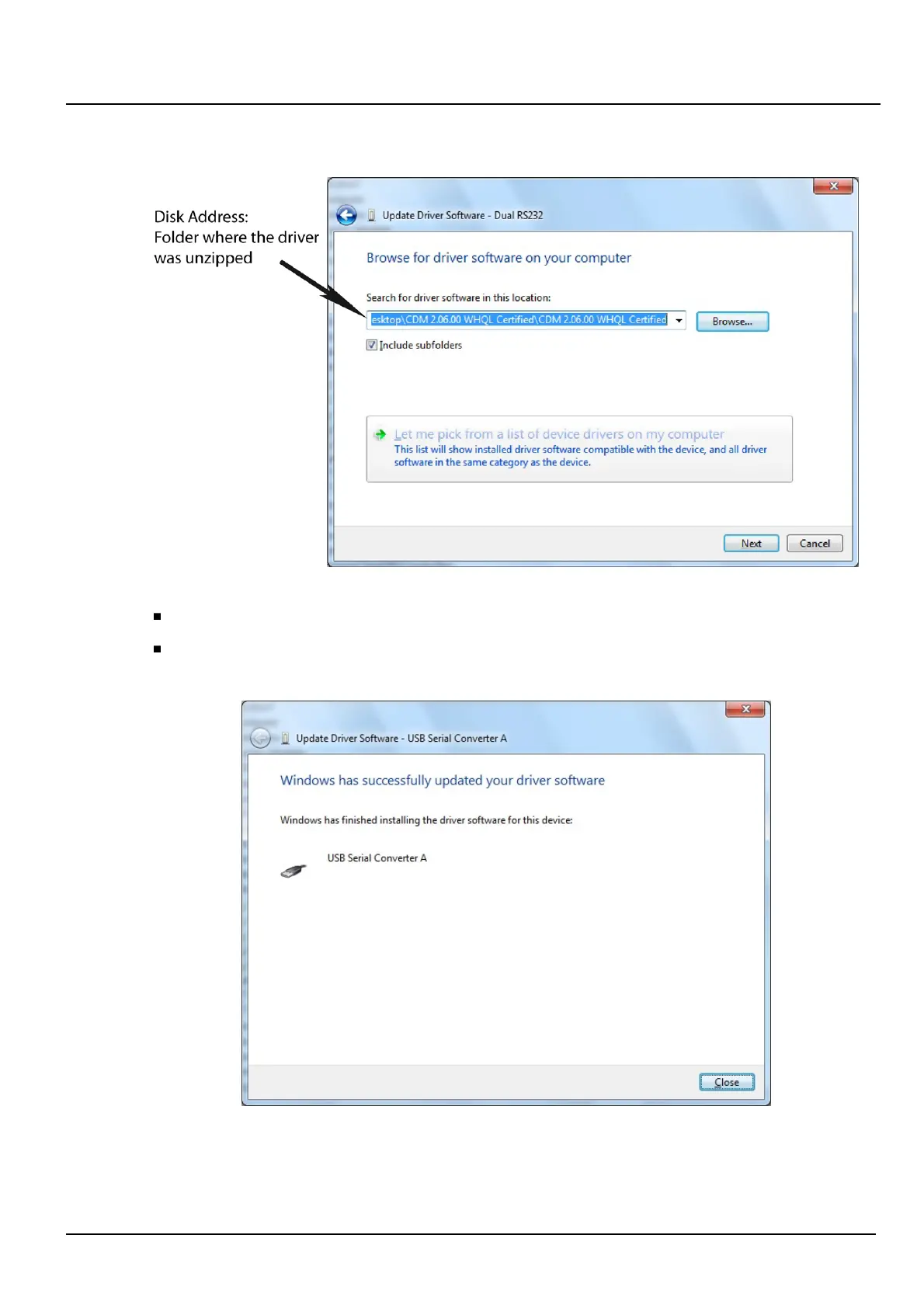
A security window should appear. Click "Install."
The port A driver is successfully installed.
Once the port A driver is installed, repeat the same procedure for port B.
The LDM 320 is ready for use.
LDM 320 Installation, Connection and Start-up
150532EN-C
Publication, traduction et reproduction totales ou partielles de ce document sont rigoureusement interdites, sauf autorisation écrite de nos services.
The publication, translation or reproduction, either partly or wholly, of this document is not allowed without our written consent. Format 112175C.
13













 To Next Page