88
8575
8575
N/B Maintenance
N/B Maintenance
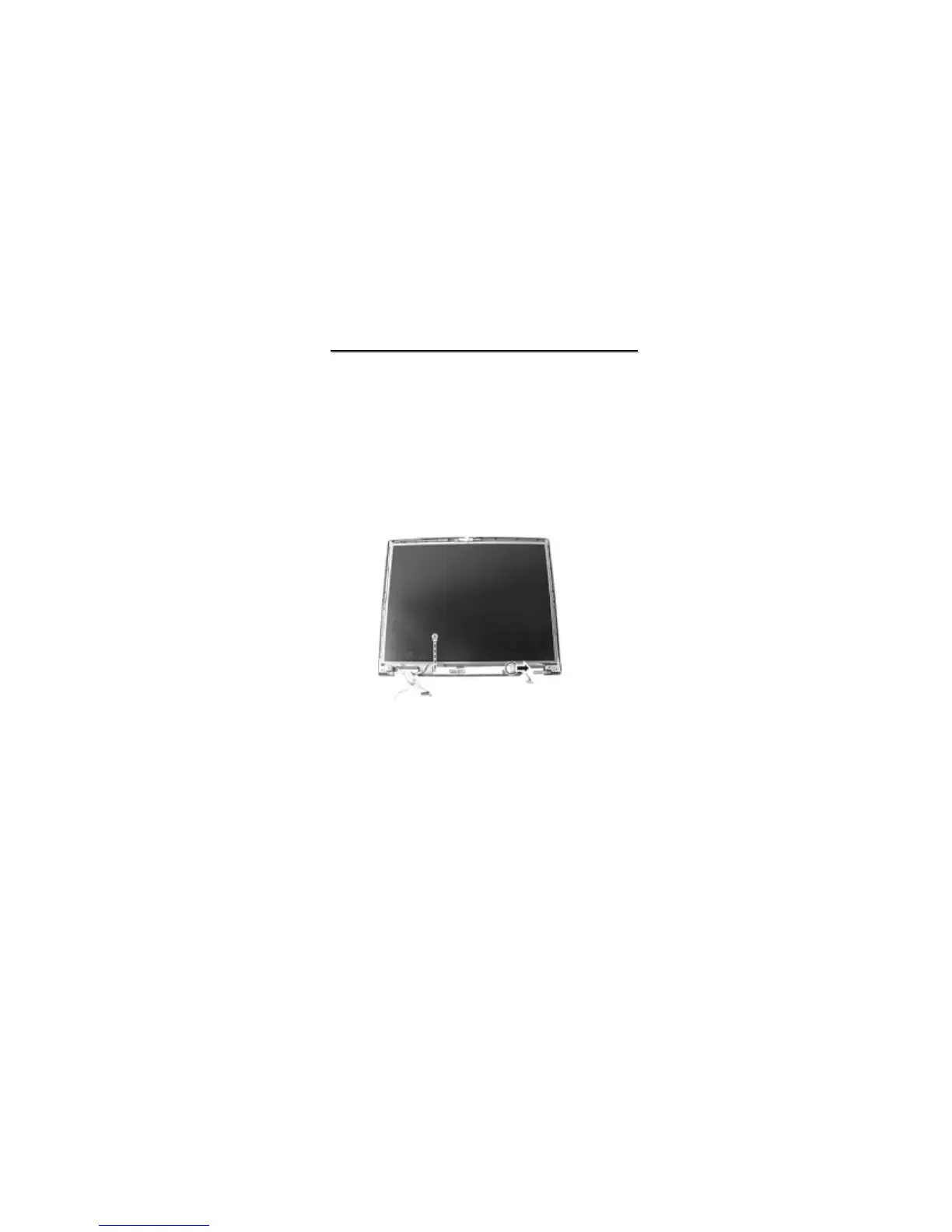
2.2.9 Inverter Board
Disassembly
1. Remove the LCD assembly and detach the LCD panel. (see instructions in previous two sections)
2. To remove the inverter board on the bottom side of the LCD assembly, disconnect the cable and remove
one screw. (figure 2-19)
Reassembly
1. Fit the inverter board back into place and secure with one screw.
2. Reconnect the cable.
3. Replace the LCD frame. (See section 2.2.8 Reassembly)
4. Replace the LCD assembly. (See section 2.2.7 Reassembly)
Figure 2-19 Remove the inverter board



 To Next Page