89
8575
8575
N/B Maintenance
N/B Maintenance
2.2.10 System Board
Disassembly
1. Remove the battery pack, keyboard, CPU, HDD module, CD/DVD-ROM drive and LCD assembly.
(See section 2.2.1 to 2.2.5 and 2.2.7 Disassembly)
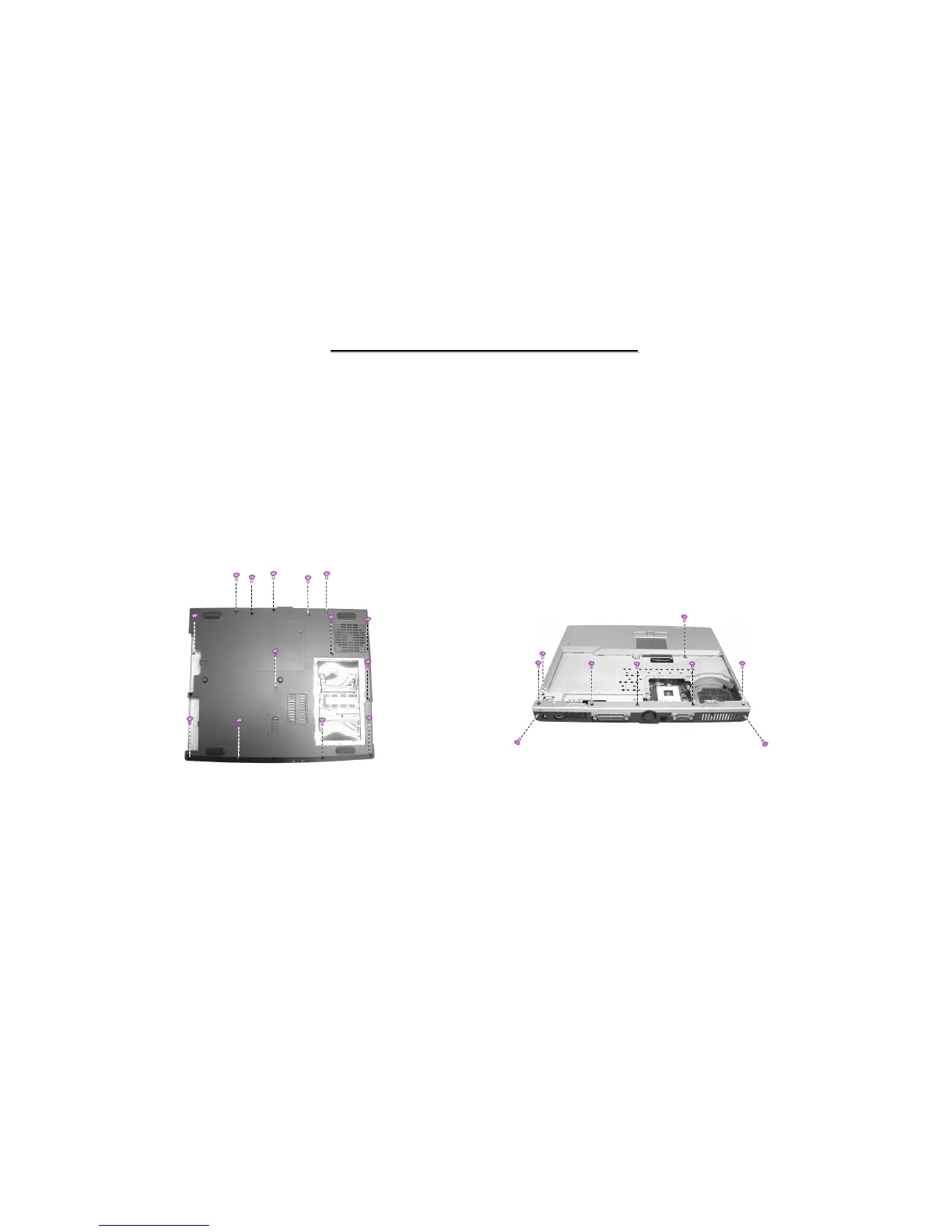
Figure 2-20 Remove the bottom
2. Remove fourteen screws on the bottom of the notebook. (Figure 2-20)
3. Remove nine screws fastening the base unit cover. (figure 2-21)
Figure 2-21 Remove the speaker assembly



 To Next Page