92
8575
8575
N/B Maintenance
N/B Maintenance
2.2.11 Touch-pad
Disassembly
1. Remove the base unit cover. (See steps 1-6 in section 2.2.10 Disassembly.)
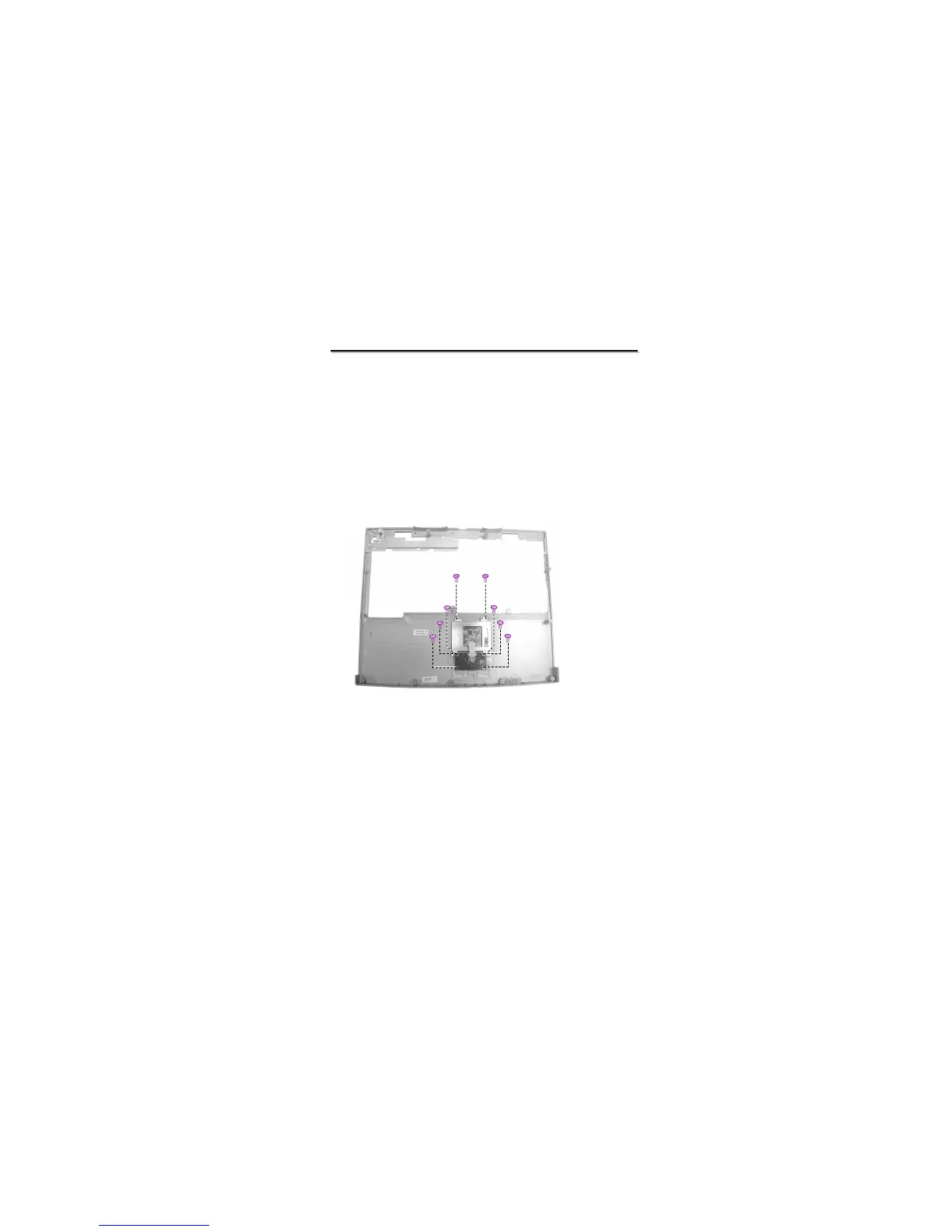
2. Remove the eight screws to lift up the touch pad holder and touch pad panel. (Figure 2-26)
Reassembly
1. Replace the touch-pad holder and touch-pad panel, and secure with eight screws.
2. Assemble the base unit cover. (See section 2.2.10 Reassembly)
Figure 2-26 Remove the touch-pad



 To Next Page