3. Select Language.
4. Select Input Language. Select the language you want to use when inputting text and
characters into the IP phone UI. Valid values are:
• English (default)
• Français (French)
• Español (Spanish)
• Deutsch (German)
• Italiano (Italian)
• Português (Portuguese)
• Русский (Russian)
• Nordic
5. Press the key or select 4Set to set an input language.
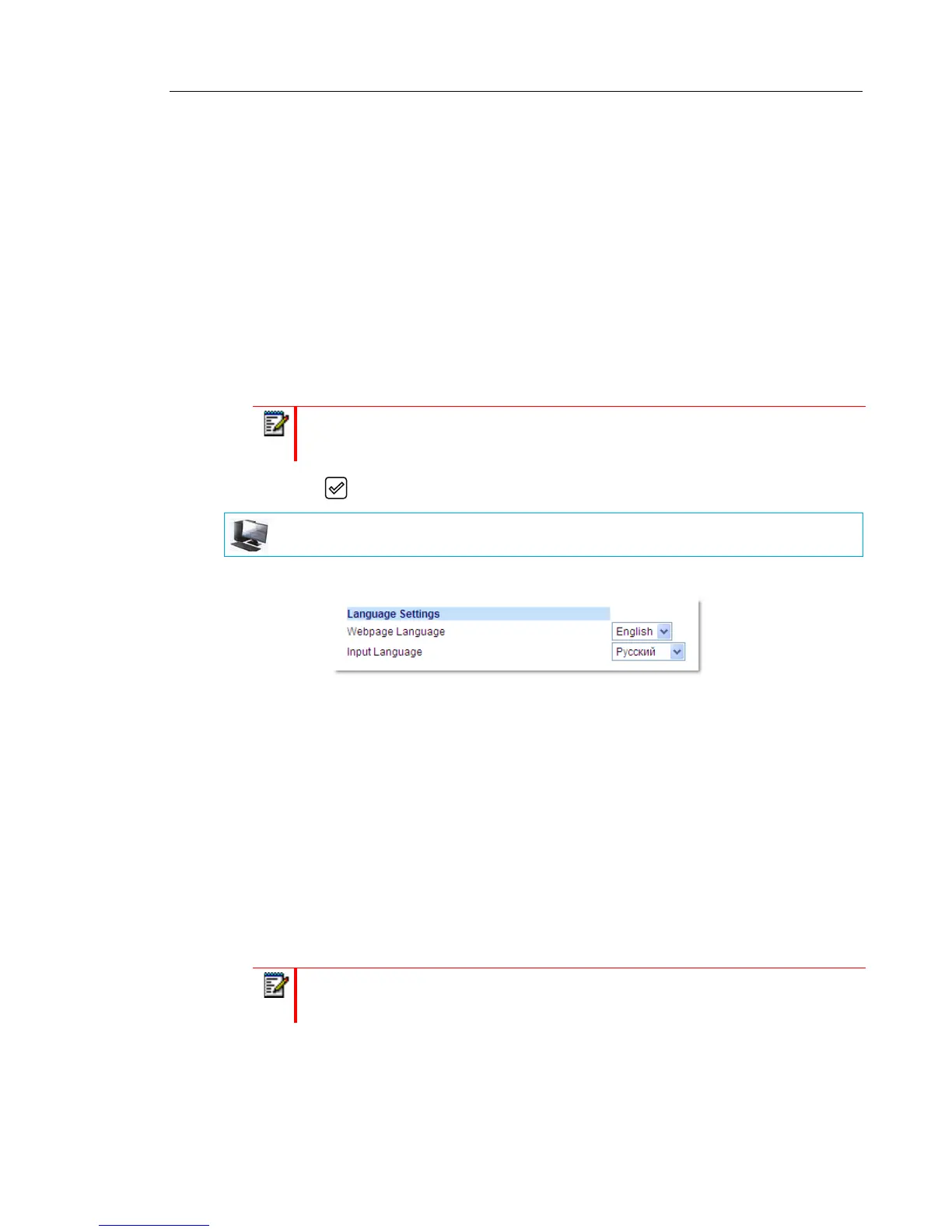
1. Click on Basic Settings > Preferences > Language Settings.
2. Select a language from the Input Language field. Setting this field allows you to specify
the language to use when entering text and characters in the Mitel Web UI and IP phone
UI. Valid values are:
• English (default)
• Français (French)
• Español (Spanish)
• Deutsch (German)
• Italiano (Italian)
• Português (Portuguese)
• Русский (Russian)
• Nordic
3. Click Save Settings. The change is dynamic. The Mitel Web UI and IP phone UI allow you
to enter text and characters in the language you selected
Note: Available input languages are dependent on the configuration enabled by your
System Administrator.
MITEL WEB UI
Note: All languages may not be available for selection. The available input languages
are dependant on the configuration enabled by your System Administrator.



 To Next Page