Mitel 6863i SIP Phone Release 4.0.0 SP1 User Guide
FLASH KEY
You can set a programmable key to generate a flash event when it is pressed on the 6863i.
You do this by setting the key to Flash. The IP phone generates flash events only when a call
is connected and there is an active RTP stream (for example, when the call is not on hold).
CONFIGURING A FLASH KEY
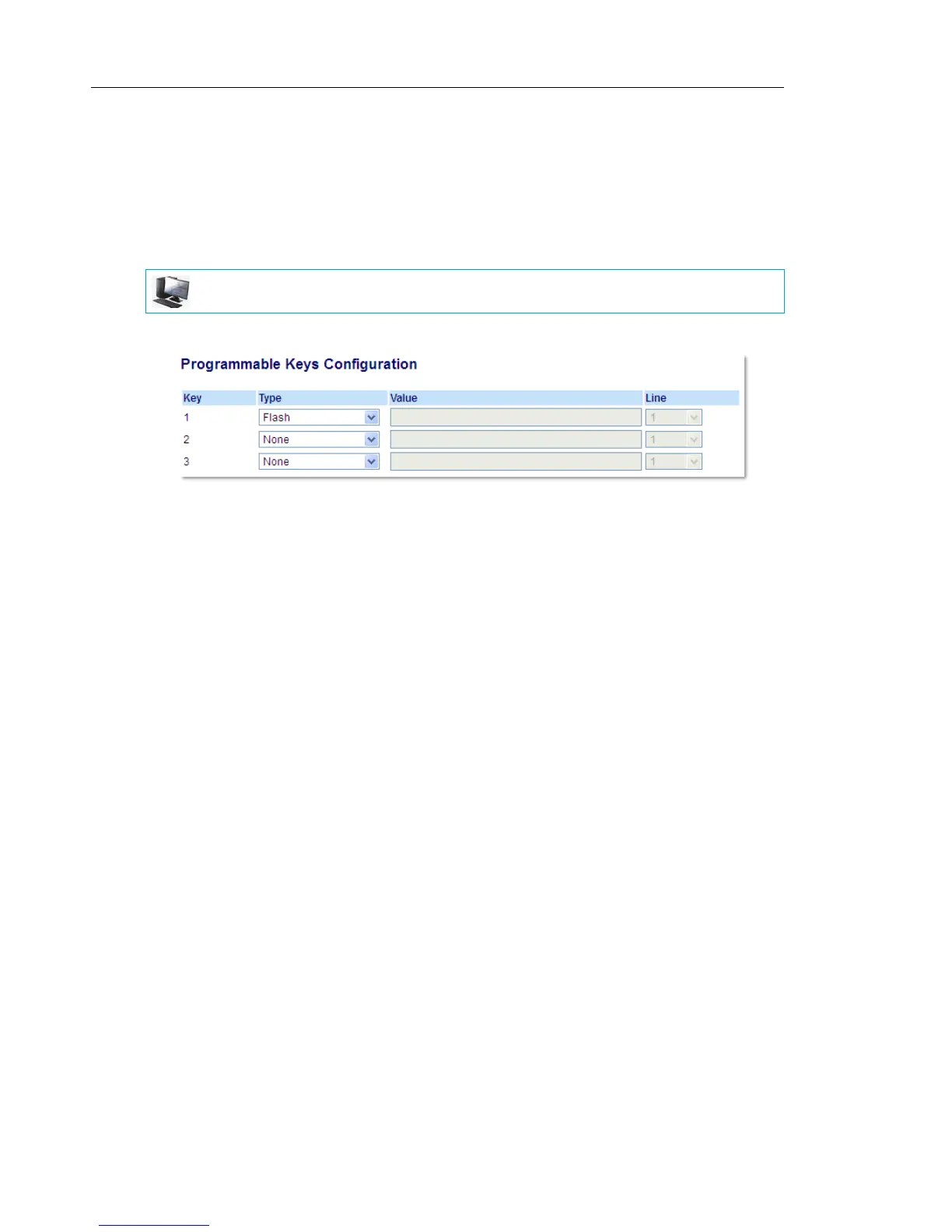
1. Click on Operation > Programmable Keys.
2. Select from Key 1 through Key 3.
3. In the Type field, select Flash.
4. Click Save Settings.
MITEL WEB UI



 To Next Page