Mitel 6863i SIP Phone Release 4.0.0 SP1 User Guide
LINE KEYS AND PROGRAMMABLE KEYS
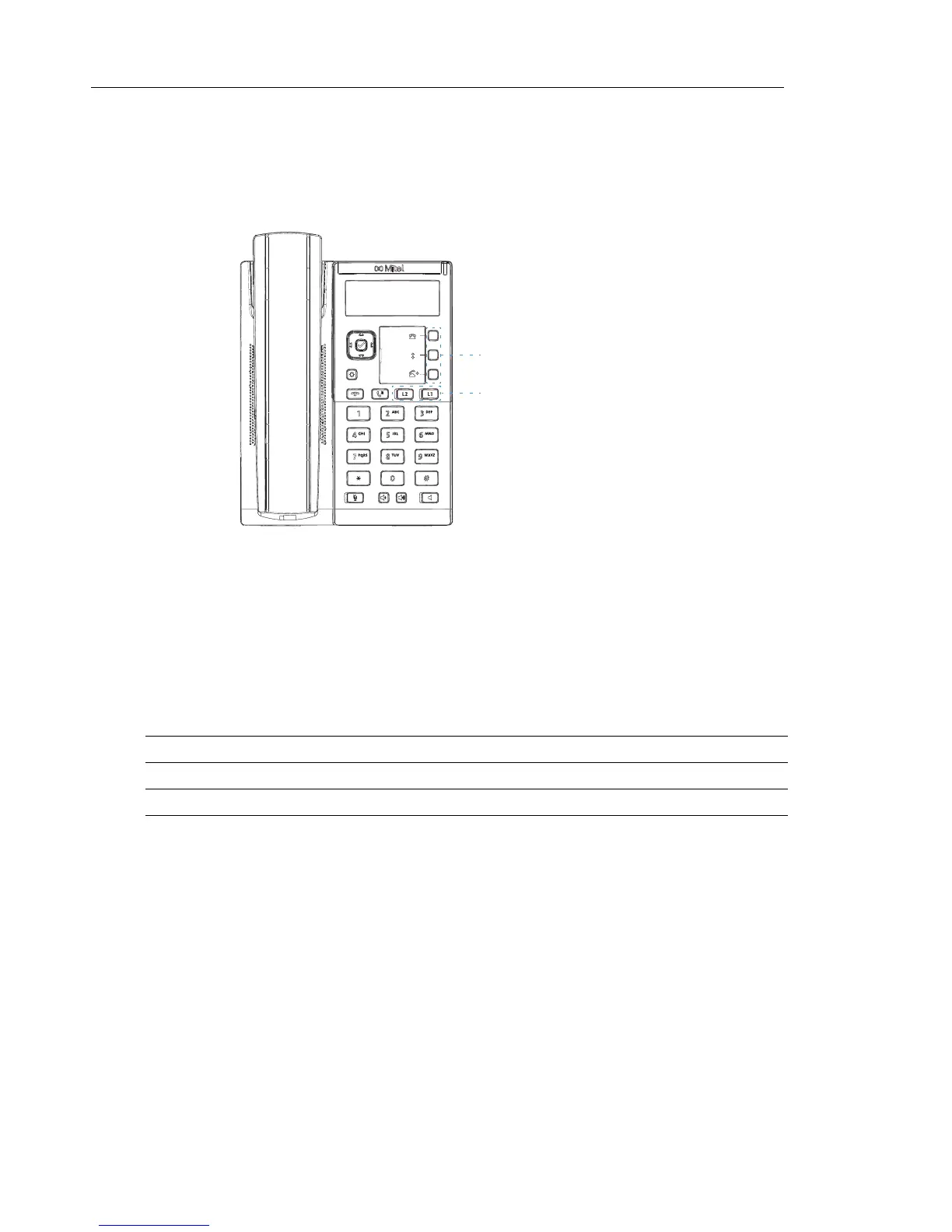
This section describes the Multiple Line/Call Appearance Keys (L1 and L2) and the
customizable programmable keys located under the phone’s LCD screen.
MULTIPLE LINE AND CALL APPEARANCE KEYS
The 6863i has 2 hard line/call appearance keys each with a corresponding status light. These
line/call appearance keys and lights can represent physical lines, calls for your extension or
calls from a group that your extension is part of. By pressing a line/call appearance key, you
connect to the line or a call it represents. The line/call appearance light indicates the status of
that line or call. When the phone is taken off-hook, the phone automatically selects a line for you.
When you have more than one call, you can use the left and right navigation keys 3 and 4 to
scroll left and right to the different call screens. The display shows which line the call information
is referring to (L1 or L2), the Caller ID information (name and number, if available), the call
status and the timer specific to that call.
LINE/CALL APPEARANCE LED BEHAVIOR LINE/CALL APPEARANCE STATUS
Off Idle line or no call activity
Light flashes quickly Ringing
Light is solid Connected
Light flashes slowly Hold
Line/Call Appearances
Programmable Keys



 To Next Page