Line Keys and Programmable Keys
NONE KEY
Use the following procedure to delete a key’s functionality on the 6863i IP phone
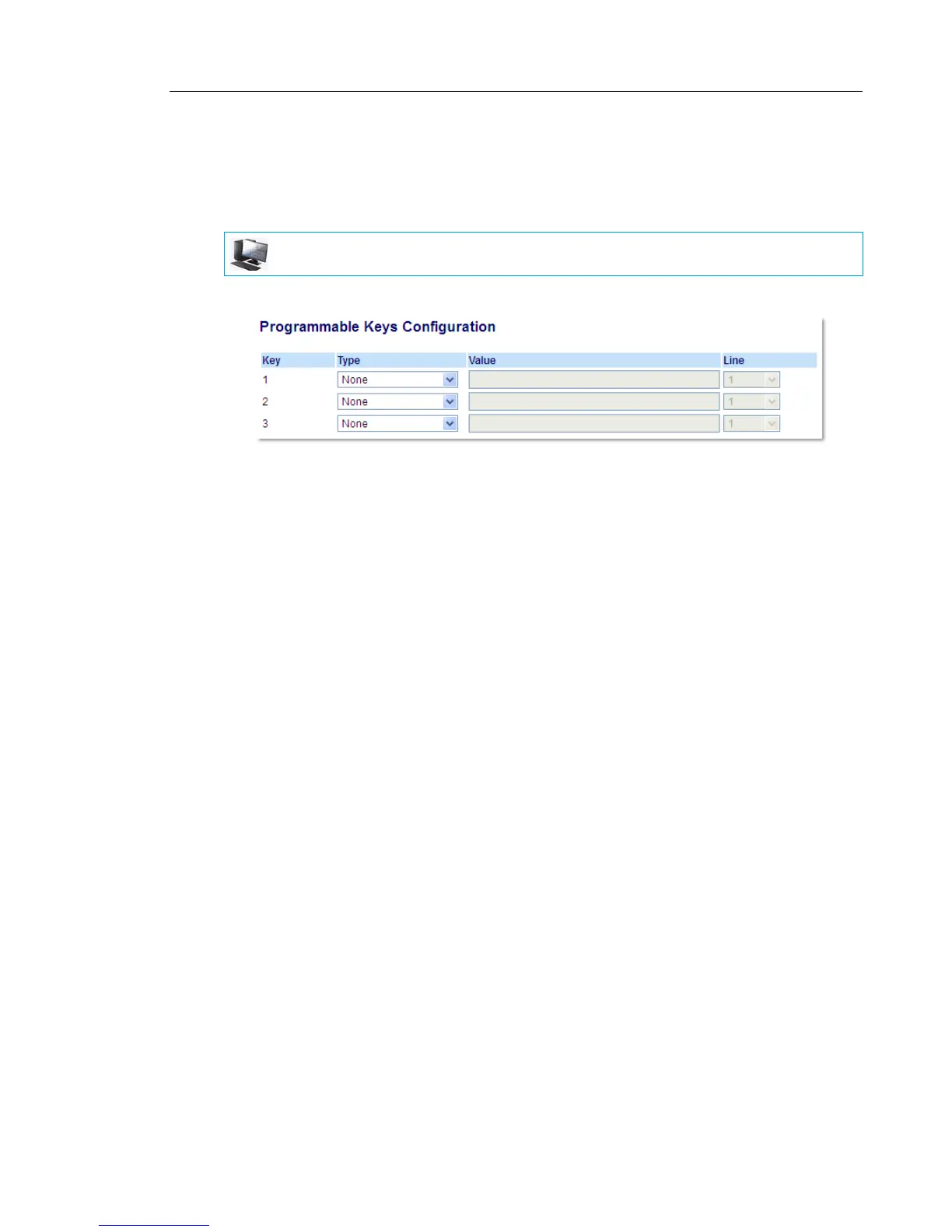
SETTING A NONE KEY
1. Click on Operation > Programmable Keys.
2. Select from Key 1 through Key 3.
3. In the Type field, select None.
4. Click Save Settings.
The key function is deleted from the IP phone memory.
MITEL WEB UI



 To Next Page