Unlocking the Phone
1. Press on the phone to enter the Options List (or press a configured Lock program-
mable key).
2. At the prompt Password:, enter your user password and press the key or select
4Enter.
The phone unlocks.
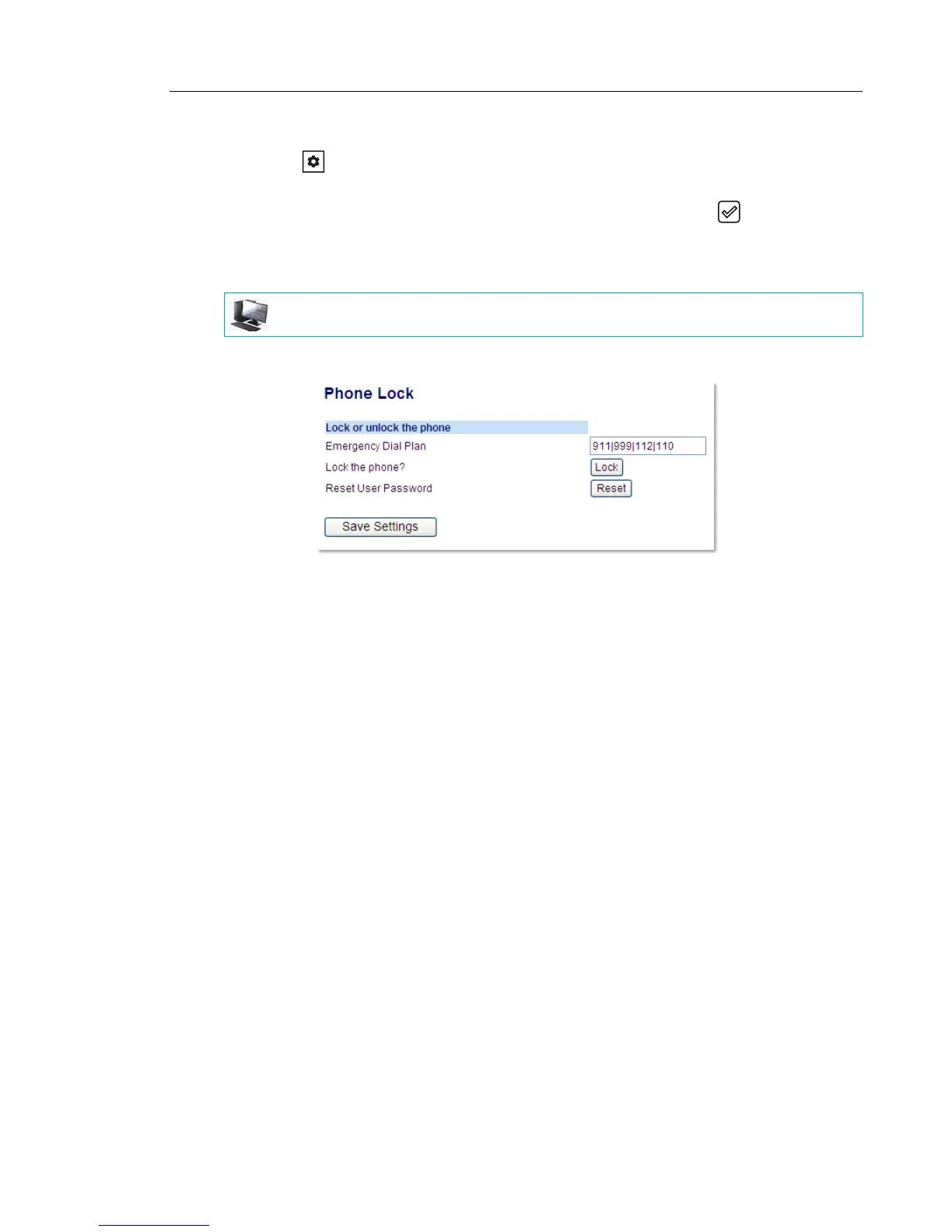
1. Click on Operation > Phone Lock.
Locking the Phone
2. In the Lock the Phone? field, click Lock.
The phone locks dynamically and displays the following message:
Phone is locked.
Unlocking the Phone
3. Click on Operation > Phone Lock.
4. In the Unlock the Phone? field, click Unlock.
The phone unlocks dynamically and displays the following message:
Phone is unlocked.
MITEL WEB UI



 To Next Page