INSTALLING CHASSIS IN A CABINET
37 20/1531-ASP11301 Uen B5 2017-03-23
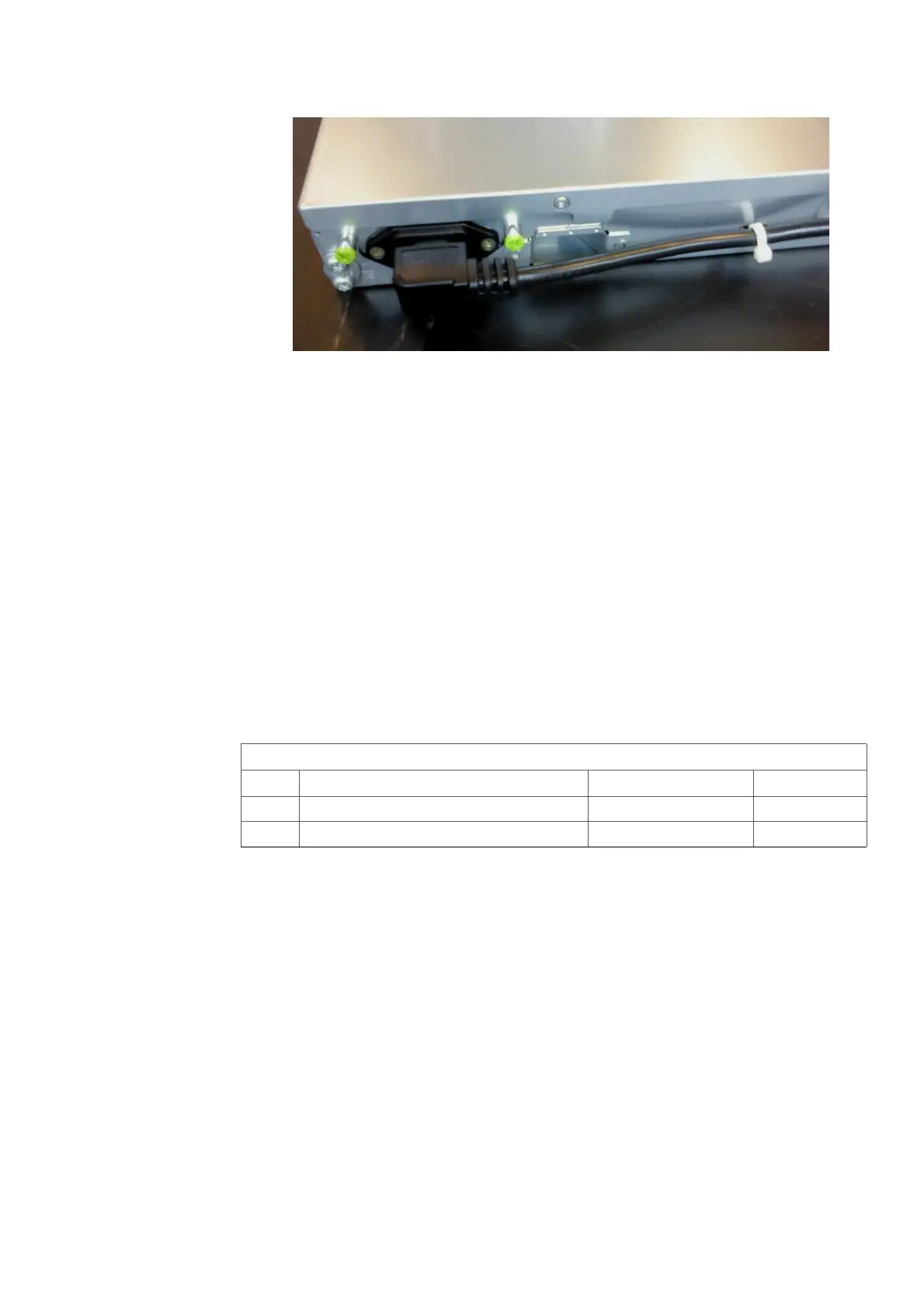
Figure 30: Secure Main cables
2.9 INSTALLING MX-ONE LITE 3U
This section describes the installation of MX-ONE Lite subracks in the BYB 501
cabinet.
Use the following mounting set to install the MX-ONE Lite subrack in the cabinet.
Note: 110/240V Mains power inlets are positioned on rear side of the MX-ONE Lite.
Secure that rear side is accessible after mounting, or insert the Mains cable
before mounting in the rack. Fasten all power cables by Cable tie to avoid
disconnection. See Figure 30:Secure Main cables on page 37.
Note: This equipment have to be connected to protective ground. Connect a
grounding cable to the bracket at the earthing point, close to the earthing symbol
located at the rear side of the chassis. For an example see Figure 30:Secure
Main cables on page 37.
Table 15 Mounting Set for MX-ONE Lite subrack
To install the MX-ONE Lite in the cabinet, perform the following steps:
NTM 144 264 Mounting set
Pos. Title/Function Product Number Quantity
C SCREW M 6X16 78/SBA 121 060/0160 4
A CAPTIVE NUT M6 SBM 173 060/03 4



 To Next Page