UC360 Administration Guide
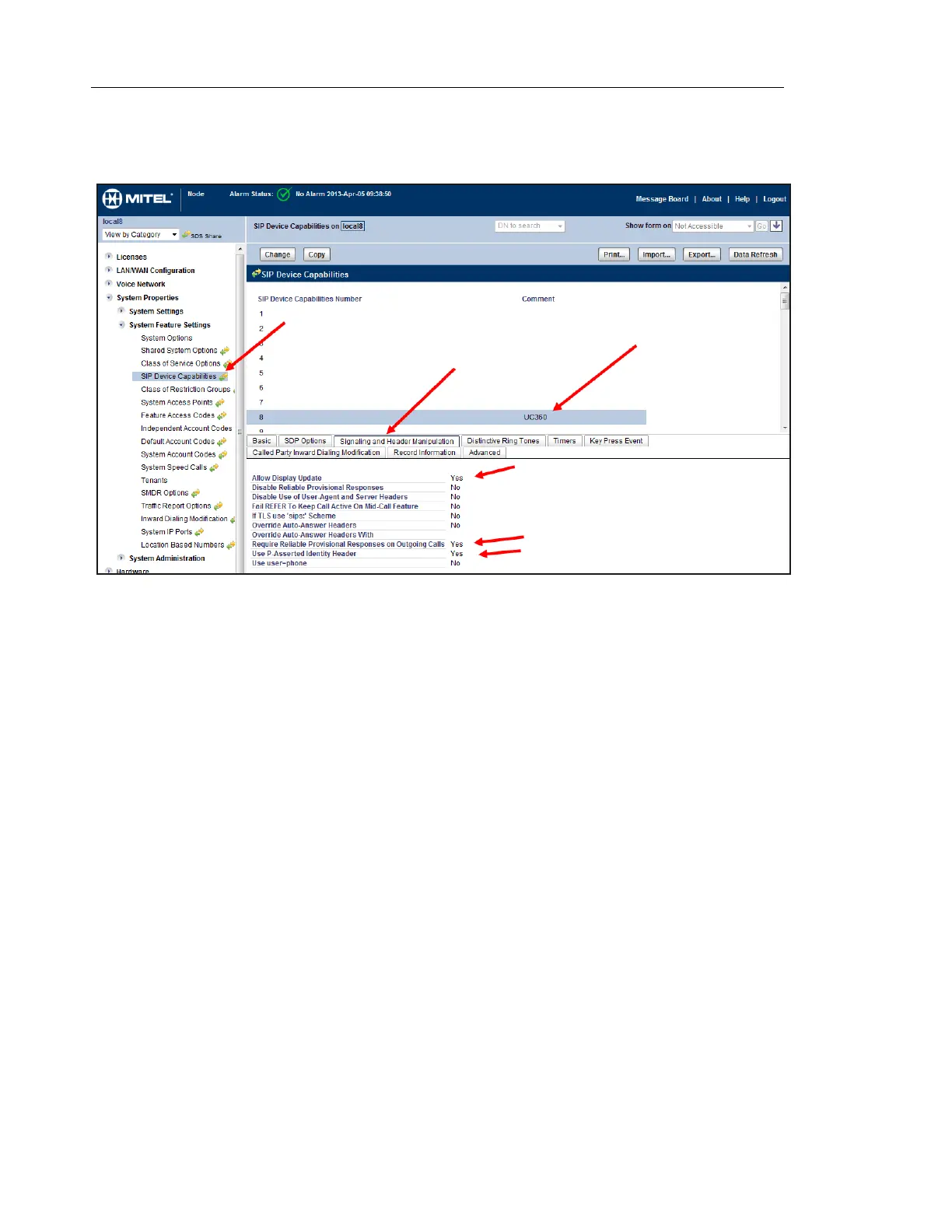
Signaling and Header Manipulation
1. Select the Signaling and Header Manipulation tab under SIP Device Capabilities.
2. Enable the following settings:
- Allow Display Updates
- User P-Asserted Identify Header
- Require Reliable Provisional Responses on Outgoing Calls
3. Disable the following setting:
- If TLS uses "sips" scheme
Note: The remaining tabs under SIP Device Capabilities can be left at their default settings.



 To Next Page