OPERATION
2) In the function selection interface, rotate L Knob to select the TIG Lift welding method and press
it for confirmation. Refer to Fig. 1;
2. Selection and setting of welding parameters:
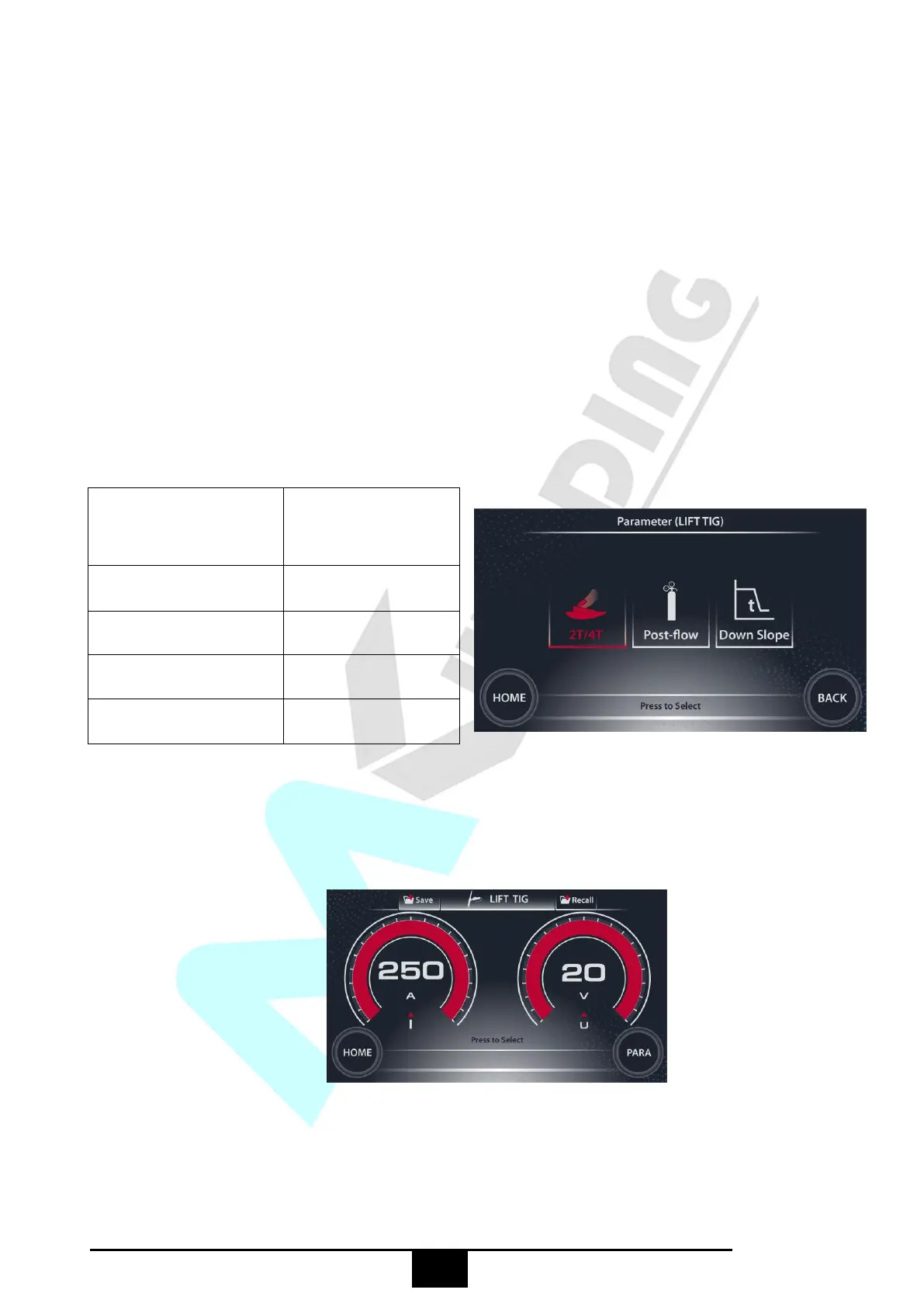
1) In the main interface, press the MENU key to enter the welding parameter setting interface;
2) In the welding parameter setting interface, rotate L Knob to select the parameter as required and
rotate R Knob to set a value for the parameter, afterwards, press L Knob or R Knob for confirmation
as shown below:
Welding parameters
available by rotating L
Knob
Welding parameters
available by rotating
R Knob
3. Setting of welding current:
1) Press the ENTER key to enter the welding interface as shown below:
2) In the welding interface, rotate L Knob to set the welding current, and then press it for confirmation;
4. Assemble front end parts of the TIG torch making sure they are correctly assembled, use the correct
size and type of tungsten electrode for the job, the tungsten electrode requires a sharpened point for


 To Next Page