Connecting the unit
34 Installation instructions
Minimum requirements for the network cable
Type of network Ethernet
Cable quality 4-pair, shrouded patch cable
Cat-6 S/FTP
Connection to unit Shrouded RJ45 plug
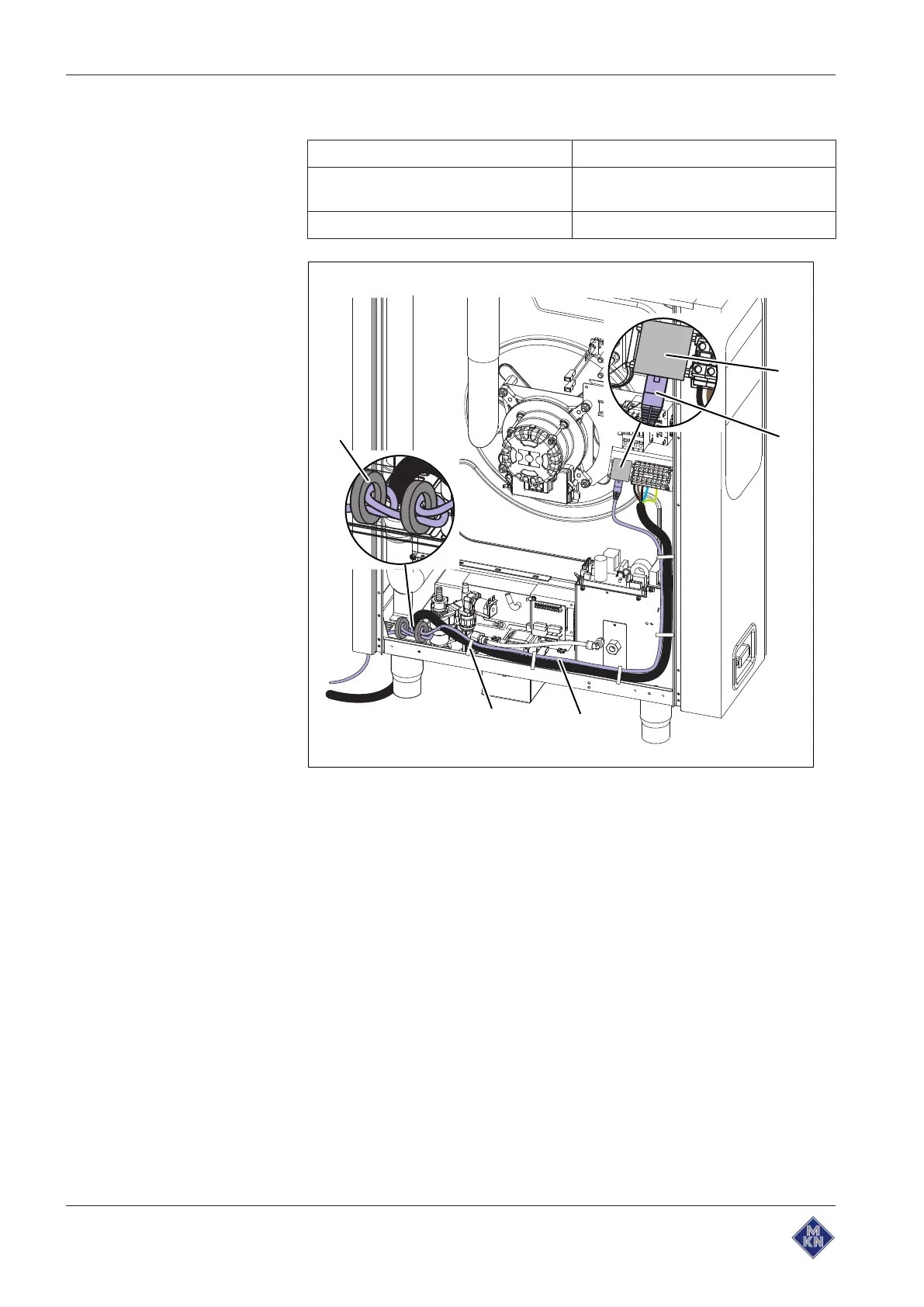
Image: Connecting the kitchen management system
a RJ45 socket d Cable tie
b RJ45 plug e Ferrite ring
c Network cable
Requirement Unit not live
Housing opened
1. Pull the network cable into the unit through the cable gland.
2. Lead the network cable through the two ferrite rings, with one
winding through each.
3. Connect the network cable to the unit with the RJ45 plug.
4. Register the network in the basic control setting (see "Making the
basic control setting").
5. Fill out the Commissioning report.
10013865-0AIBE-B



 To Next Page