38 User Guide EN CheckPoint 3
P/N 340486-B
09/2017
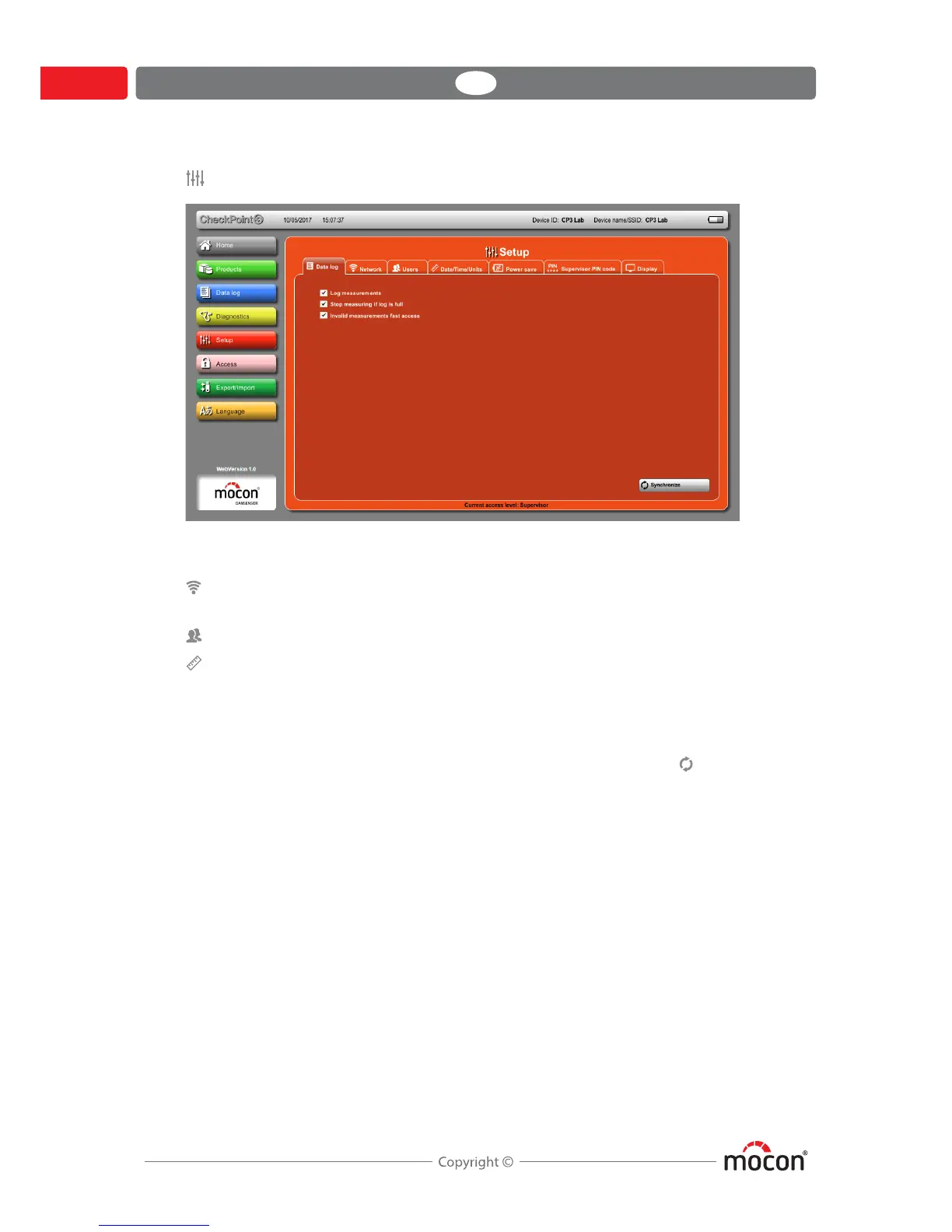
Setup
Applies largely to the corresponding functions on the device, but with the following
differences:
Network Only display of current network settings. Settings can only be
made on the device.
Users Shows User list in “Last used” order, no sorting possible.
Date/Time/Units Check CheckPoint 3 time against PC time when connected:
If difference exceeds value as set in Notify if difference is
bigger than, a warning pops up on the Home screen when
launching the application.
To update time on the device, enter the time from the PC time
field in the Time field on the left and press Synchronize to
transfer this time to the device.



 To Next Page