17
1
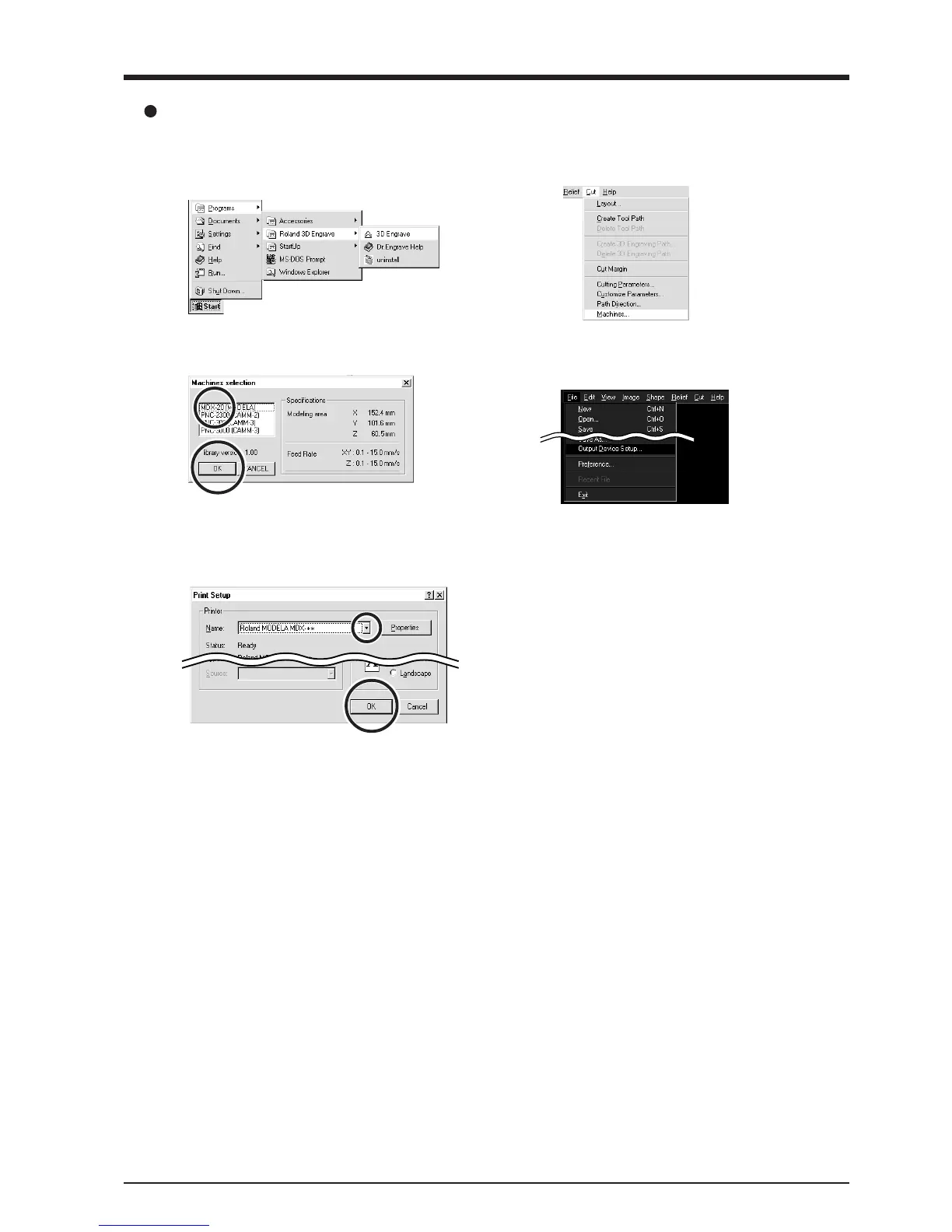
Click [Start].
Point to [Roland 3D Engrave] and click [3D
Engrave].
2
From the [Cut] menu, click [Machines...].
The [Model Selection] dialog box appears.
3
Click [MDX-20], then click [OK].
4
From the [File] menu, click [Output Device Setup].
The [Print Setup] dialog box appears.
5
Click the drop-down arrow for the name and click
[Roland MODELA MDX-20].
Then click [OK].
3D Engrave



 To Next Page